
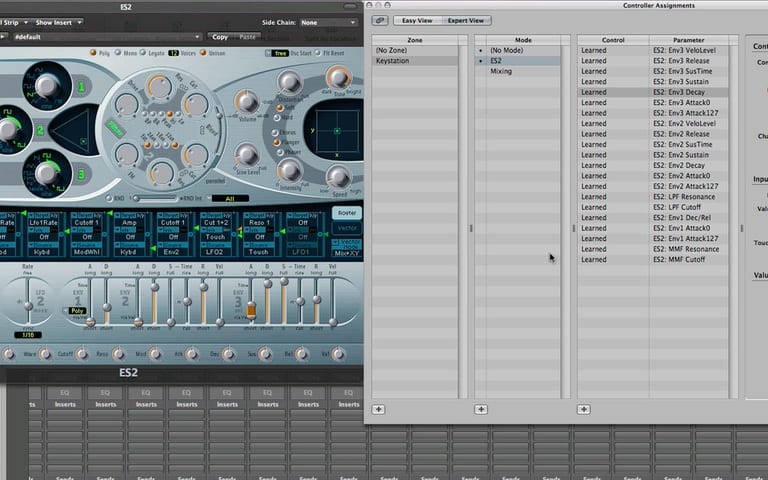
Part 3 of Logic Studio Training's Assigning Controllers Workshop takes you through...
- How to assign controllers to keys on your computer keyboard
- How to assign the same controller to different parameters so knobs can affect pan in one setting and a software instrument filter in another
- How to create controller assignment Modes for software instruments like the ES2
- And more
We've provided a large version to better see the details of this tutorial.
Free Download
Get the Free Logic Pro Quick Start Guide
The key workflows, settings, and shortcuts to get up and running in Logic Pro fast. Enter your name and email and I'll send it right over.
Your information stays private. No spam, no sharing, ever.
i was wondering how to control the system via my Oxygen 61 v2. I will give it a whirl. The power of Logic has always been amazing to me. I hope they just clean up the interface for this.
It’s the same concept for all controllers. Just learn the controller and assign it to a parameter. If you want to make it even easier, check out Novation’s controllers. I just got a SL MkII and Automap rocks!