
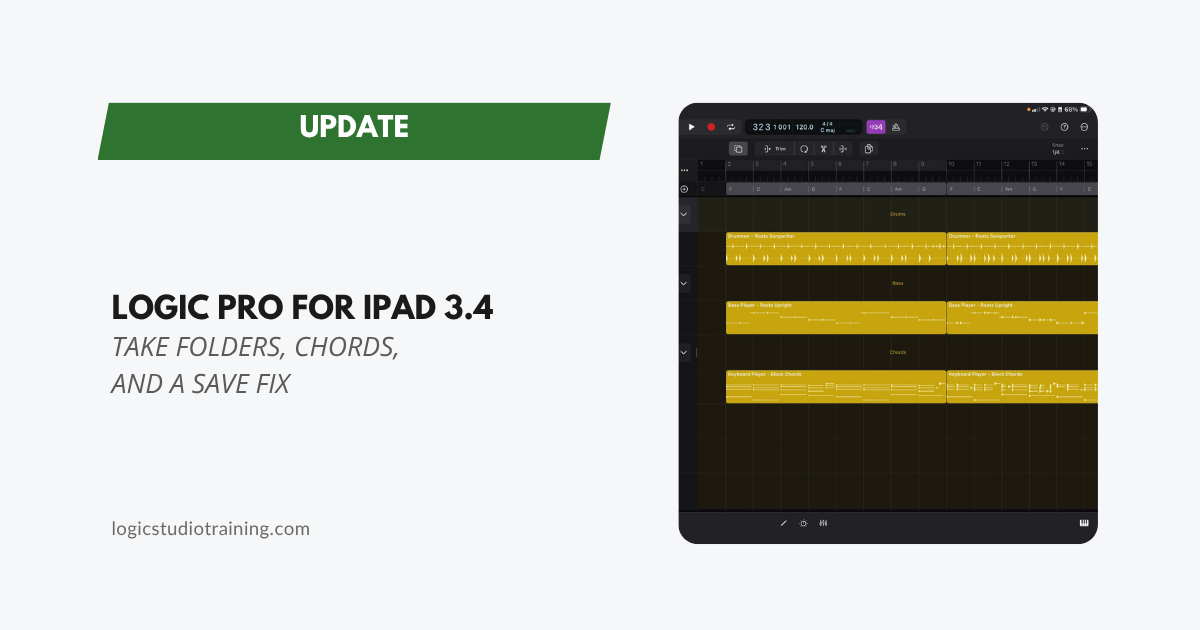
Get Logic Pro for iPad in the App Store
Logic Pro for iPad 3.4 Release Notes
What’s New in Logic Pro for iPad 3.4
Logic Pro for iPad 3.4 arrived on September 29, the same day as Logic Pro 12.4 on the Mac. Every item is a correction, and one of them closes a path to losing work that Logic Pro for iPad 3.3 left open.
Start With the Save Fix
Minimizing Logic Pro no longer risks leaving a project unsaved.
On an iPad, minimizing is ordinary: you swipe away to check a reference track or answer a message, then come back. Apple filed this one under General, down near a Chinese input method fix, but it describes a routine way to lose the last few minutes of a session. Install the update before you record anything you care about.
Take Folders Behave Again
Comping behavior gets two repairs:
- Recording MIDI takes inside a disclosed Take Folder now creates subtracks.
- Dropping multiple regions onto a take folder now keeps all of them, in overlap mode.
Quick Swipe Comping was the headline feature of Logic Pro for iPad 3, so a take folder that skipped subtracks or dropped regions was undermining the thing the release was built around. Both paths work now.
Sus2 and Sus4 Chords Show Their Scales
Sus2 and sus4 chords in the Global Chords track now show all valid major and minor scale options. They were limited to minor scales.
The Mac shipped a matching sus4 fix in 12.4 on the same day, which suggests one bug with two front ends. If you use Chord ID to identify harmony and drive Session Players, suspended chords were giving you an incomplete menu on both platforms.
Loop Exports Follow the Project Tempo
Exporting a file marked “Audio File is a Loop” now stretches the audio to the project tempo.
If you build your own loop library on the iPad, exported loops now carry the tempo of the project they came from rather than their source tempo.
Editing, Step Sequencer, and Track Stacks
- Legacy Beat Breaker projects show the Edit Mode controls when slices are selected.
- The Create button in the Add Range dialog in Step Sequencer is visible.
- Fader positions inside a Folder Stack show their real values before you touch them.
- Undo works in Drum Machine Designer.
Flashback Capture
Quantizing a merged recording now applies to notes from the second take.
Flashback Capture exists to rescue a performance you never armed the recorder for, so a quantize that reached only half of a merged result was a real limit on the feature.
Accessibility
VoiceOver can navigate to the puck in Synth Player Bass, then double-tap-and-hold to move it.
Stability and General
This release resolves two crashes: importing audio loops, and opening a project. You can enter search terms using Zhuyin, the Traditional Chinese input method, and Surface Settings switches work after you reorder them.
Should You Update?
Yes, and sooner if you record on the iPad. The save fix alone justifies it, and the take folder repairs matter just as much if you comp.
Logic Pro for iPad currently requires iPadOS 26.0 or later, on an iPad with an A12 Bionic chip or newer.
Read Past Logic Pro for iPad Update Highlights
Your Logic Pro Coach,
Graham
Free Download
Get the Free Logic Pro Quick Start Guide
The key workflows, settings, and shortcuts to get up and running in Logic Pro fast. Enter your name and email and I'll send it right over.
Your information stays private. No spam, no sharing, ever.