
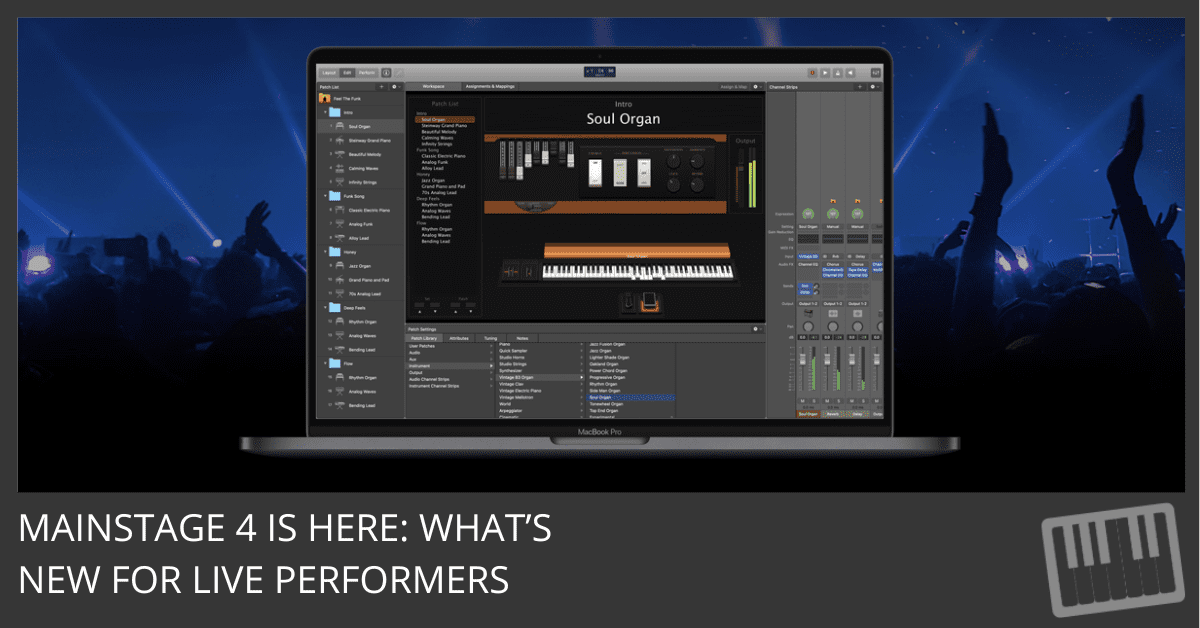
Download MainStage 4 in the Apple App Store
MainStage 4 Release Notes
Requires macOS Sonoma or later
Apple silicon recommended for best performance
What’s New in MainStage 4
Apple has released MainStage 4, and while this isn’t a flashy feature update, it’s an important one, especially if you rely on MainStage for live performance.
This release focuses on sync, usability, and reliability. In other words: fewer surprises on stage, smoother rehearsals, and more confidence when it matters most.
Here’s what’s new.
Ableton Link Support
MainStage now supports Ableton Link, allowing tempo sync with other Link-enabled apps and devices.
This is a major upgrade if you run:
- Hybrid live rigs
- Multiple computers
- Loop-based performance setups
- External rhythm or tempo-driven apps
Once connected, tempo stays locked across devices—no MIDI clock setup required.
Long Faders View in the Mixer
The Mixer now includes a Long Faders view, giving you more precise control and better visibility during live mixing.
This is especially helpful:
- On dark stages
- When riding levels in real time
- In complex keyboard or stem-based rigs
Small change. Big usability win.
Playback Plug-in Workflow Improvement
The Playback plug-in now lets you load an audio file directly from Controls View.
If you use MainStage for:
- Backing tracks
- Interludes
- Click tracks
- Cues or transitions
This removes unnecessary menu diving and speeds up rehearsal and show prep.
Workflow Improvements
MainStage 4 also includes several quality-of-life fixes that clean up long-standing friction points:
- Reset Window Configuration no longer triggers an Audio Unit scan
- Option–Shift dragging now reliably copies plug-ins between insert slots
- Polyphonic Aftertouch messages with value 0 are now transmitted correctly
- MainStage remembers the last-used export location for Key Commands
- The app opens correctly as the foreground app in Full Screen mode
These are the kinds of improvements you only notice once they stop getting in your way.
Stability Fixes
This update includes multiple fixes aimed at common performance scenarios:
- Resolves unexpected quits when closing the app
- Improves stability when opening and closing multiple concerts
- Fixes crashes related to Undo after editing screen controls
- Addresses issues when changing Ultrabeat presets using arrow keys
If you’ve ever had MainStage act unpredictably during soundcheck—or worse, during a show—this update matters.
Accessibility Improvements
Apple also addressed accessibility issues, including dialog windows that previously could not be dismissed.
This improves usability for VoiceOver users and helps ensure MainStage works reliably across a wider range of setups.
Bottom Line
MainStage 4 isn’t about reinventing your live rig.
It’s about making sure it works.
With Ableton Link support, a more usable Mixer, smarter Playback controls, and meaningful stability fixes, this update focuses on the realities of live performance, where reliability beats novelty every time.
If you perform with MainStage, this is a recommended update.
Your Logic Pro Coach,
Graham
Free Download
Get the Free Logic Pro Quick Start Guide
The key workflows, settings, and shortcuts to get up and running in Logic Pro fast. Enter your name and email and I'll send it right over.
Your information stays private. No spam, no sharing, ever.