
Does Logic Pro Work with macOS Golden Gate?
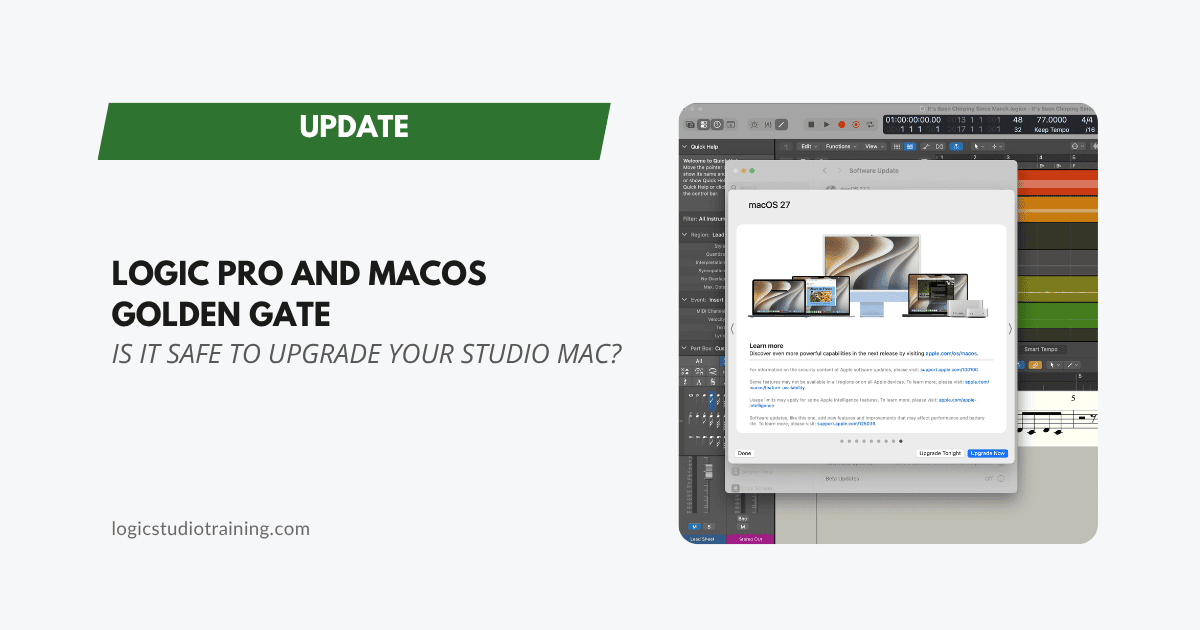
Yes. Logic Pro runs on macOS Golden Gate 27, which Apple released on September 14, 2026. Apple's current requirement for Logic Pro is macOS 15.6 or later on a Mac with Apple silicon, so Golden Gate clears that bar.
Logic itself is the easy part. Your audio interface, controllers, and third-party plug-ins are where an upgrade can go sideways, so bookmark this page for updates on plug-in and hardware compatibility.
Is My Mac Compatible with macOS Golden Gate?
Golden Gate runs only on Macs with Apple silicon, which covers every Mac with an M-series or A-series chip. Intel Macs can't install it, so macOS Tahoe 26 is the last version for the Intel models Apple still supported (my Logic Pro and macOS Tahoe post covers that version).
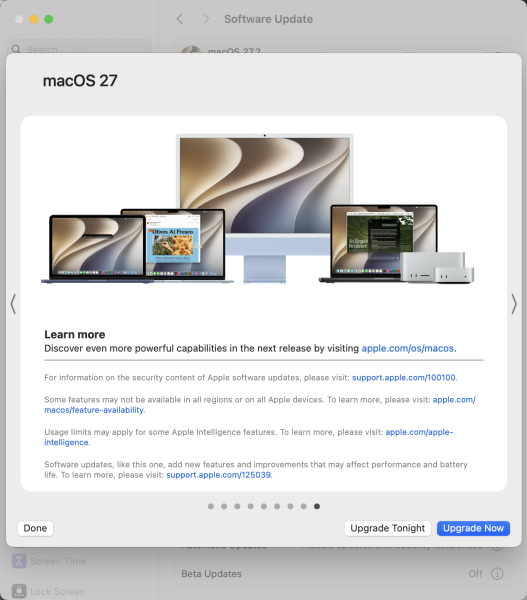
To check your Mac, open System Settings > General > Software Update. You'll see macOS Golden Gate 27 listed if your computer is compatible. Apple also keeps the full list of compatible Macs.
Check Your Intel-Only Plug-ins Before You Upgrade
Upgrading to macOS 27 doesn't restore Rosetta (the translation layer that lets Intel-only software run on Apple silicon), even if you had it installed under Tahoe.
That sounds like plumbing until you open Logic and a favorite plug-in has vanished from the list. An Intel-only Audio Unit needs Rosetta to load, and without it Logic can't see the plug-in. Apps usually prompt you to install Rosetta when they open, but plug-ins can disappear without any warning.
The fix takes a minute: open any Intel-only app and click Install when macOS asks for Rosetta, or open Terminal and run softwareupdate --install-rosetta. Either way, your Mac needs an internet connection.
Golden Gate also starts a clock on those plug-ins. Apple says Rosetta stays available through macOS 27, and starting with macOS 28 it will work only for certain older games. Any Intel-only plug-in in your sessions has about a year left, so this is a good time to check each developer's site for an Apple silicon version, or to start auditioning replacements while you're under no deadline. If something still misbehaves after the upgrade, my Logic Pro troubleshooting guide walks through the usual suspects.
Should You Upgrade to macOS Golden Gate Now?
My advice hasn't changed in years: wait a good while, and never upgrade your operating system in the middle of a project. I haven't upgraded my studio Mac yet, and I'm in no hurry. One incompatible driver can cost you a week of studio time, and Golden Gate's new features will still be there next month.
Before you upgrade, make a list of everything your studio depends on: your audio interface, MIDI controllers, control surfaces, plug-ins, and any third-party apps. Then check each maker's support page for a Golden Gate compatibility statement. When everything on the list gets a green light, finish your current project and back up with Time Machine before you upgrade.
After the upgrade, open Logic and play back a recent session before you start anything new. Confirm every plug-in loads and your interface shows up in Logic's audio settings.
If Tahoe's Liquid Glass look kept you away last year, Golden Gate adds a slider that adjusts it from ultraclear to fully tinted.
macOS Golden Gate Software and Hardware Compatibility List
- Is my Mac compatible with macOS Golden Gate? (Apple)
- How to upgrade to macOS Golden Gate (Apple)
- Using Intel-based apps on a Mac with Apple silicon (Apple's Rosetta page)
- Logic Pro system requirements (Apple)
- macOS 27 Golden Gate Compatibility Guide (Sweetwater)
- macOS Golden Gate Compatibility: The Ultimate Pro Audio Guide (Production Expert)
Update: October 30, 2026
Apple released macOS 27.2 on October 26 (Apple skipped 27.1 on the Mac). Apple's enterprise notes for 27.2 say upgrading to macOS 27 no longer removes Rosetta. Even so, open Logic after you upgrade and confirm your plug-ins are all there before your next session.
Apple has also announced a major Logic Pro update for November. It requires an Apple silicon Mac running macOS 26.1 or later, and its new assistant requires macOS Golden Gate 27 on an Apple Intelligence-capable Mac. If you plan to use the assistant, Golden Gate is now on your upgrade path. Read more about what's coming in Logic Pro's November update.
We will update this post as we get more information on Logic Pro and macOS Golden Gate compatibility.
Your Logic Pro Coach,
Graham
Free Download
Get the Free Logic Pro Quick Start Guide
The key workflows, settings, and shortcuts to get up and running in Logic Pro fast. Enter your name and email and I'll send it right over.
Your information stays private. No spam, no sharing, ever.