
Get Logic Pro for iPad in the App Store
Logic Pro for iPad 4 Release Notes
What’s New in Logic Pro for iPad 4
Logic Pro for iPad 4 is out, two weeks after Logic Pro 13 for Mac. The feature worth trying first is drum separation in Stem Splitter, which Apple’s October announcement had listed as a Mac feature. The whole app also gets the Liquid Glass look.
Logic Pro for iPad 4 requires iPadOS 27.0 or later and an iPad with an A12 Bionic chip or later. Stem Splitter needs an A17 Pro chip or later, so check your iPad’s chip before you plan around drum separation.
Stem Splitter Drum Separation
Stem Splitter can now split a drum part into its pieces, on an iPad with an A17 Pro chip or later. The new Drums (Individual Kit Pieces) preset extracts kick, snare, hi-hat, toms, cymbals, and other drums and percussion from an audio region, and groups those stems in a summing Track Stack. You can extract them with the other stems or on their own.
Stems also account for the original region’s gain now, so a region you turned down comes out of Stem Splitter at the level you set.
If you’re new to the tool, Logic Pro’s Stem Splitter walks through the basics. Then try it on a demo with a drum loop you’ve outgrown: split the kit, swap the snare, and keep the groove.
Liquid Glass Design
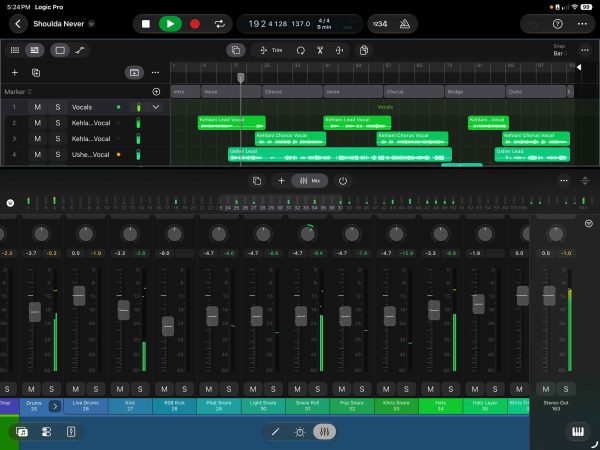
Logic Pro for iPad has a new design built with Liquid Glass. It reaches the tracks area, track headers, ruler, Live Loops, Piano Roll, Audio Editor, Step Sequencer, project browser, Sound Library, lessons, and settings.
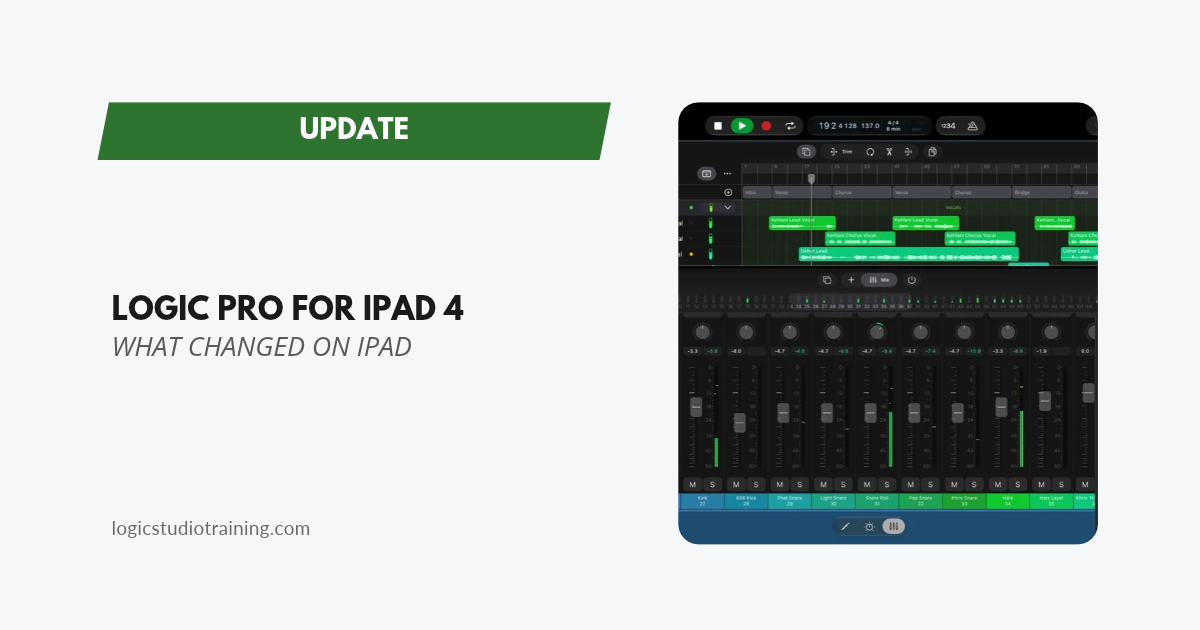
The Mixer gets translucent channel strips with new glass faders and pan knobs. The control bar has new buttons and window controls, plus a floating control bar at the bottom of the screen, and menus, popovers, sheets, and number pads use rounded controls.
The Play Surfaces (keyboard, Chord Strips, Guitar Strips, and drum pads) get the same styling, and they play the way they did before. Screenshots in older tutorials (mine included) will look different from your screen until I refresh them.
Audio Quick Look
Touch and hold a Logic Pro project in the Files app to see its Quick Look and hear an audio preview. That makes it faster to find the right sketch when your project folder is full of “New Song 14.”
Step Sequencer Multi-Select
You can select several steps and edit them together. With a keyboard such as Magic Keyboard attached, Shift and an arrow key extend the selection, and without a keyboard the Multiple Selection button does the same job.
What Stayed on the Mac
The biggest Logic Pro 13 features are Mac-only for now. The new Browser (descriptive search, Find Similar, Link and Replace, and Splice) and the Assistant appear only in the Mac notes. The Sergio George Producer Pack and the Drill Yard pack also appear only in the Mac notes, so check the Sound Library on your iPad before you plan a session around them.
If you start songs on iPad and finish them on the Mac, do your sound searching on the Mac side. The notes don’t cover moving projects between Logic Pro for iPad 4 and Logic Pro 13, so send one test project each way before a session that matters.
Bug Fixes
- Remix FX buttons and XY pads respond to taps again, along with slides.
- Turning on Pitch Lock in Sample Alchemy no longer distorts certain samples or hides the switch.
- Beat Breaker no longer clicks at the cycle loop point or when De-click is at 100%.
- Changing a step’s value in the Step Sequencer turns that step on, and randomizing a row respects Mono Mode.
- Channel EQ uses Proportional Gain-Q coupling by default.
- Apple renamed Studio Voice to Studio Sound.
Should You Update?
Yes, if your iPad runs iPadOS 27. Drum separation is a real addition on A17 Pro iPads and newer, and the Remix FX fix matters if you perform with it. Back up your projects first, and give the redesigned Mixer and control bar a few minutes before a session.
Read Past Logic Pro Update Highlights
Your Logic Pro Coach,
Graham
Free Download
Get the Free Logic Pro Quick Start Guide
The key workflows, settings, and shortcuts to get up and running in Logic Pro fast. Enter your name and email and I'll send it right over.
Your information stays private. No spam, no sharing, ever.