
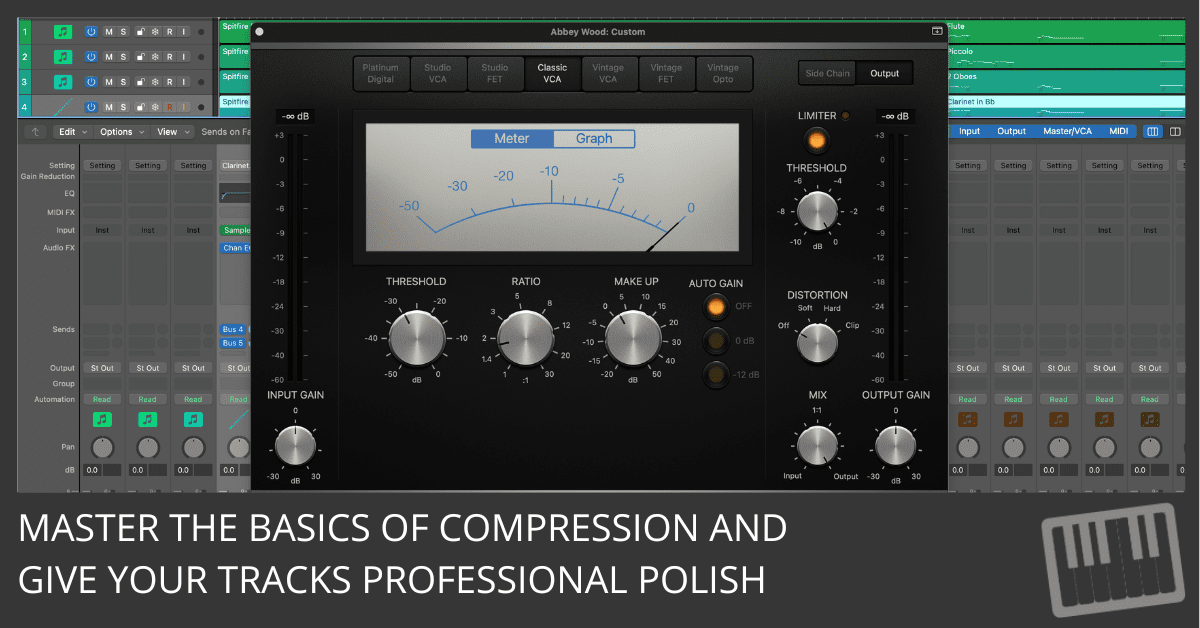
Discover 4 essential compression settings for beginners. Learn how to use attack and release to control, shape, and elevate your mixes.
Discover 4 essential compression settings for beginners. Learn how to use attack and release to control, shape, and elevate your mixes.
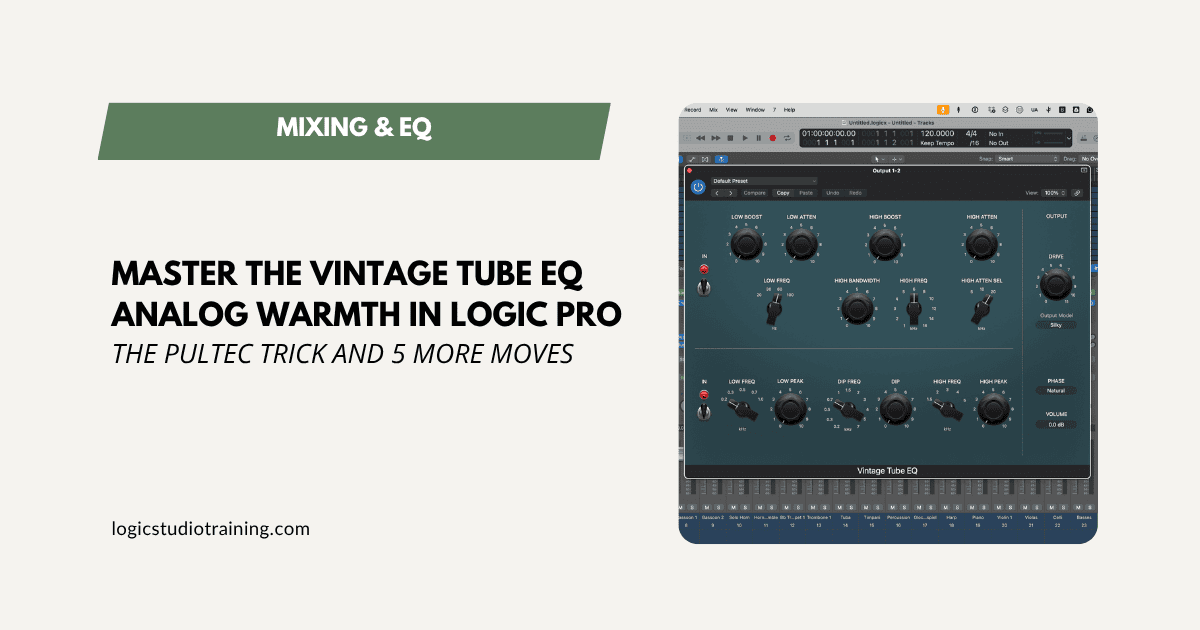
The Logic Pro Vintage Tube EQ does more than warm a track. Learn the specific moves that turn it into a full tone-shaping toolkit for your mixes.
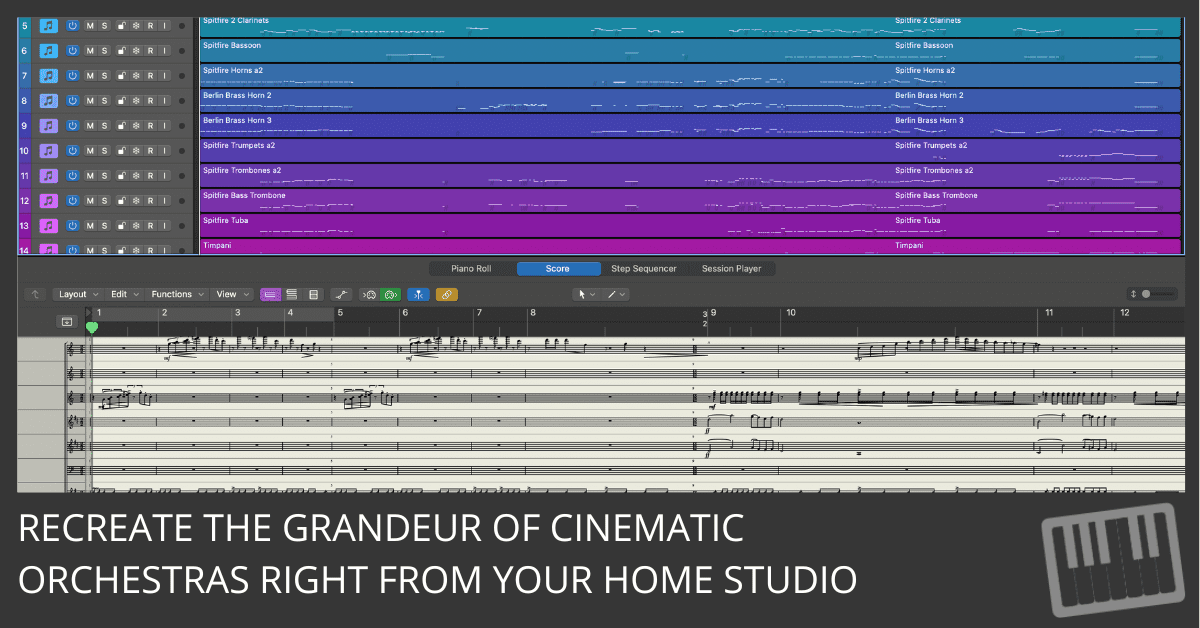
Discover how to emulate John Williams’ sound with Logic Pro’s orchestral patches. Follow these 5 tips for rich, cinematic compositions in your projects.
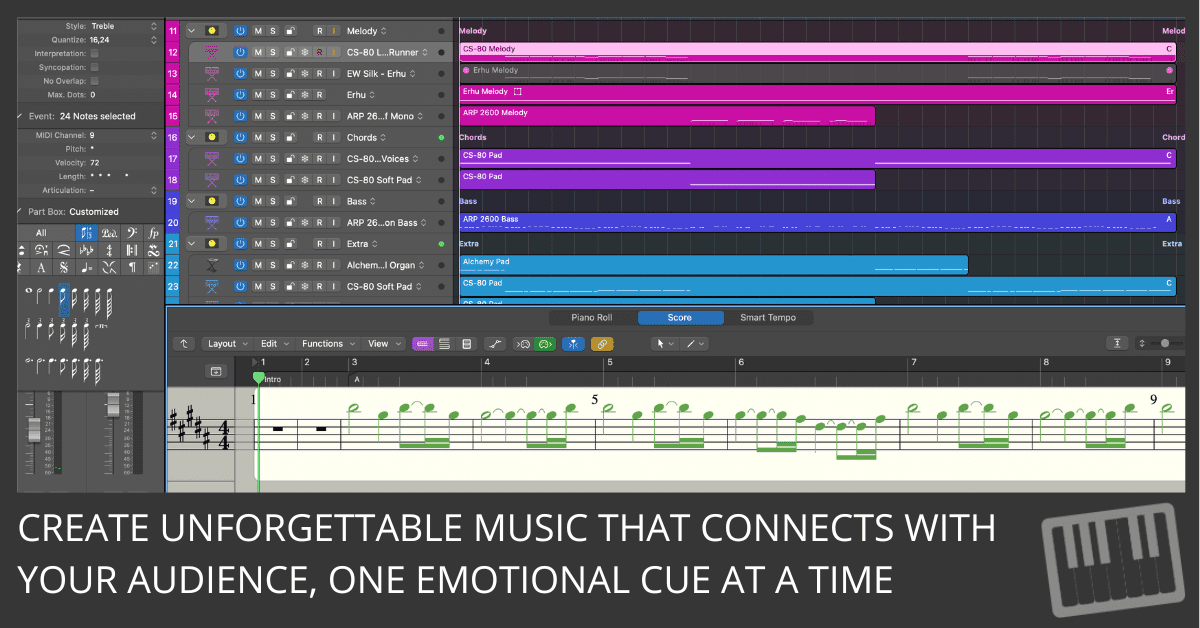
Discover 5 expert tips to craft emotionally impactful film scores in Logic Pro. Learn to layer, set moods, and use orchestral patches to move your audience.
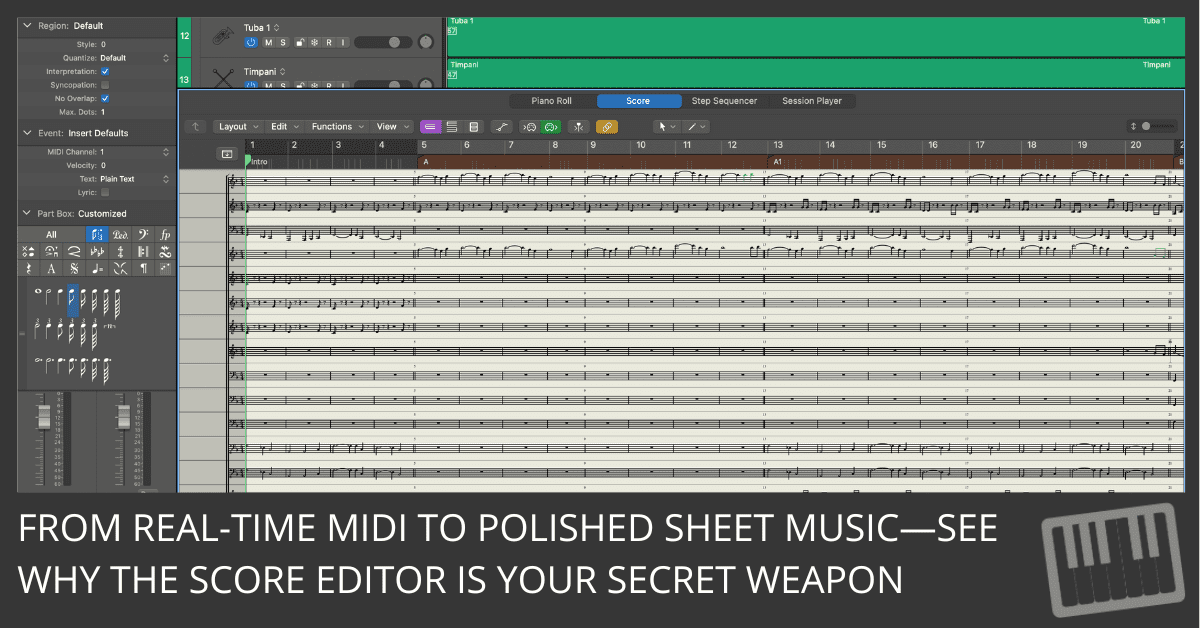
Discover 5 powerful features in Logic Pro’s Score Editor that help composers create professional orchestral scores quickly and efficiently.
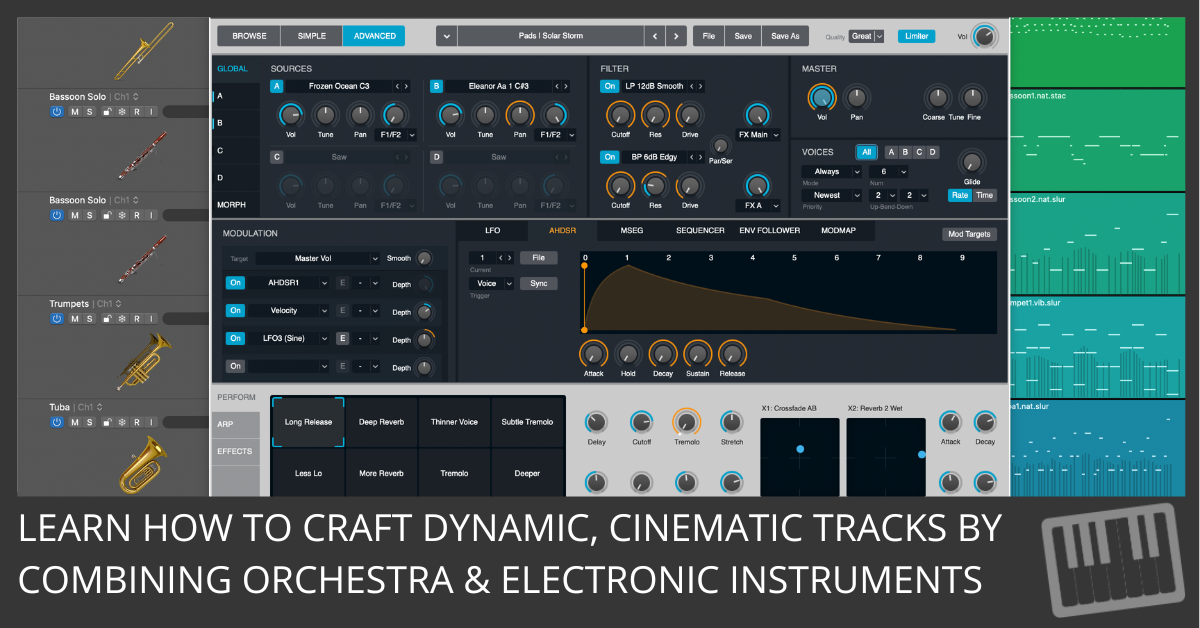
Discover how to seamlessly blend orchestral samples with electronic instruments in Logic Pro. Tips on layering, percussion, and lead melodies.
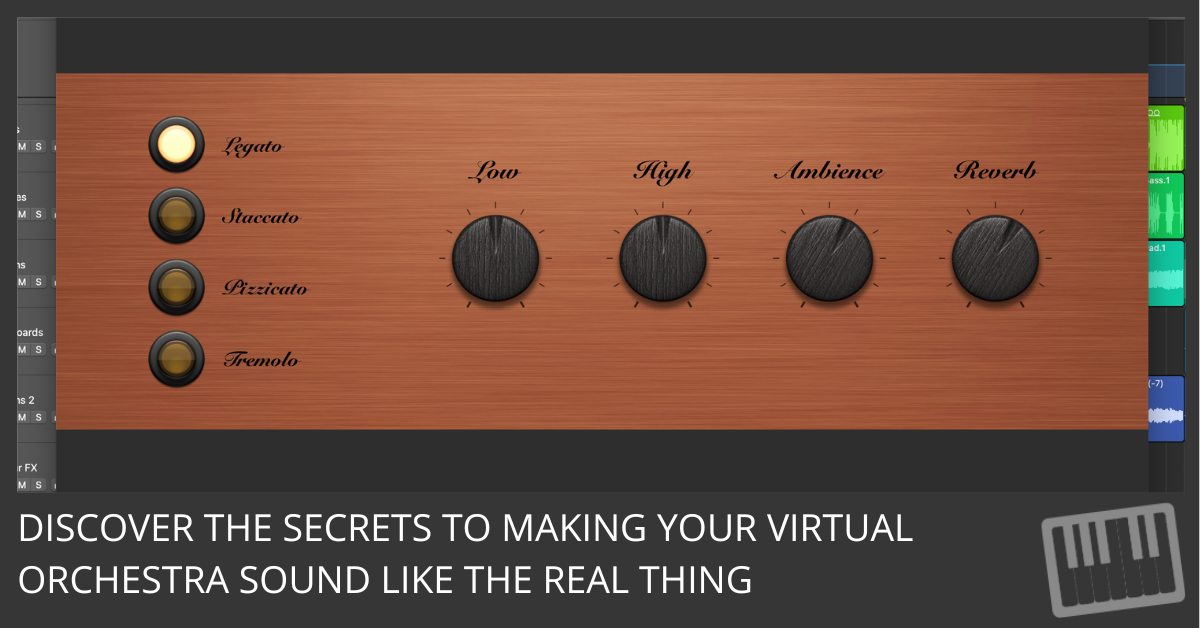
Learn how to use articulations and dynamic controls in Logic Pro to create realistic, expressive orchestral performances. Step-by-step guide for better workflow and sound.
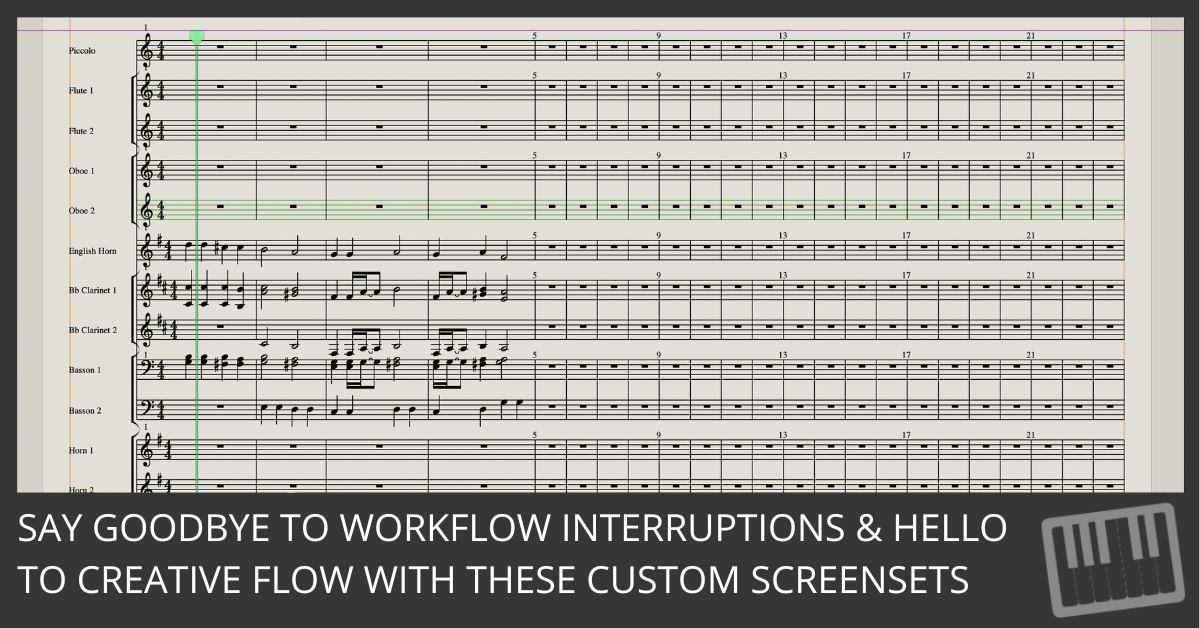
Discover 7 essential Logic Pro screensets that streamline orchestral composition and improve your workflow, from instrument selection to MIDI editing and mixing.
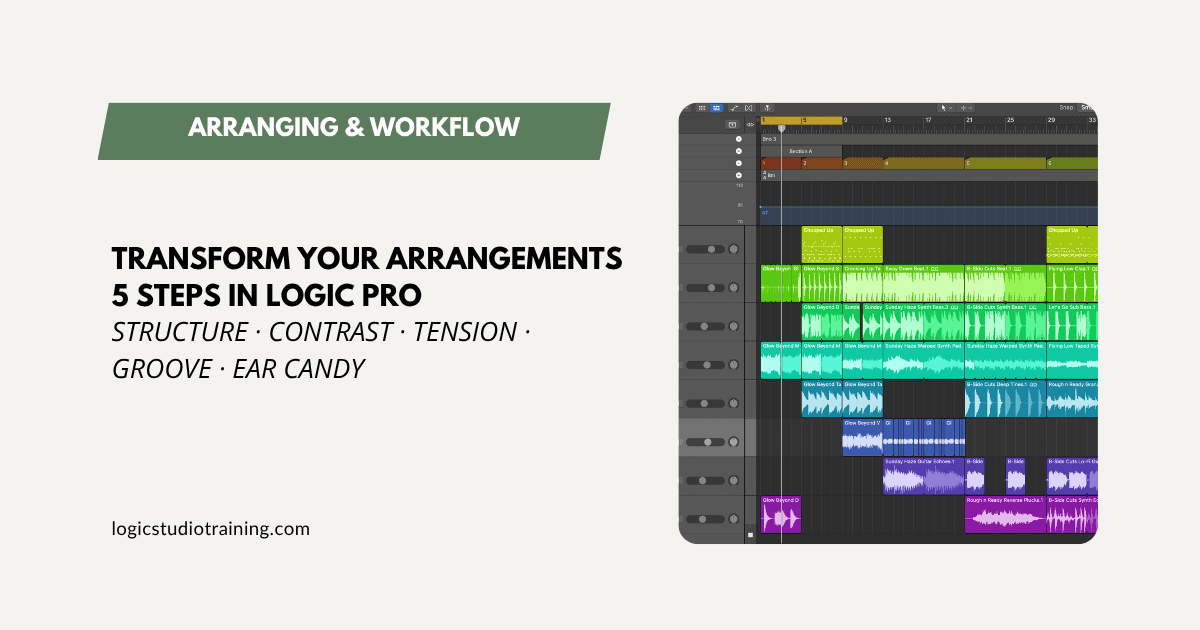
Five practical steps to make your Logic Pro arrangements more dynamic: structure, contrast, tension, groove, and ear candy, each tied to a Logic feature.
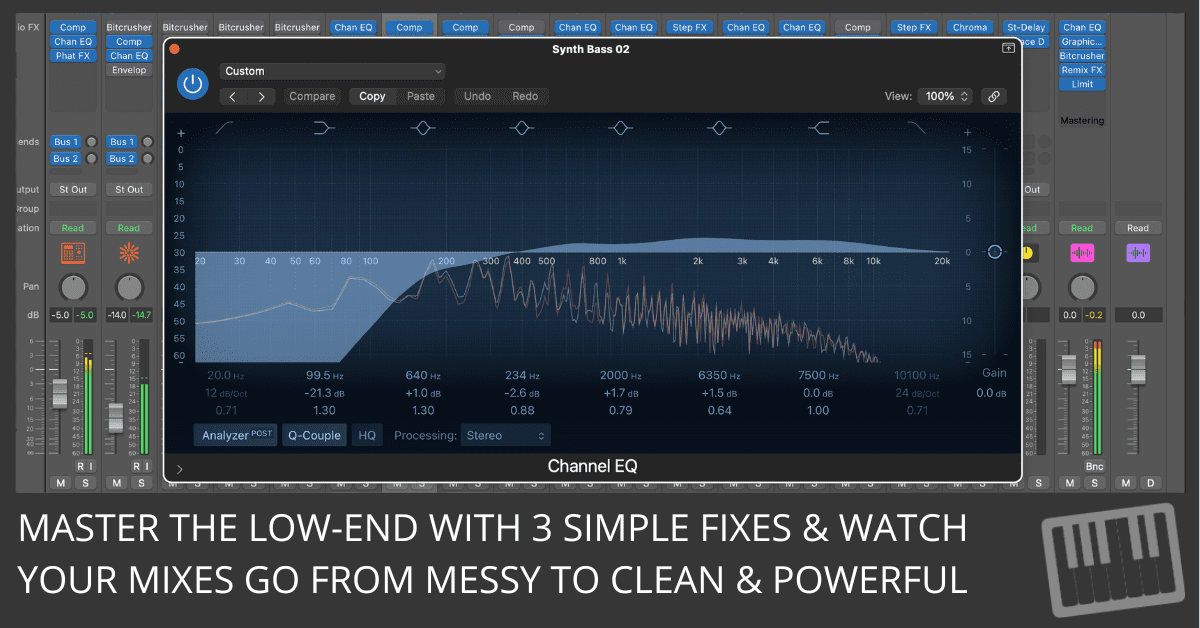
Struggling with muddy mixes? Learn how to fix the 3 biggest low-end mixing mistakes and create clear, punchy bass every time. Actionable tips for beginners!