
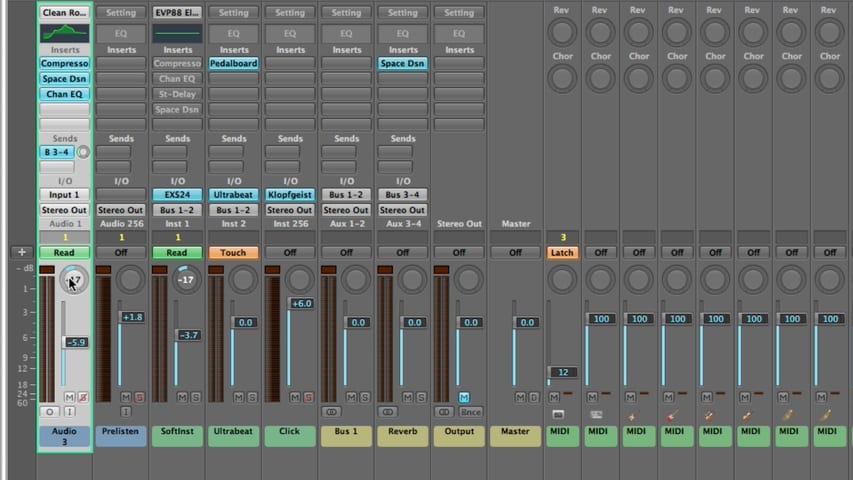
In part 2 of the Logic Pro Mixing tutorial, you’ll learn about mixer groups, muting channels, soloing channels, adjusting levels, choosing pan positions, and much more.
In part 2 of the Logic Pro Mixing tutorial, you’ll learn about mixer groups, muting channels, soloing channels, adjusting levels, choosing pan positions, and much more.
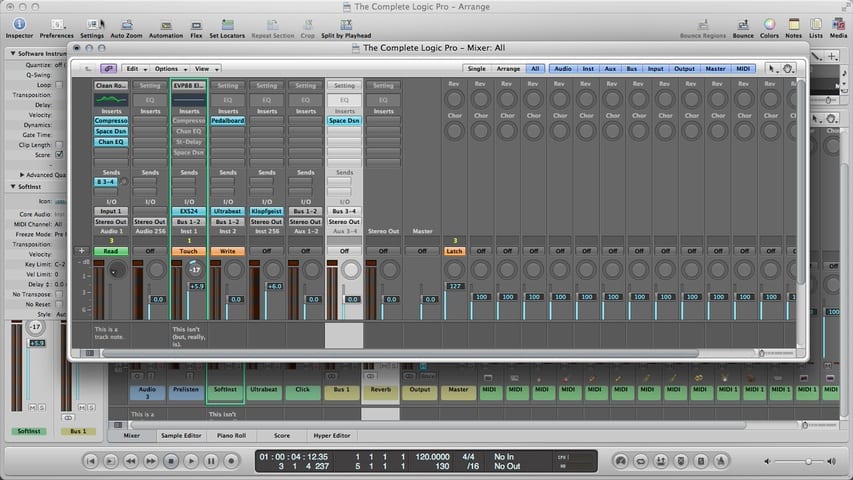
In part 1 of the Logic Pro Mixing tutorial, you’ll learn about channel strip types, channel strip controls, and much more.
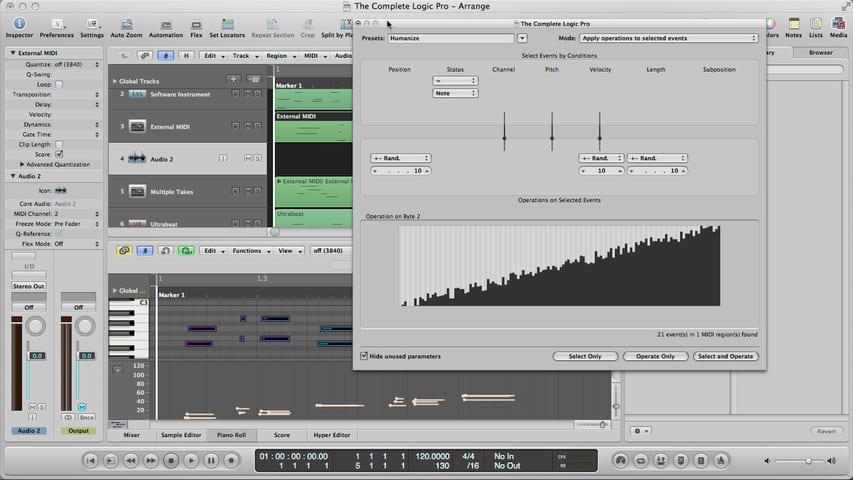
In part 5 of the Logic Pro MIDI Editing tutorial, you’ll learn about the transform window, transform sets, humanize preset, transform window parameters, MIDI out, MIDI activity display, converting MIDI to audio, and much more.
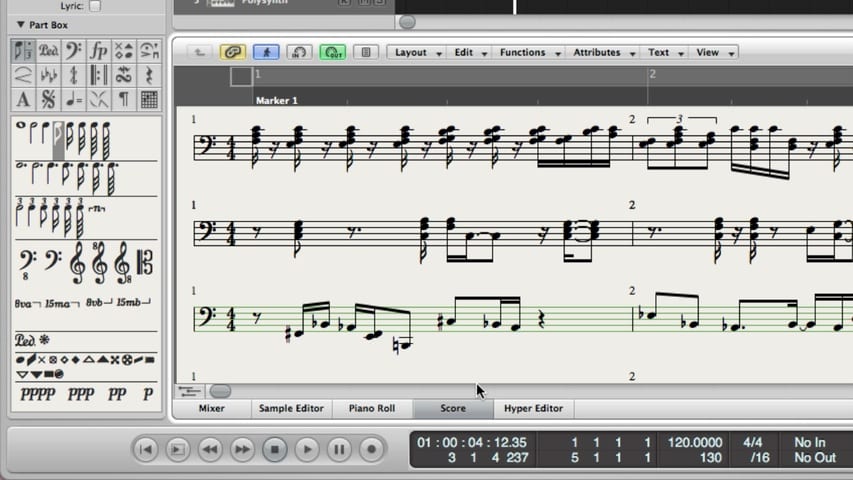
In part 4 of the Logic Pro MIDI Editing tutorial, you’ll learn about the score editor, displaying MIDI in the score editor, using display settings, creating and editing events in the score editor, printing a score, and much more.
In part 3 of the Logic Pro MIDI Editing tutorial, you’ll learn about the hyper editor, creating and editing events in the hyper editor, event definitions, hyper sets, and much more.
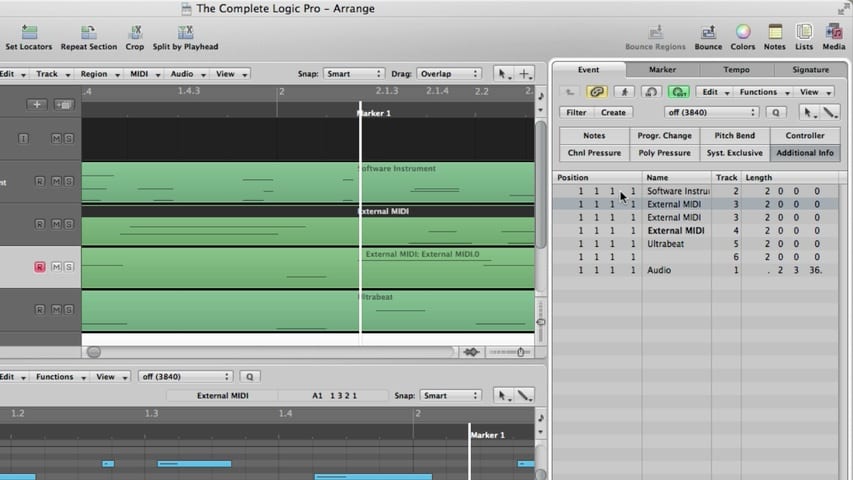
In part 2 of the Logic Pro MIDI Editing tutorial, you’ll learn about the event list, filtering the event list, creating and editing events in the event list, and much more.
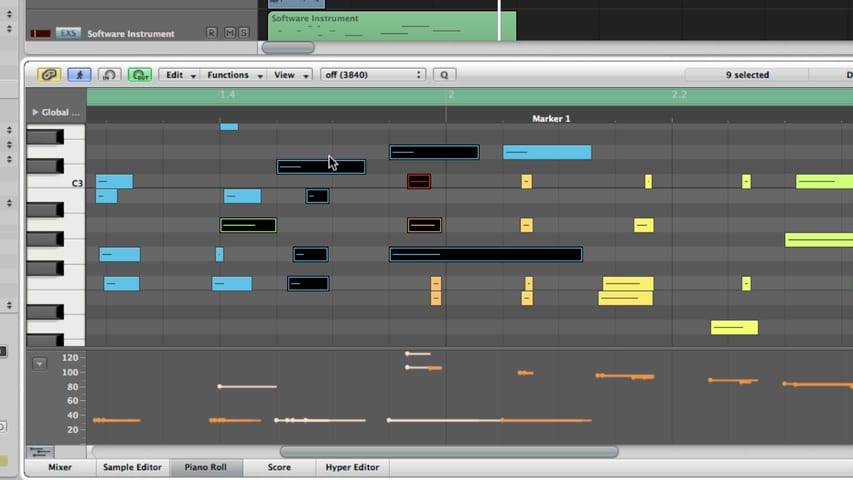
In part 1 of the Logic Pro MIDI Editing tutorial, you’ll learn about the piano roll editor, the piano roll grid, the piano roll info display, creating and editing note events, piano roll snap settings, hyper draw, and much more.
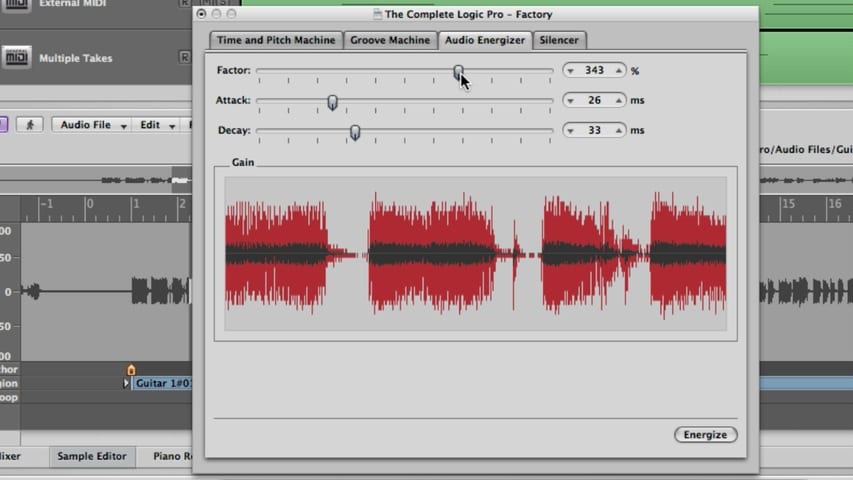
In part 5 of the Logic Pro Audio Editing tutorial, you’ll learn about the digital factory, audio energizer, silencer, audio to score, quantize engine, and audio to MIDI groove template.
In part 4 of the Logic Pro Audio Editing tutorial, you’ll learn about the digital factory, time and pitch machine, and groove machine.
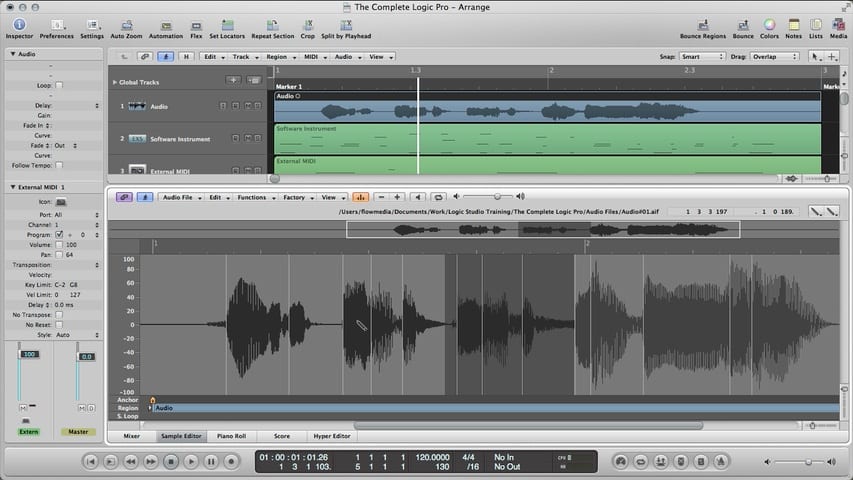
In part 3 of the Logic Pro Audio Editing tutorial, you’ll learn about the Sample Editor.