
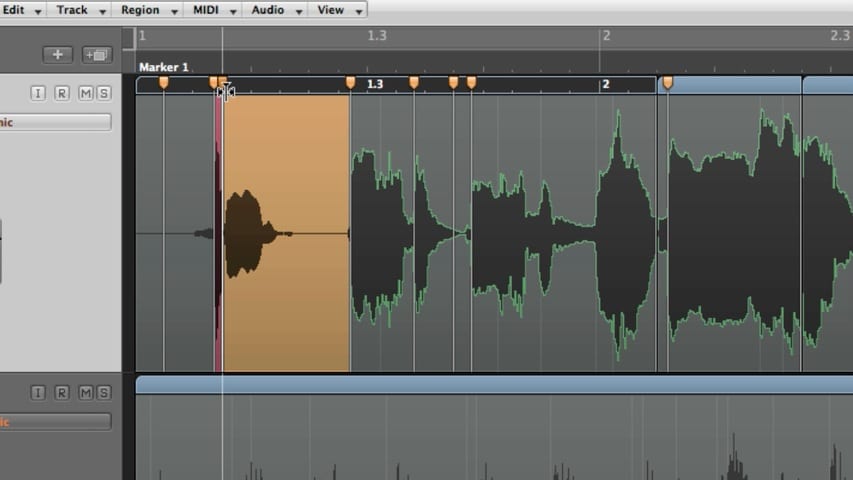
In part 2 of the Logic Pro Audio Editing tutorial, you’ll learn about using flex time and making tempo and pitch adjustments with varispeed.
In part 2 of the Logic Pro Audio Editing tutorial, you’ll learn about using flex time and making tempo and pitch adjustments with varispeed.
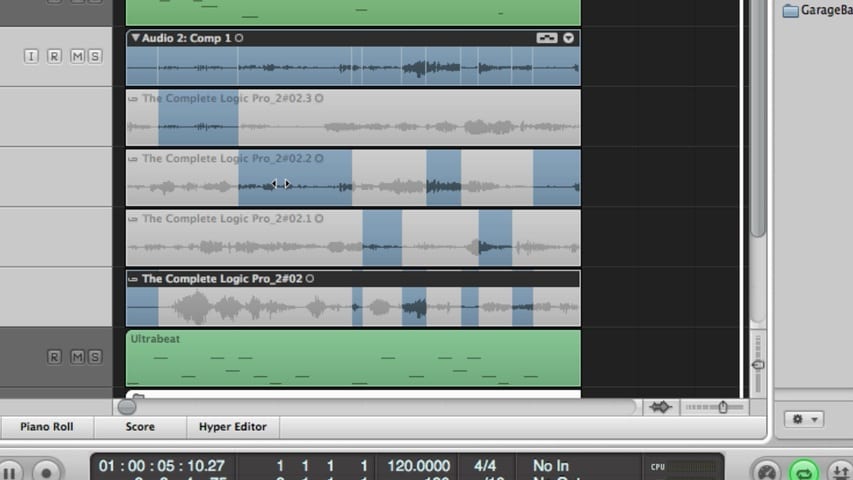
In part 1 of the Logic Pro Audio Editing tutorial, you’ll learn about editing audio takes, comping takes, editing comps, flattening and merging take folders, packing regions into takes, and much more.
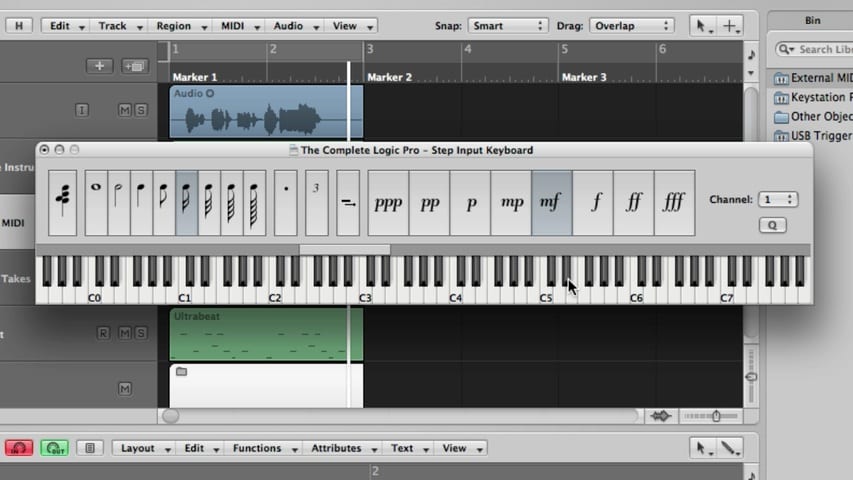
In this Logic Pro premium tutorial, you’ll be given an overview of Recording MIDI in Logic Pro. We’ll cover recording a single MIDI take, recording additional MIDI takes, recording multiple MIDI takes, MIDI multitrack recording, MIDI merge recording, MIDI replace recording, capture as recording retrospectively, filtering MIDI events, MIDI punch recording, MIDI step input recording, using the step input keyboard, and using the caps lock keyboard.
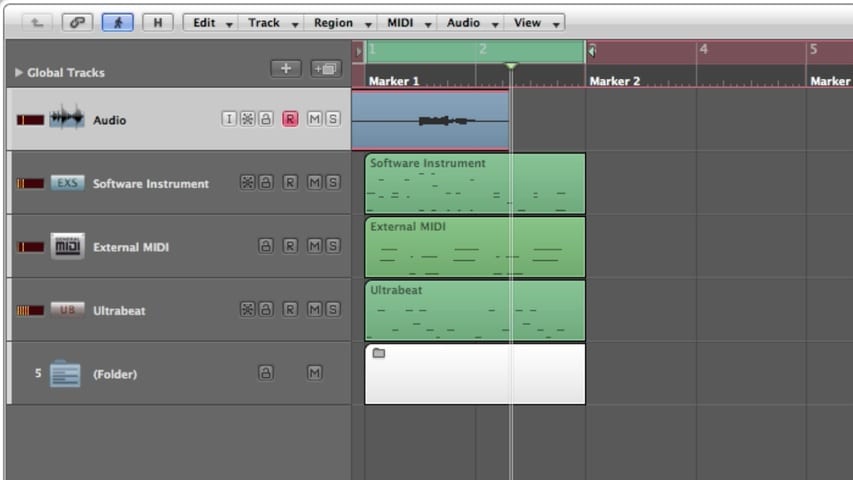
In part 3 of this Logic Pro premium tutorial, you’ll be given an overview of Recording Audio in Logic Pro. We’ll cover punch recording, locators, recording in replace mode, and deleting audio recordings.
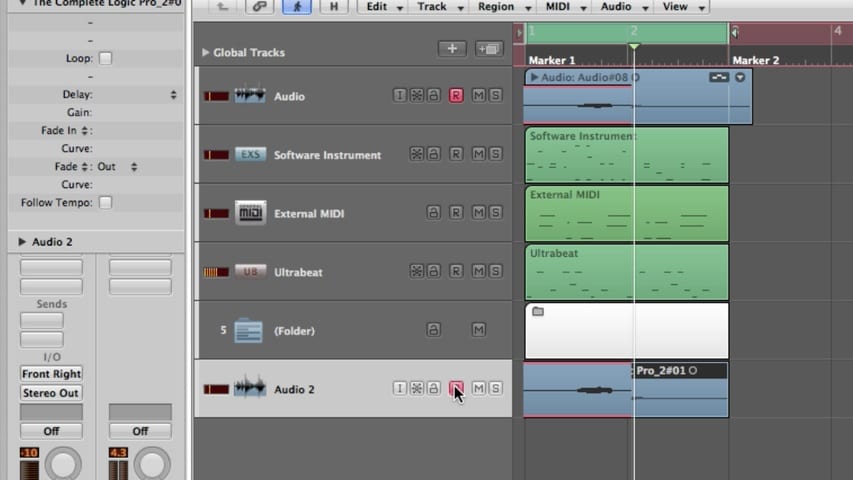
In part 2 of this Logic Pro premium tutorial, you’ll be given an overview of Recording Audio in Logic Pro. We’ll cover recording a single take, recording additional takes, recording multiple takes, and multitrack recording.
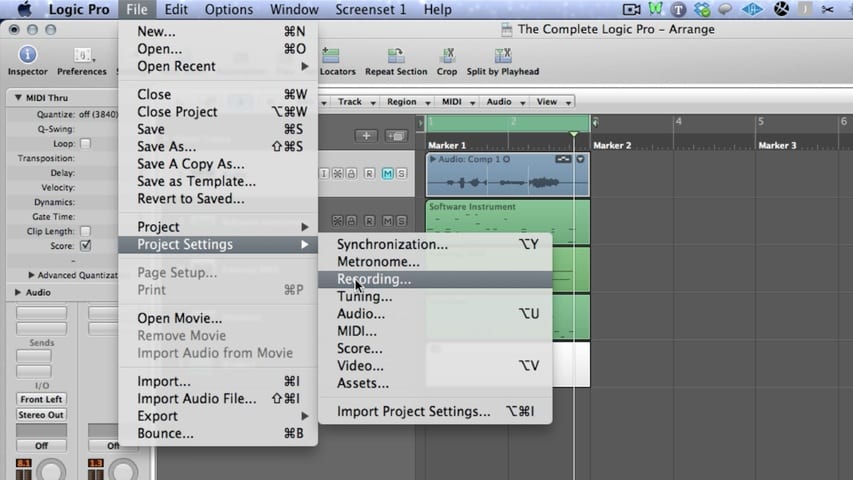
In part 1 of this Logic Pro premium tutorial, you’ll be given an overview of Recording Audio in Logic Pro. We’ll cover setting the project sample rate, setting the project bit depth, setting the metronome, software monitoring, choosing the recording path, and recording file types.
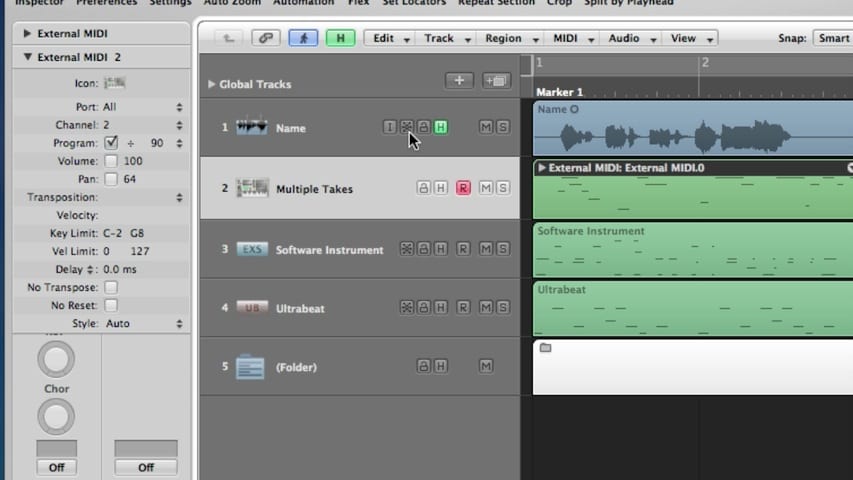
In part 2 of this Logic Pro premium tutorial, you’ll be given an overview of Logic Pro Tracks and Channel Strips. We’ll cover deleting tracks, selecting tracks, moving tracks, naming tracks, assigning tracks, zooming tracks, muting tracks, soloing tracks, record-enabling tracks, freezing tracks, hiding tracks, protecting tracks, and bounce in place.
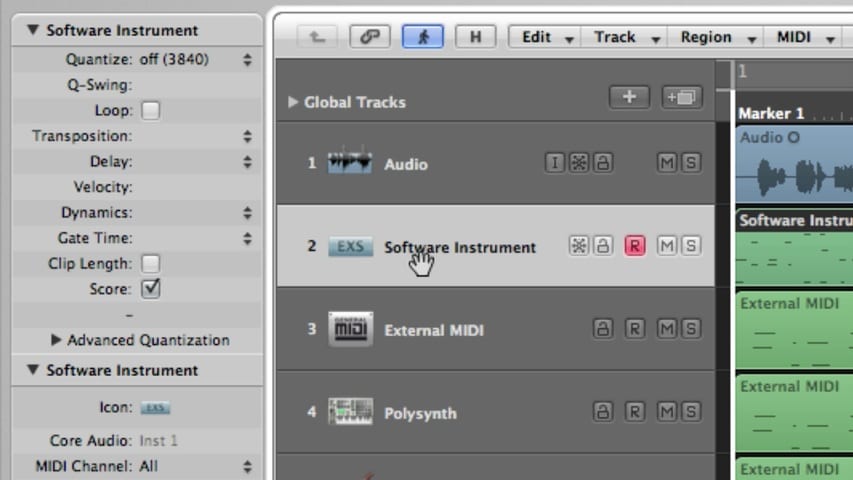
In part 1 of this Logic Pro premium tutorial, you’ll be given an overview of Logic Pro Tracks and Channel Strips. We’ll cover the track header, creating tracks, the new tracks dialog box, and track parameters.
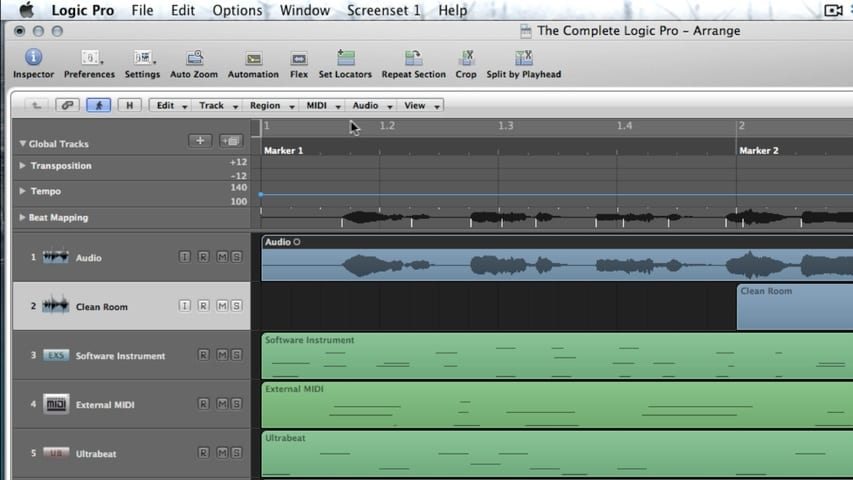
In the final part of this Logic Pro premium tutorial, you’ll be given an overview of the Arrange Window. We’ll cover Local Menu Bars, Tool Menus, The Bar Ruler, Cycle Mode, Global Tracks, Working with Folders, and Screensets.
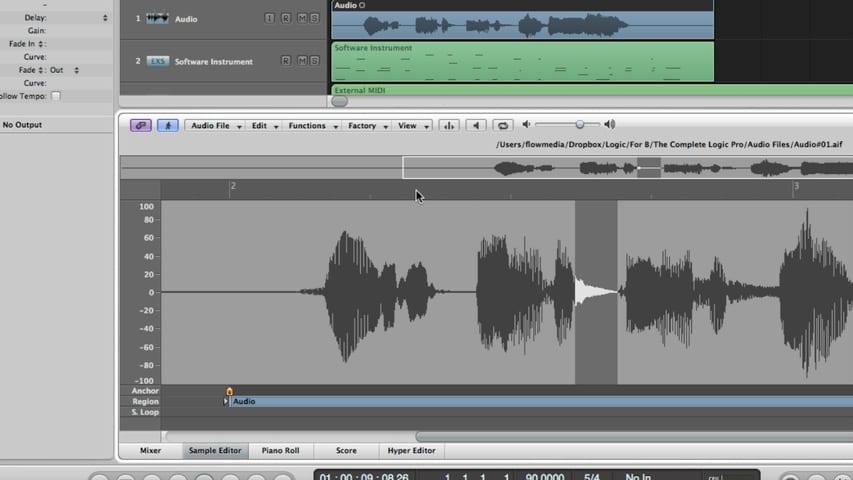
In part 4 of this Logic Pro premium tutorial, you’ll be given an overview of the Arrange Window Editors. We’ll cover the the Editing Area, the Mixer, the Sample Editor, the Piano Roll Editor, the Score Editor, and the Hyper Editor.