
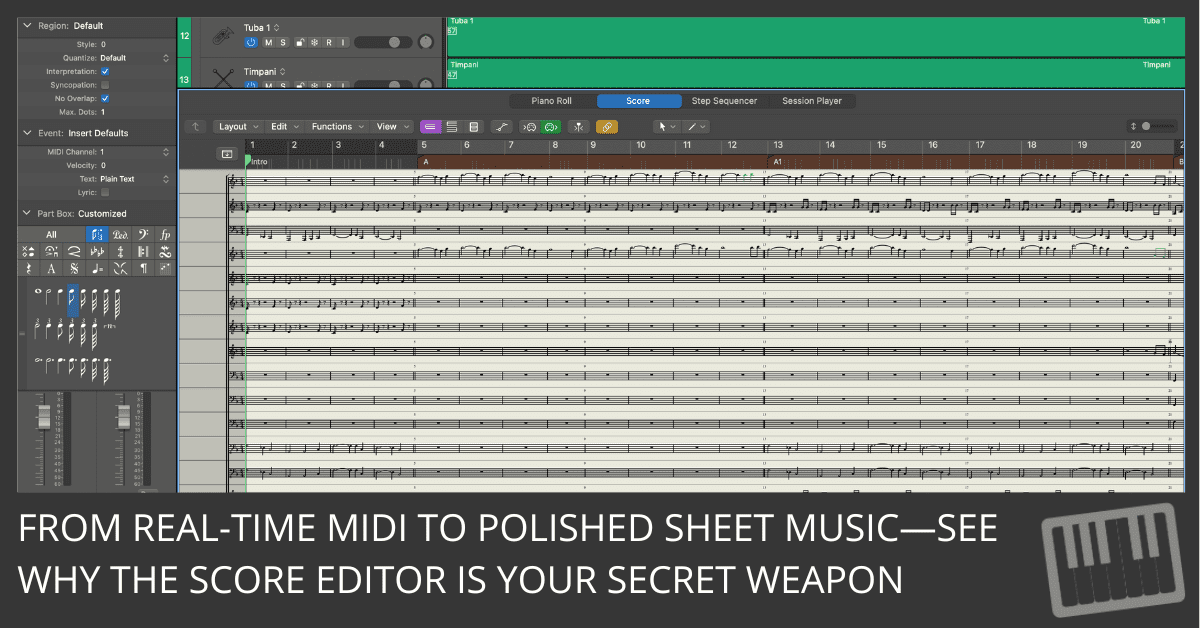
Discover 5 powerful features in Logic Pro’s Score Editor that help composers create professional orchestral scores quickly and efficiently.
Discover 5 powerful features in Logic Pro’s Score Editor that help composers create professional orchestral scores quickly and efficiently.
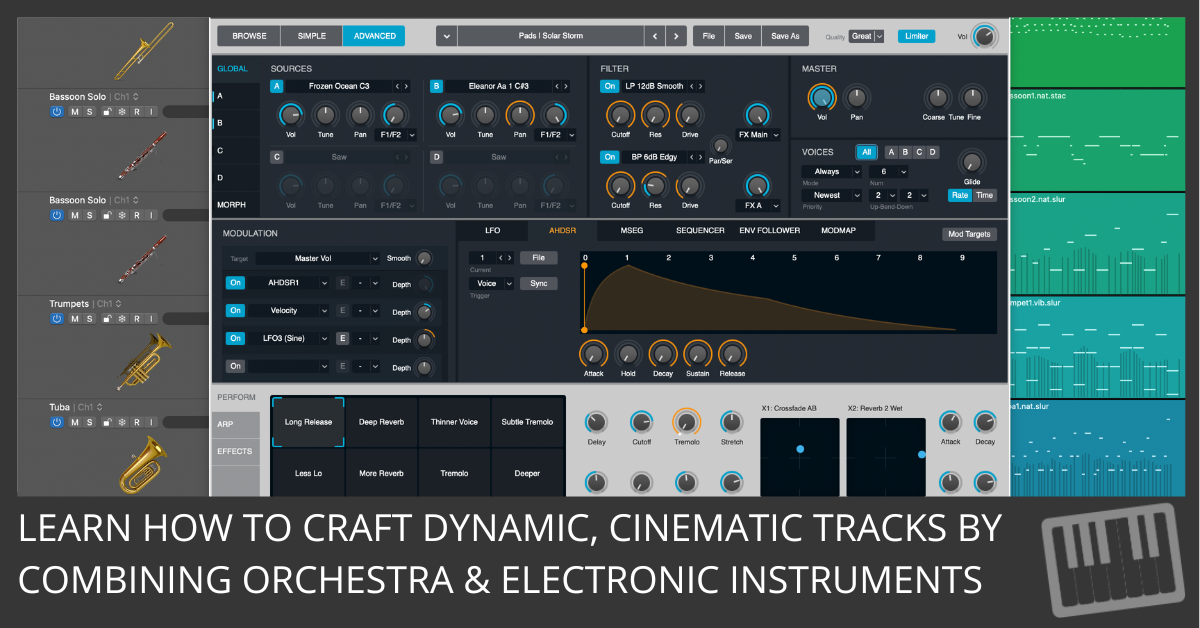
Discover how to seamlessly blend orchestral samples with electronic instruments in Logic Pro. Tips on layering, percussion, and lead melodies.
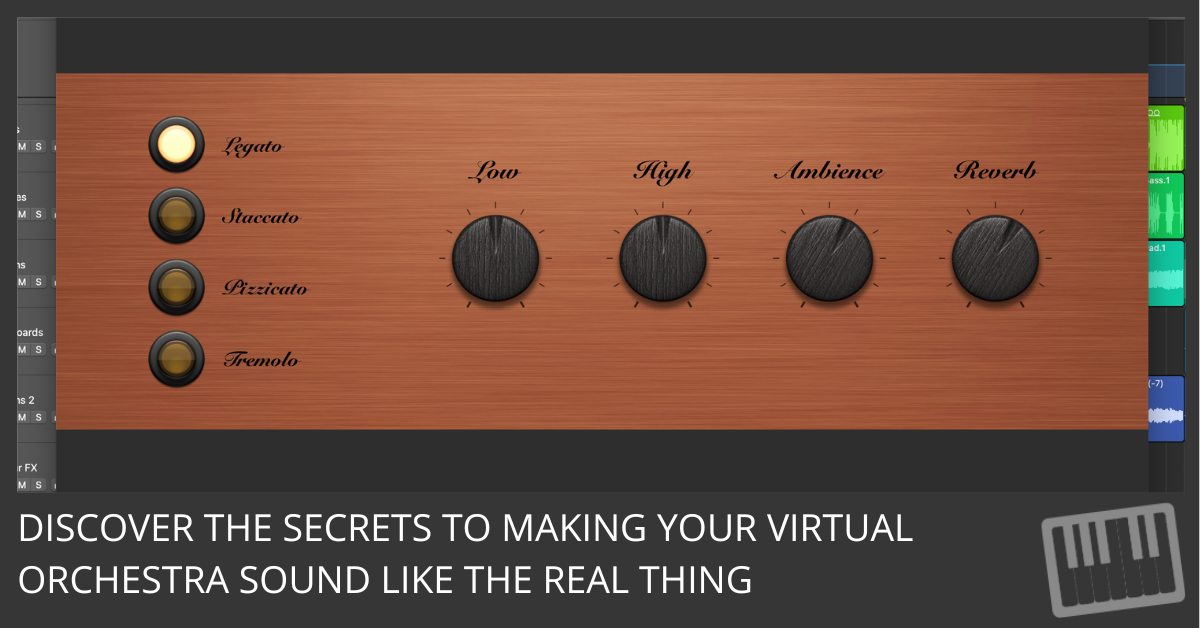
Learn how to use articulations and dynamic controls in Logic Pro to create realistic, expressive orchestral performances. Step-by-step guide for better workflow and sound.
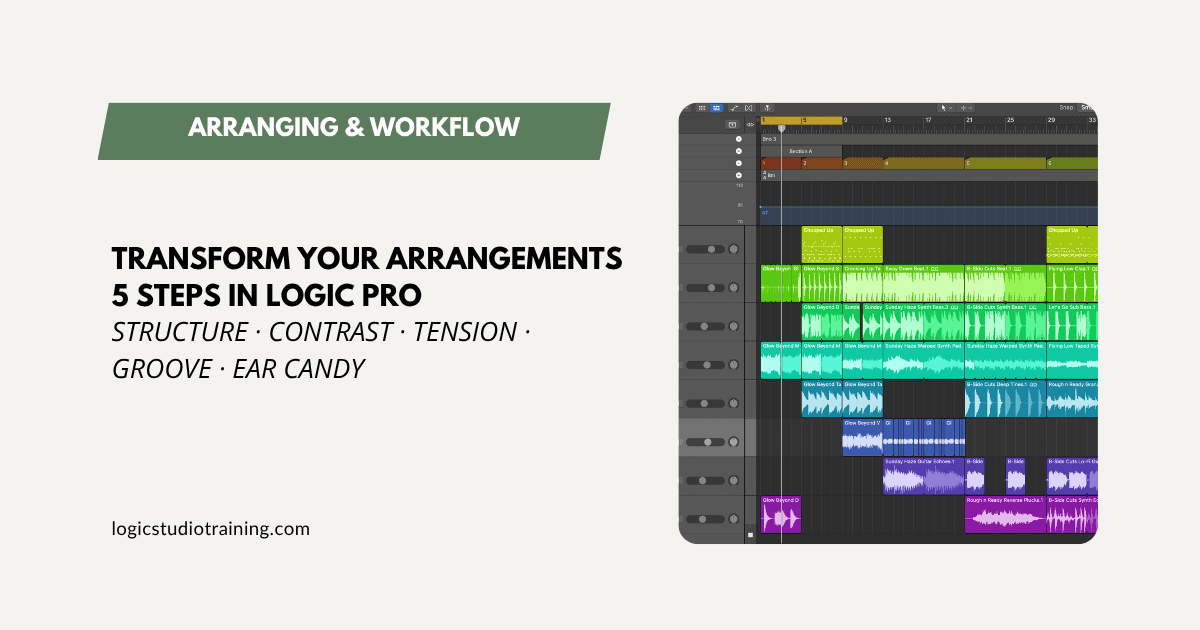
Five practical steps to make your Logic Pro arrangements more dynamic: structure, contrast, tension, groove, and ear candy, each tied to a Logic feature.
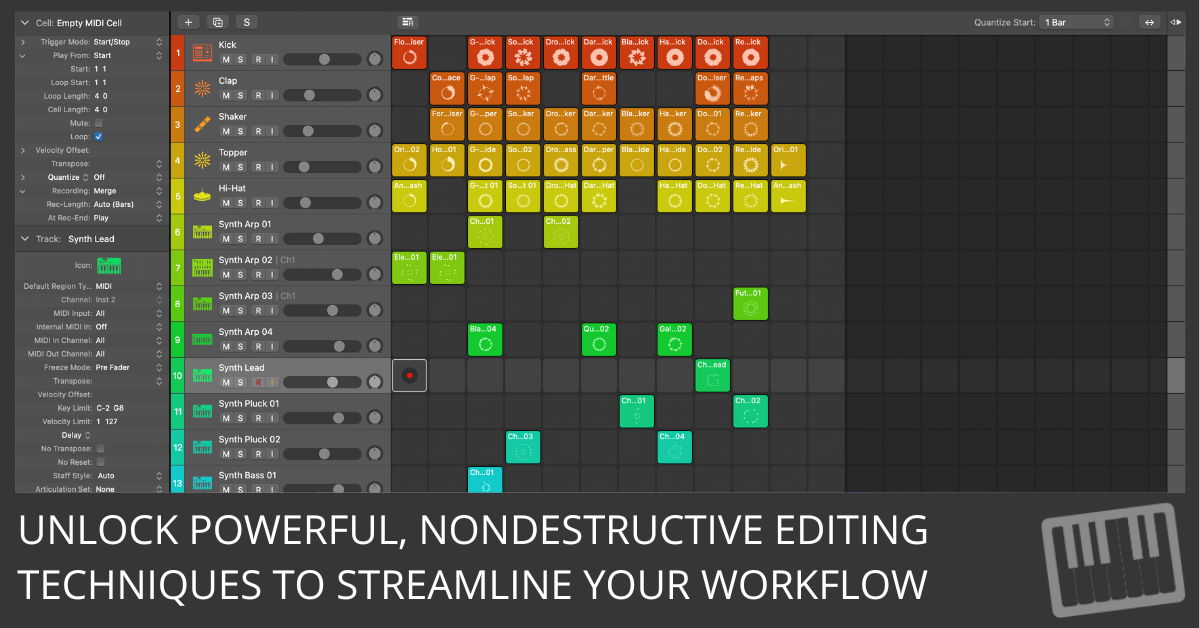
Learn how to use Logic Pro’s region inspector for advanced, nondestructive editing, including muting, looping, quantizing, and transposing regions with ease.
Logic Pro compatibility with macOS Sequoia. Bookmark this page for updates on third-party plugins and hardware compatibility.
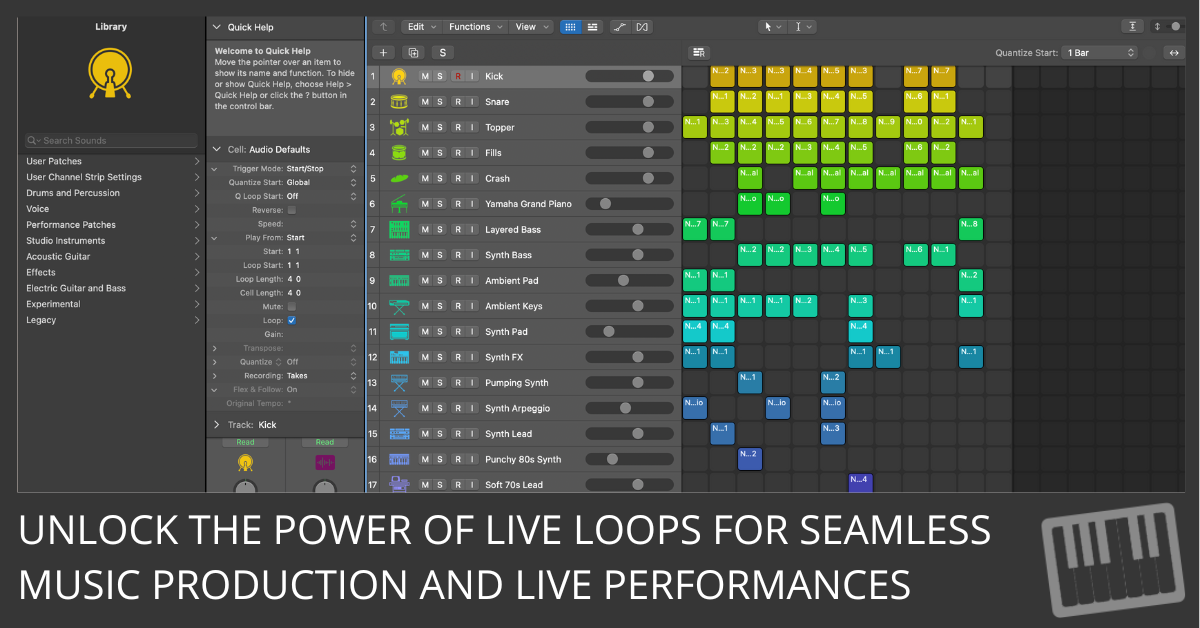
Unlock the full potential of Live Loops in Logic Pro with our detailed guide. Learn to set up, navigate, and manipulate loops, and discover advanced performance techniques.
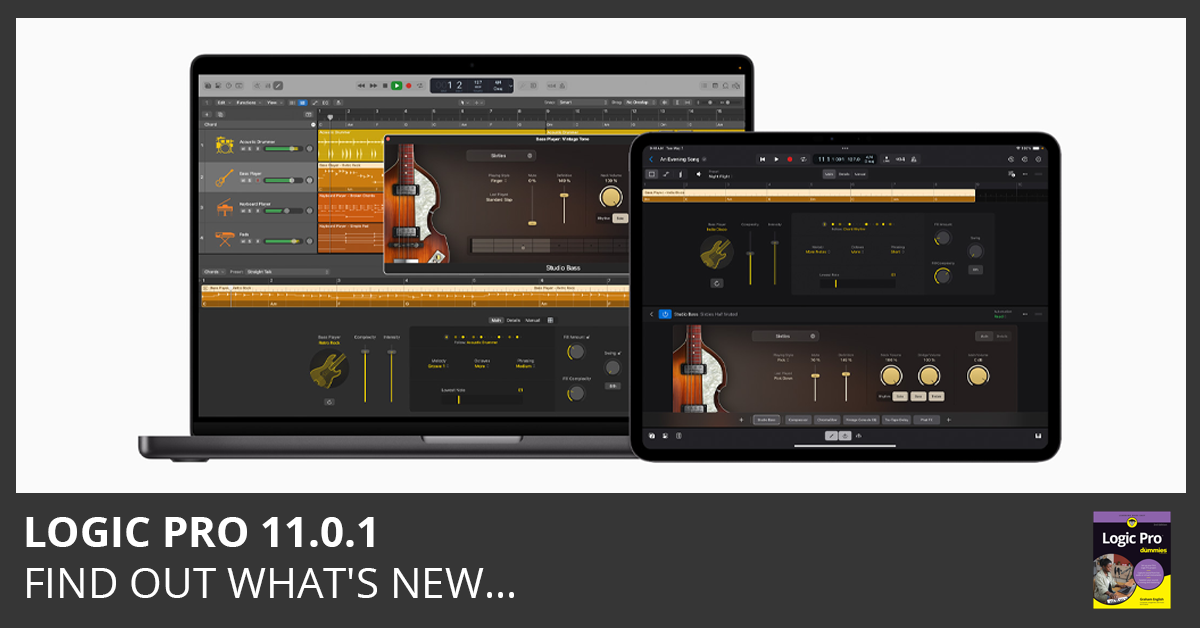
Download Logic Pro 11.0.1 and read the release notes. This update includes stability improvements and bug fixes. Find out what’s new here…
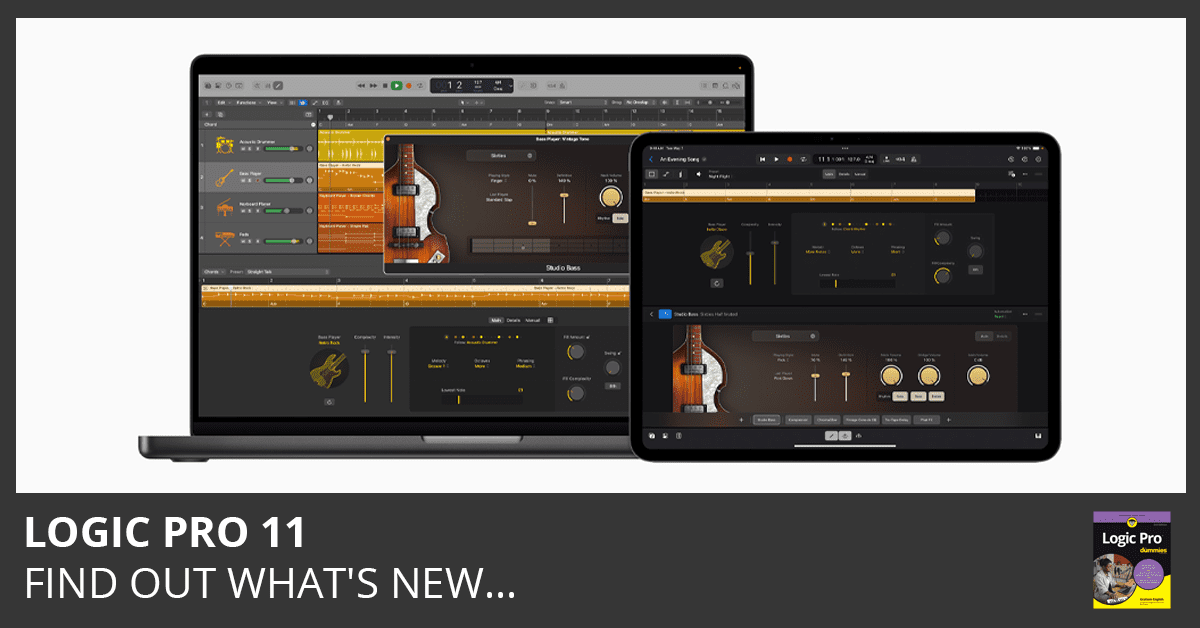
Download Logic Pro 11 and read the release notes. This update includes numerous new features and enhancments. Find out what’s new here…
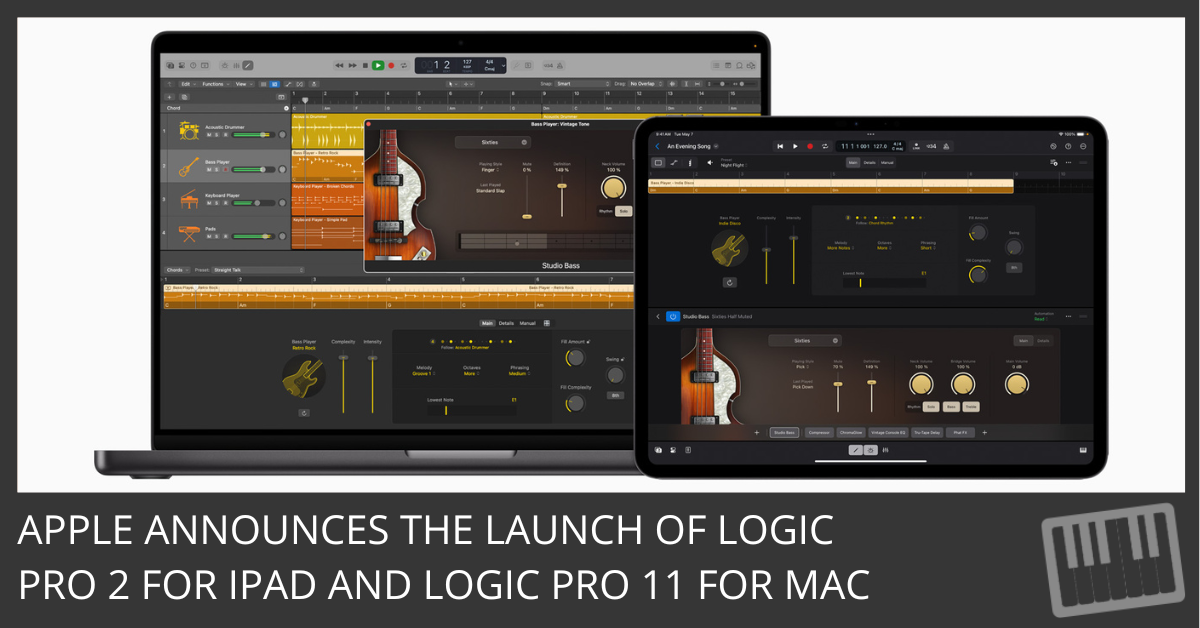
Discover how the latest Logic Pro update leverages AI to revolutionize music production. Explore new features like Session Players and Stem Splitter for a superior sound.