
Skip to navigation Skip to content Logic Studio Training Logic Studio Training Menu
  • Shop
  • Blog
  • Contact
  • Login
  • Shop
  • Blog
  • Contact
  • Login
  • $0.00 0 items
Home / Posts tagged “using reverb and delay on aux tracks”

Tag: using reverb and delay on aux tracks

Send Effects in Logic Pro: Cleaner Mixes with Aux Channels

Send Effects in Logic Pro: Cleaner Mixes with Aux Channels

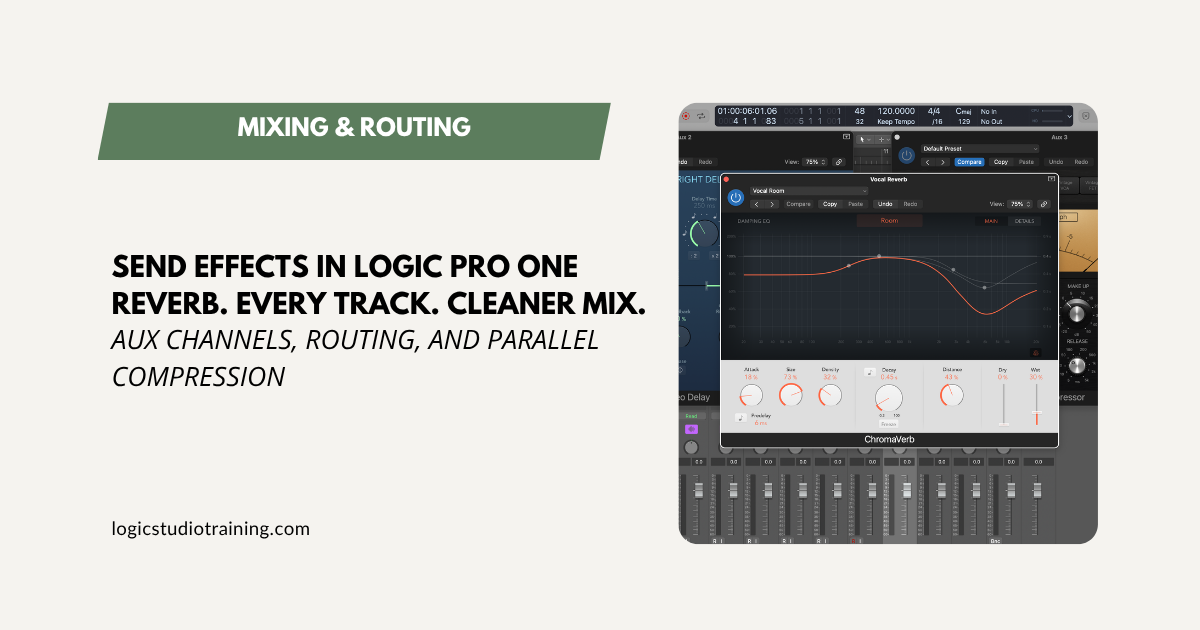
Stop inserting reverb on every track. Set up send effects in Logic Pro with aux channels for cleaner mixes, less CPU, and total effect control.

Free Download

Get Up and Running in Logic Pro — Fast

The key workflows, settings, and shortcuts in one free guide.

Free. No spam.

Recent Posts
  • Logic Pro for Beginners: Your Complete Guide to Logic Pro 12
  • MainStage 4.3 Update
  • Logic Pro for iPad 3.3 Update
  • Logic Pro 12.3 Update
  • The Logic Pro Session Player Trick Most Producers Don’t Know
  • How to Use Flex Pitch in Logic Pro: Complete Vocal Tuning Guide
  • The Fastest Way to Comp Vocals in Logic Pro (Step-by-Step)
  • MainStage 4.2 Update
  • Logic Pro for iPad 3.2 Update
  • Logic Pro 12.2 Update
Logic Pro For Dummies
Logic Pro X For Dummies
More Resources
  • Logic Pro For Dummies
  • Graham English
  • Speed Songwriting
Recent Posts
  • Logic Pro for Beginners: Your Complete Guide to Logic Pro 12
  • MainStage 4.3 Update
  • Logic Pro for iPad 3.3 Update
  • Logic Pro 12.3 Update
  • The Logic Pro Session Player Trick Most Producers Don’t Know
Support
  • Login
  • Logic Pro Wiki
  • Contact
  • Privacy Policy
  • Terms of Use

Logic Studio Training

Your Ultimate Site for Logic Pro Tutorials.
© Copyright 2007-2026 Logic Studio Training. All Rights Reserved.

Get the Free Logic Pro Quick Start Guide

The fastest way to get up and running in Logic Pro. The key workflows, settings, and shortcuts you need — free PDF, instant download.

Your information stays private. No spam, no sharing, ever.