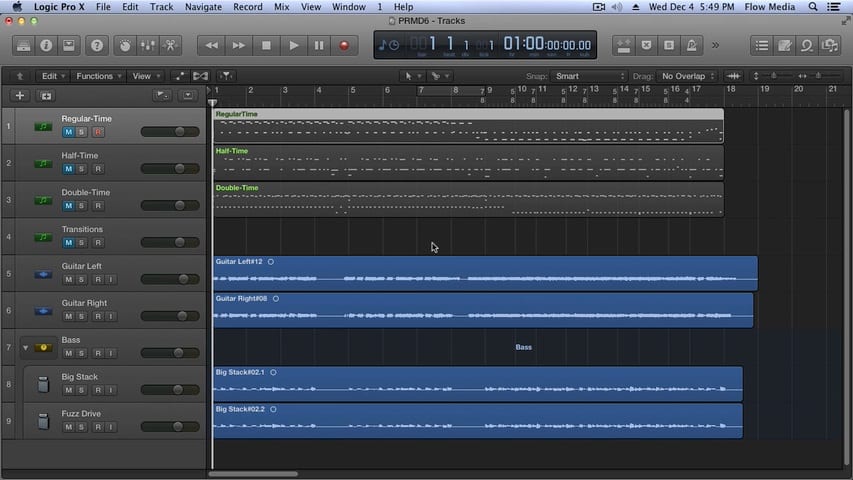
Logic Pro X Quick Start – Watch First

This 13 minute video will show you how to use Logic Pro X the right way. You’ll understand the big picture as well as the important details and you’ll know exactly how to start making music instantly.

Bouncing Your Logic Pro Project

Bouncing Your Logic Pro Project

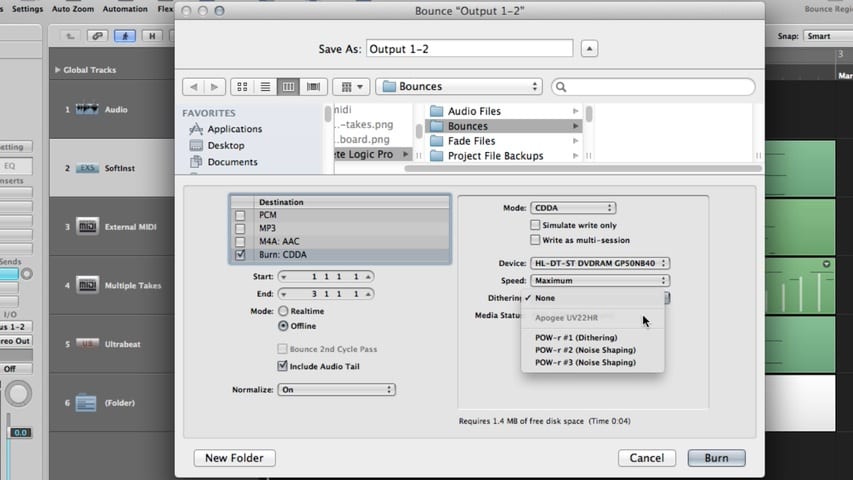
In this Logic Pro Project Bouncing tutorial, you’ll learn about preparing the bounce, setting the bounce range, the bounce window, template tips for bouncing, burning the bounce to disc, choosing the bounce file destination, dithering, and more.

Automating Your Mix With Logic Pro

Automating Your Mix With Logic Pro

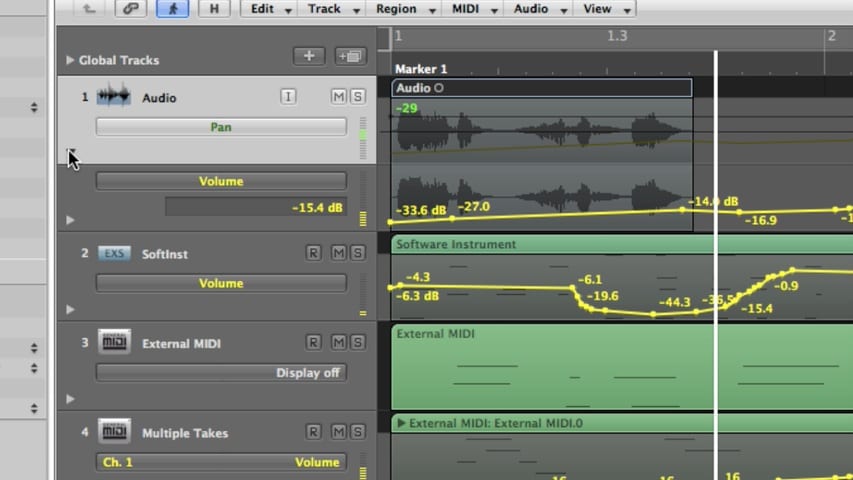
In this Logic Pro Mixing Automation tutorial, you’ll learn about displaying automation, automation modes, creating, selecting, editing, and deleting automation, automating MIDI with hyper draw, creating and editing offline automation, recording live automation, using control surfaces, and much more.

Logic Pro Mixing Part 3 – Using Effects Through I/O Labels

Logic Pro Mixing Part 3 - Using Effects Through IO Labels

In part 3 of the Logic Pro Mixing tutorial, you’ll learn about using effects, insert effects, send effects, controlling signal flow, using aux channels, output channel strips, surround panning, binaural panning, MIDI channel strips, channel strip settings, mixer views, mixer track notes, I/O labels, and much more.