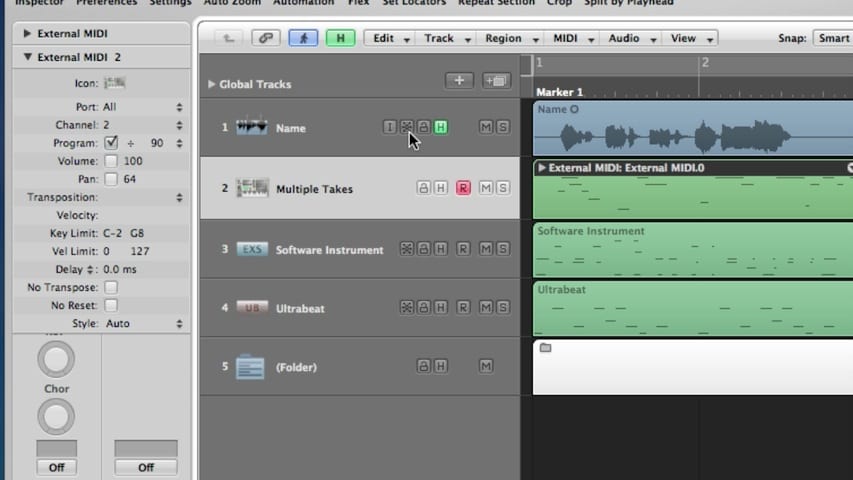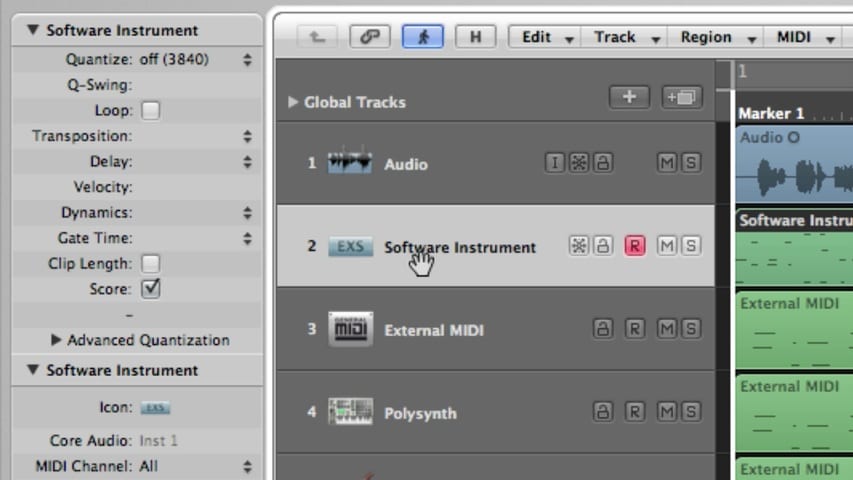
In part 4 of this Logic Pro premium tutorial, you’ll be given an overview of the Arrange Window Editors. We’ll cover the the Editing Area, the Mixer, the Sample Editor, the Piano Roll Editor, the Score Editor, and the Hyper Editor.

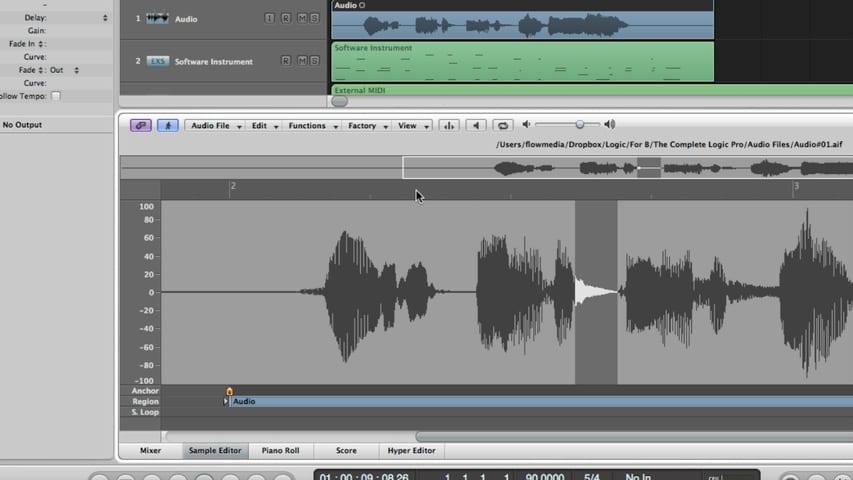
In part 4 of this Logic Pro premium tutorial, you’ll be given an overview of the Arrange Window Editors. We’ll cover the the Editing Area, the Mixer, the Sample Editor, the Piano Roll Editor, the Score Editor, and the Hyper Editor.

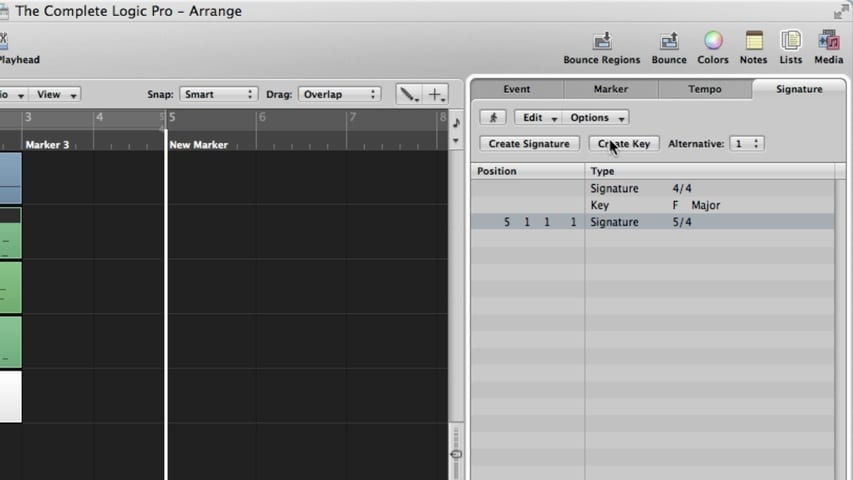
In part 3 of this Logic Pro premium tutorial, you’ll be given an overview of the Arrange Window Lists. We’ll cover the Lists Area, Event List, Marker List, Tempo List, and Signature List.

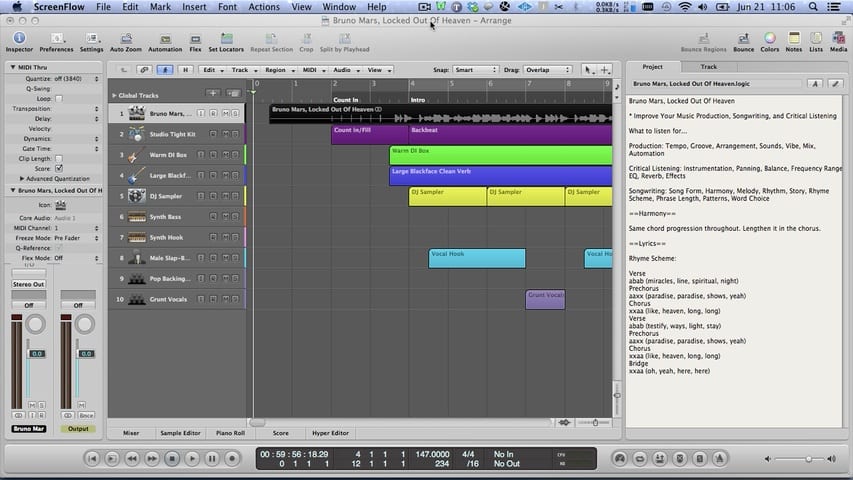
Today you’re going to learn from the masters of songwriting and music production, develop your critical listening skills by ear training, speed up your Logic Pro and music production workflow, and build your own database of templates for practicing and trying out ideas.

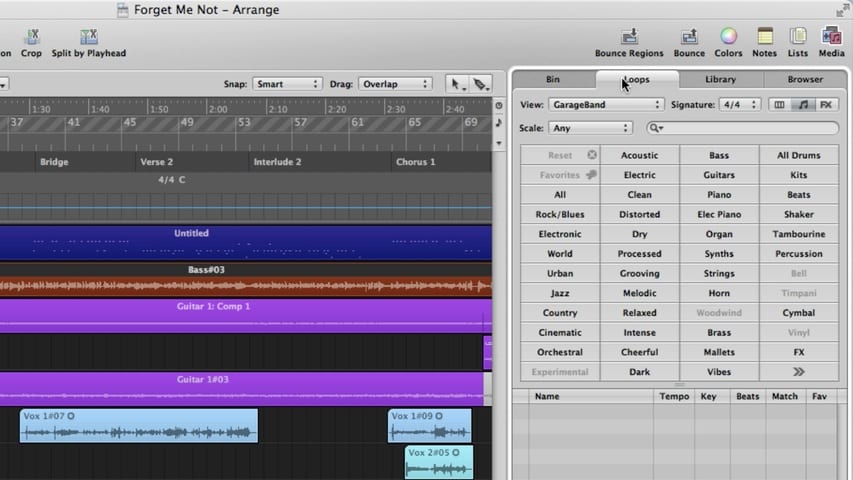
In part 2 of this Logic Pro premium tutorial, you’ll be given an overview of the Arrange Window. We’ll cover the Media Area, Audio Bin, Loop Browser, Library, File Browser, Notes Area, Project Notes, and Track Notes.

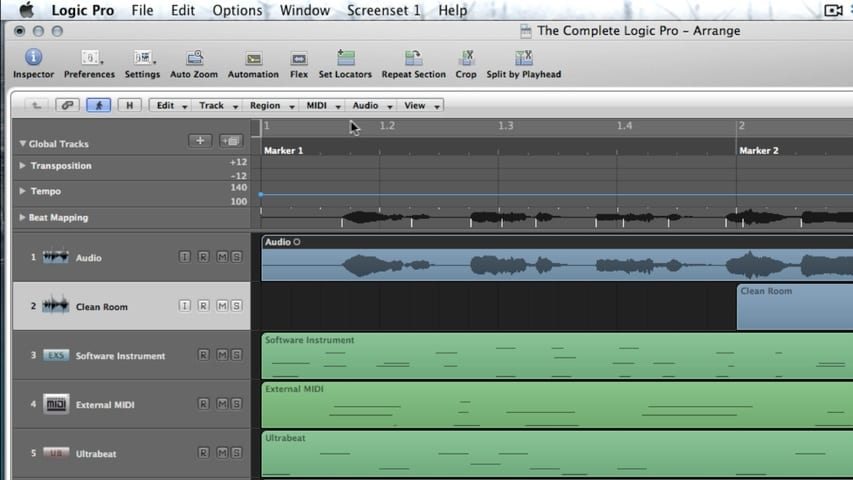
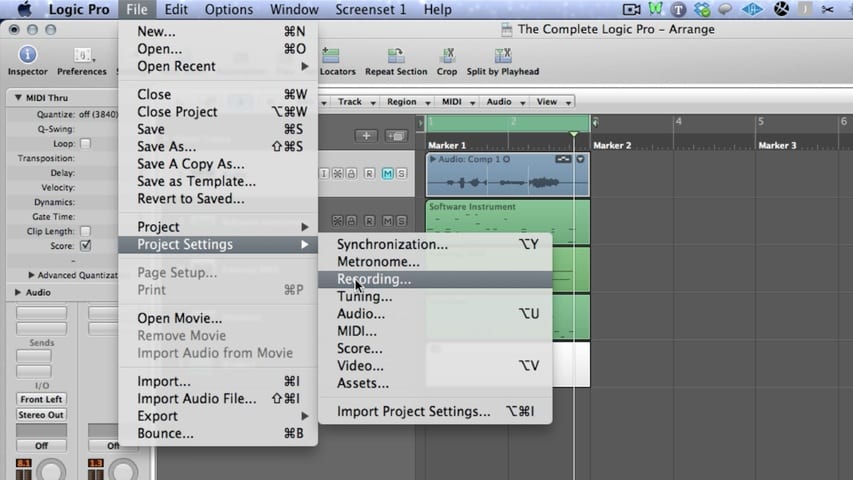
In part 1 of this Logic Pro premium tutorial, you’ll be given an overview of the Arrange Window. We’ll cover the Arrange Area, Toolbar, Inspector, and Transport.

In this video, you’ll learn how to make mixing easier and make your mixes sound better.

A quick primer on the Logic Pro Compressor styles. Members can download compressor presets in the style of Neve 33609.

In this Toontrack EZDrummer tutorial, you’ll discover how to set up a multi-output software instrument for ultimate control of the drum mix.
We’ve teamed up with Toontrack to give you exclusive tutorials on some of their new products, Rock Solid EZX and Metal Guitar Gods EZmix Pack.
Feast your ear tongues on these tasty amp cakes!