
In part 4 of the Logic Pro Audio Editing tutorial, you’ll learn about the digital factory, time and pitch machine, and groove machine.
Logic Pro 10.0.3 Update
This update fixes an issue that occurs when bypassing a multi-output instrument plug-in and is recommended for all Logic Pro X customers.
Logic Pro Audio Editing Part 3 – The Sample Editor
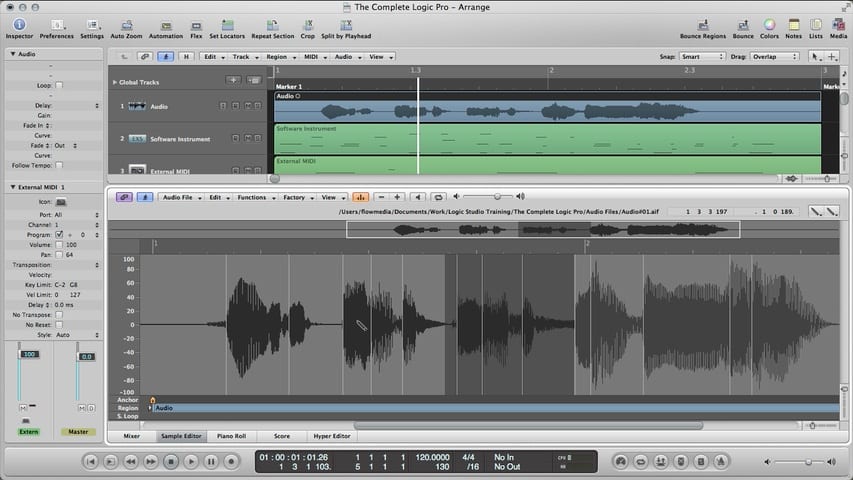
In part 3 of the Logic Pro Audio Editing tutorial, you’ll learn about the Sample Editor.
Logic Pro Audio Editing Part 2 – Flex Time
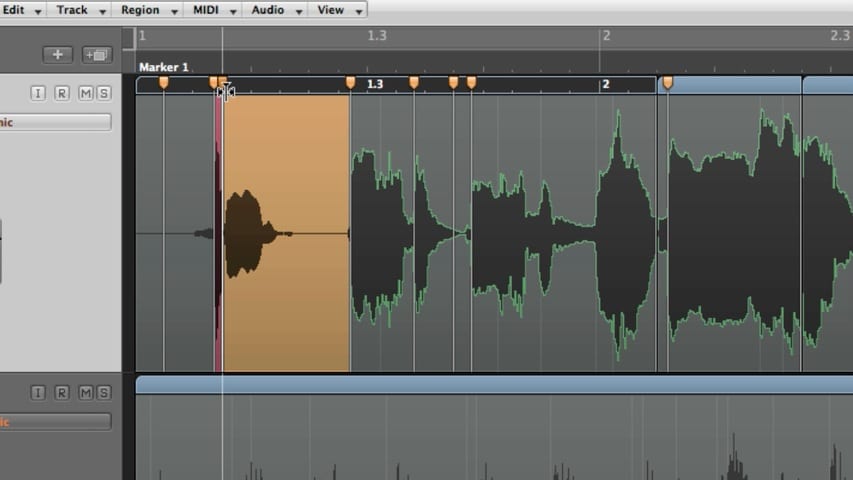
In part 2 of the Logic Pro Audio Editing tutorial, you’ll learn about using flex time and making tempo and pitch adjustments with varispeed.
Logic Pro Audio Editing Part 1 – Audio Takes
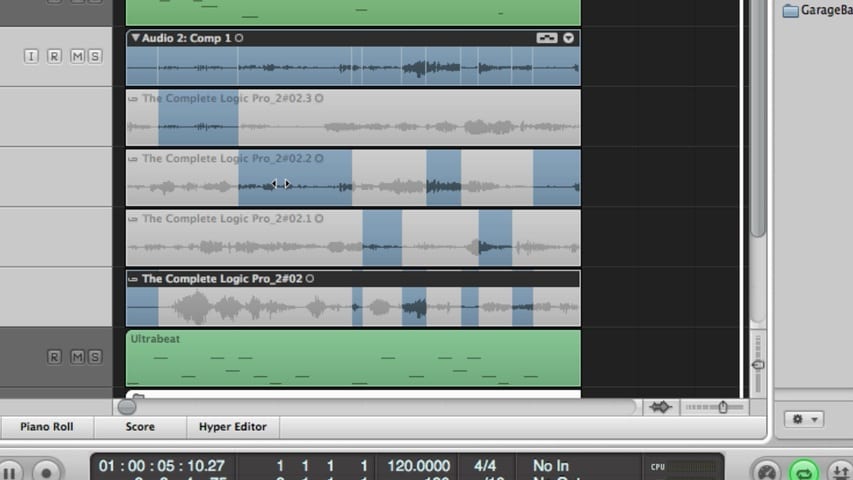
In part 1 of the Logic Pro Audio Editing tutorial, you’ll learn about editing audio takes, comping takes, editing comps, flattening and merging take folders, packing regions into takes, and much more.
Logic Pro 10.0.2 Update
This update improves overall stability and performance issues. This release is recommended for all Logic Pro X customers.
MainStage 3.0.1 Update
This update improves overall stability and performance issues. This release is recommended for all MainStage 3 customers.
Recording MIDI – Recording a Single MIDI Take Through Using the Caps Lock Keyboard
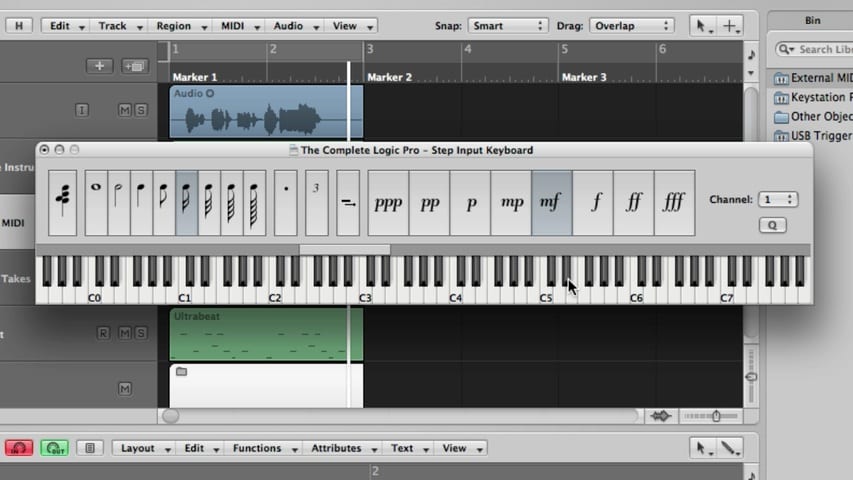
In this Logic Pro premium tutorial, you’ll be given an overview of Recording MIDI in Logic Pro. We’ll cover recording a single MIDI take, recording additional MIDI takes, recording multiple MIDI takes, MIDI multitrack recording, MIDI merge recording, MIDI replace recording, capture as recording retrospectively, filtering MIDI events, MIDI punch recording, MIDI step input recording, using the step input keyboard, and using the caps lock keyboard.
Recording Audio Part 3 – Punch Recording Through Replace Recording
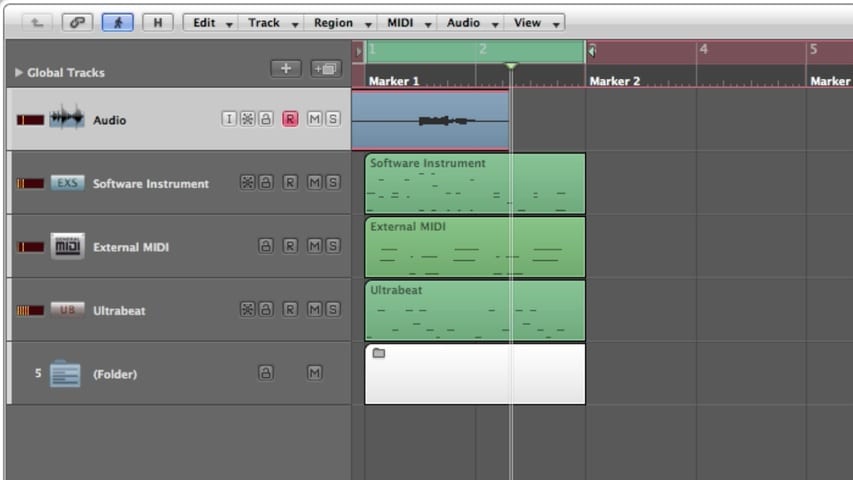
In part 3 of this Logic Pro premium tutorial, you’ll be given an overview of Recording Audio in Logic Pro. We’ll cover punch recording, locators, recording in replace mode, and deleting audio recordings.
Recording Audio Part 2 – Recording a Single Take Through Multitrack Recording
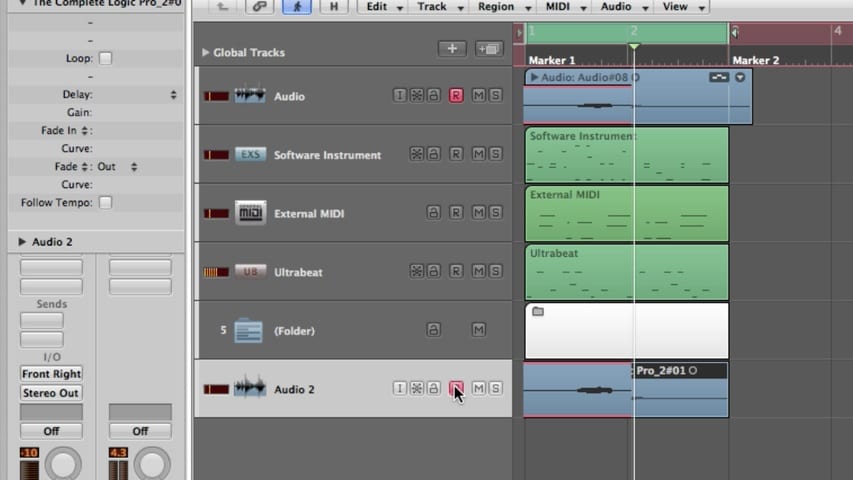
In part 2 of this Logic Pro premium tutorial, you’ll be given an overview of Recording Audio in Logic Pro. We’ll cover recording a single take, recording additional takes, recording multiple takes, and multitrack recording.