
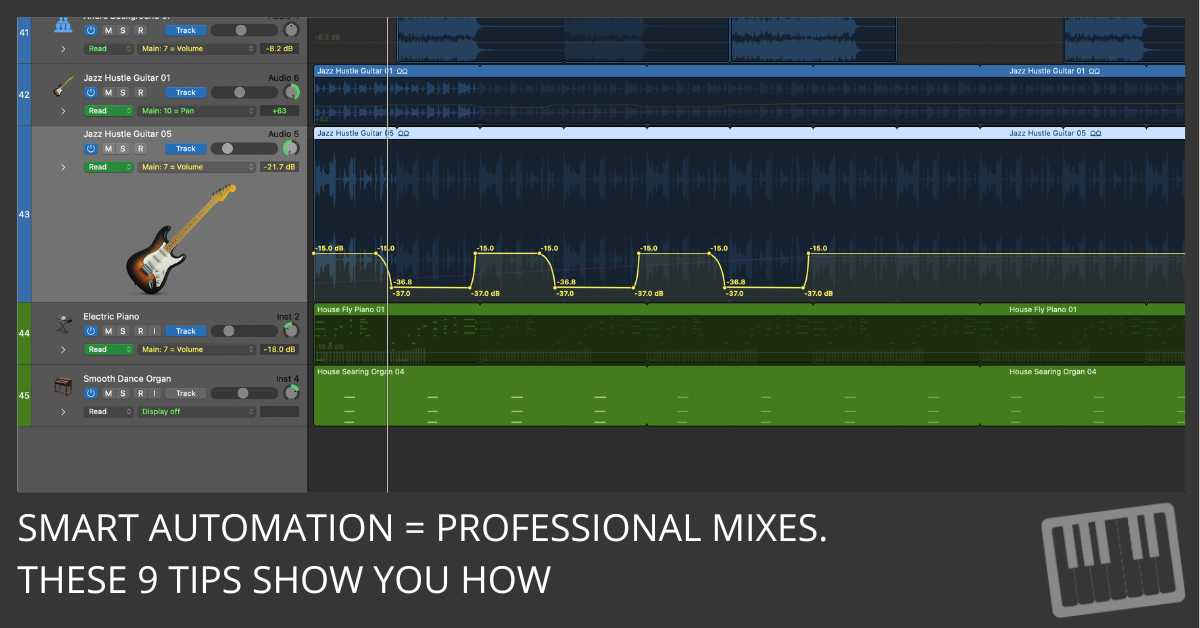
Discover the 9 biggest automation mistakes Logic Pro users make and learn simple, fast ways to fix them for a cleaner, more professional mix.
Discover the 9 biggest automation mistakes Logic Pro users make and learn simple, fast ways to fix them for a cleaner, more professional mix.
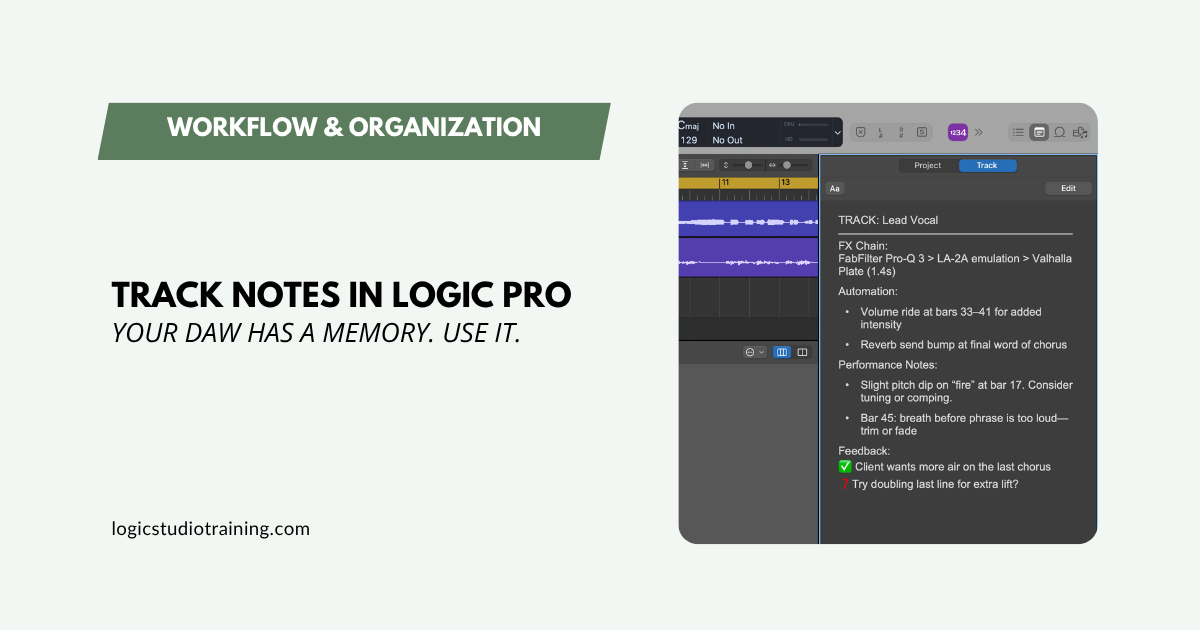
Use Logic Pro’s Track Notes and Project Notes to document settings, capture ideas, and remember why you made every move. A simple system that saves hours.
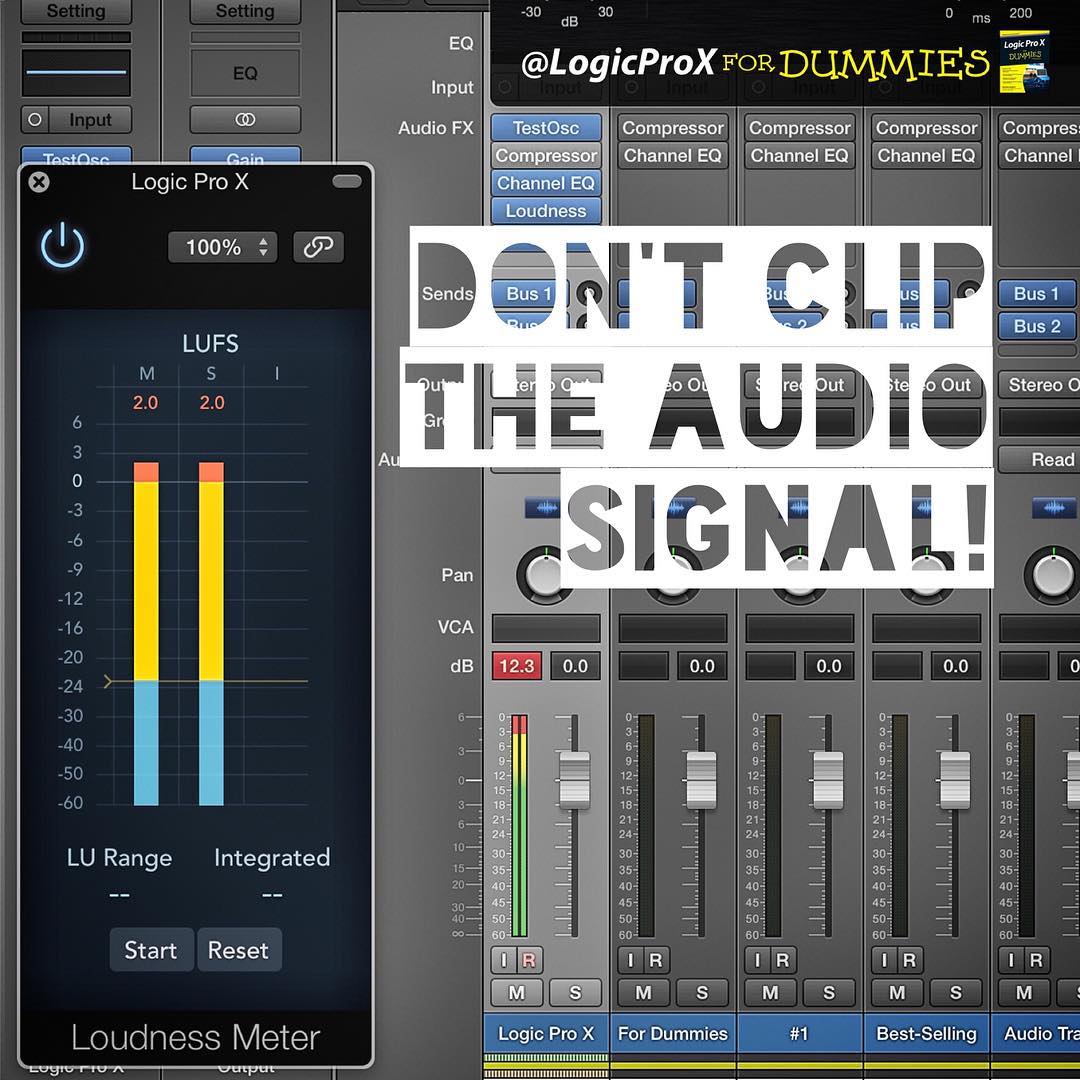
Did you know that Logic Pro is not set up correctly from the start to get the best sound?! The fact is: Logic Pro is too loud! Here’s the solution…

A reader asked how to get their Roland V-Drums to control a drum track and their MIDI keyboard to control a software instrument track in Logic Pro. 🥁🎹🤓
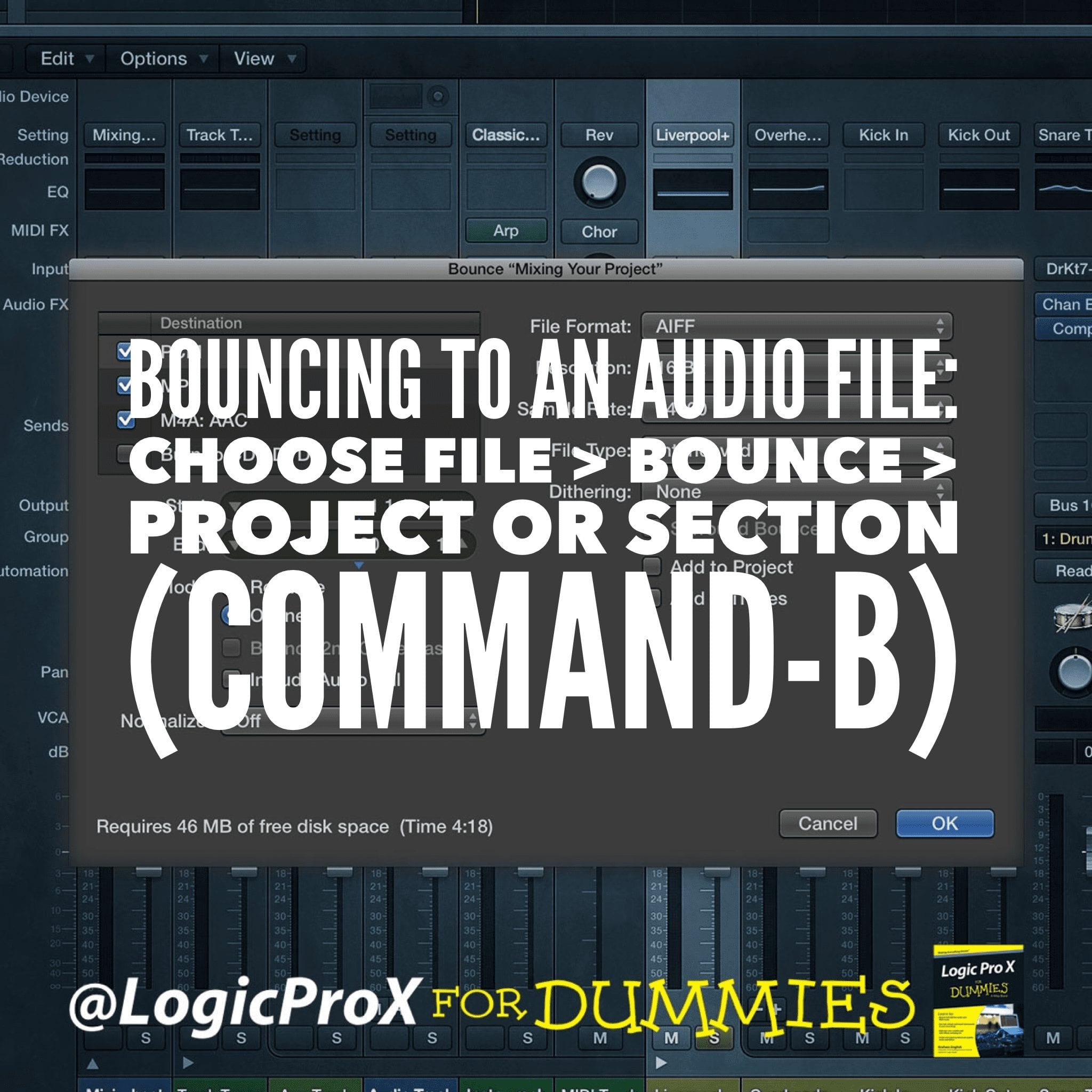
Bouncing several different versions of your final mix is a common practice. Bouncing alternative mixes and stems is easy using Logic Pro. Find out more…

The Retro Synth is four synths in one. It’s a 16-voice synthesizer that can switch between 4 of the most popular types of synthesis. Find out more…
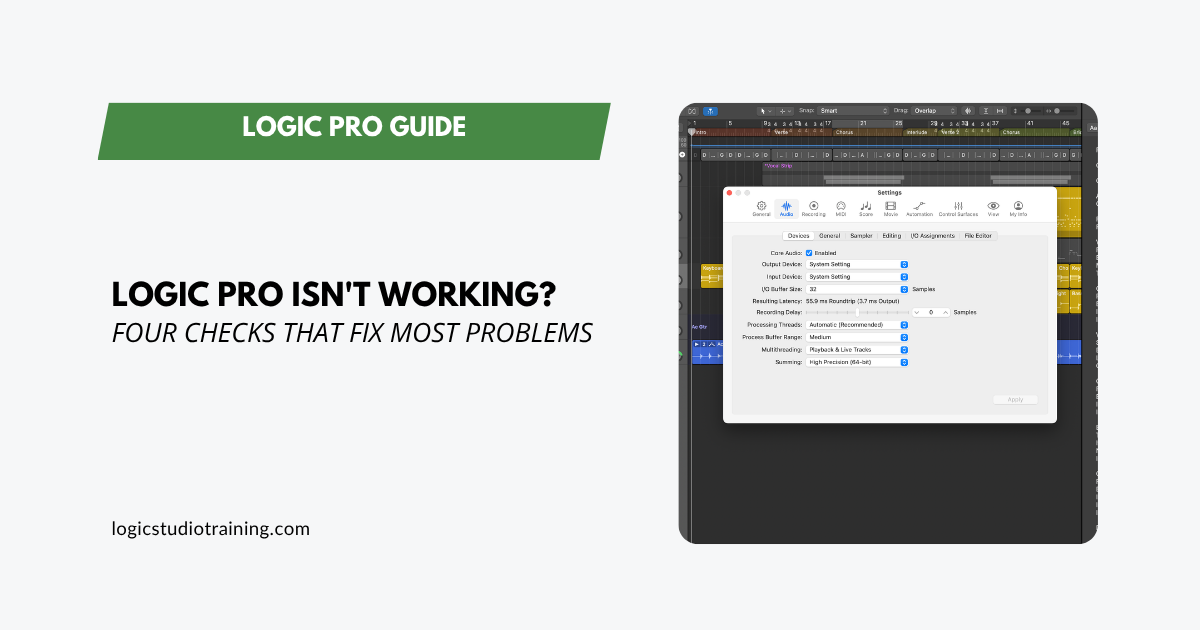
Logic Pro not working? Run these four checks first. Most problems trace to a plugin, audio interface, or a damaged project, and clear in about five minutes.
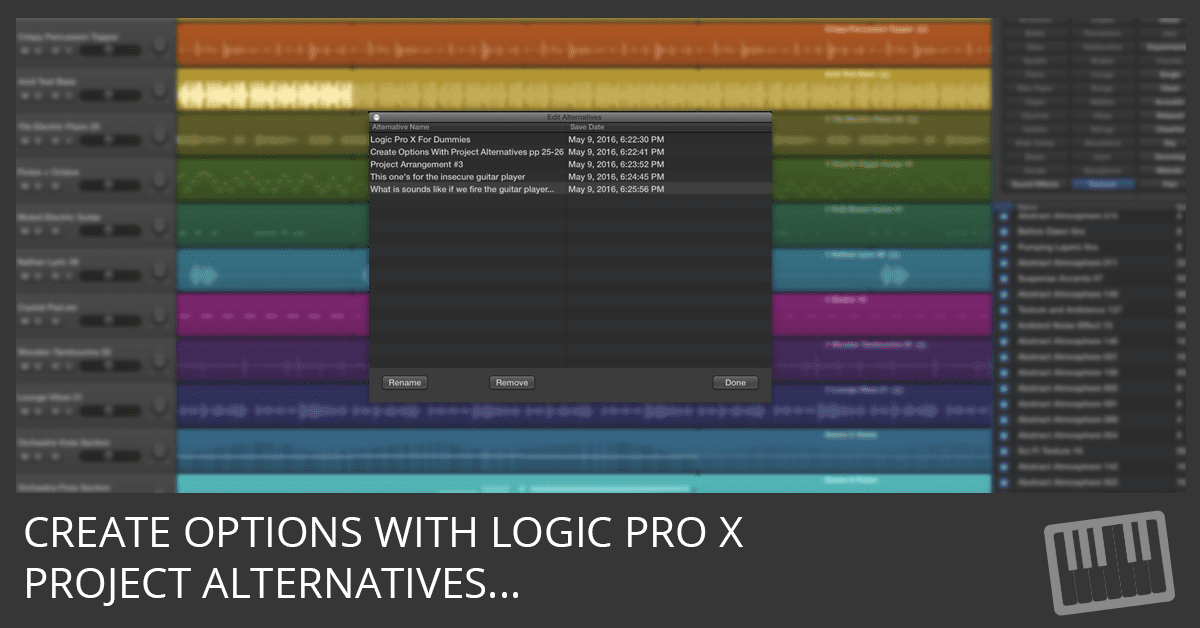
Logic Pro X project alternatives save you from creating new projects or copies of projects every time you want to try something new. Find out more.
In this video, you’ll discover how to create audio and MIDI tracks that feel good together using Groove Tracks in Logic Pro X.