
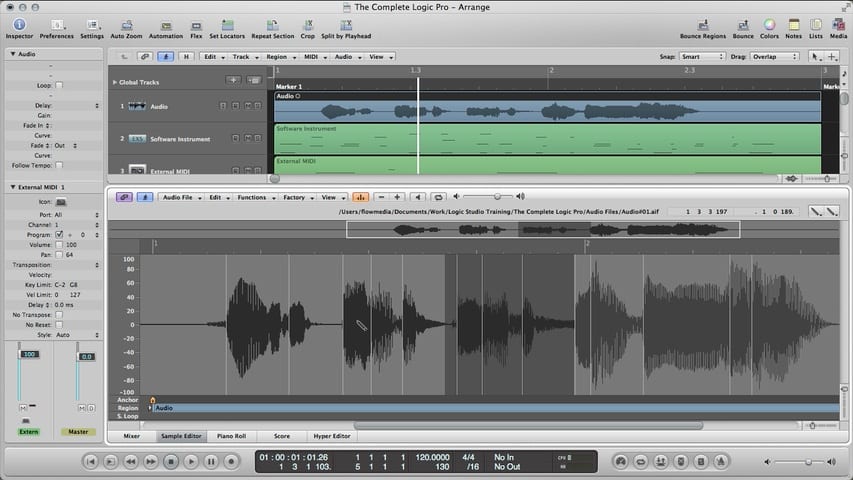
In part 3 of the Logic Pro Audio Editing tutorial, you'll learn about:
- The Sample Editor
- Navigating Audio Files in the Sample Editor
- Selecting Audio in the Sample Editor
- Using the Pencil Tool
- Trimming Audio
- Silencing Audio
- Changing Audio Levels
- Normalizing Audio
- Audio Fades
- Creating Backups in the Sample Editor
Free Download
Get the Free Logic Pro Quick Start Guide
The key workflows, settings, and shortcuts to get up and running in Logic Pro fast. Enter your name and email and I'll send it right over.
Your information stays private. No spam, no sharing, ever.