
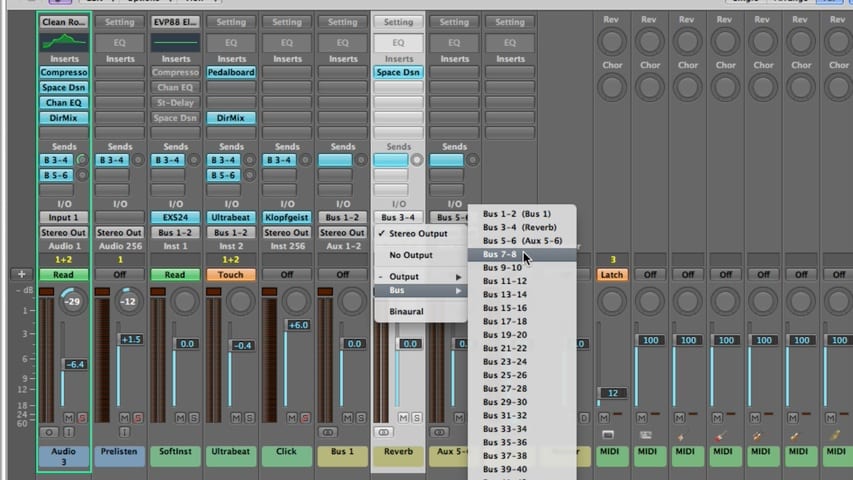
In part 3 of the Logic Pro Mixing tutorial, you'll learn about:
- Using Effects
- Routing Audio with Insert Effects
- Routing Audio with Send Effects
- Controlling Signal Flow
- Using Aux Channels
- Applying Send Effects to Submixes
- Output Channel Strips
- Surround Panning
- Binaural Panning
- MIDI Channel Strips
- Saving MIDI Channel Strip Settings
- Mixer Views
- Mixer Track Notes
- I/O Labels
Free Download
Get the Free Logic Pro Quick Start Guide
The key workflows, settings, and shortcuts to get up and running in Logic Pro fast. Enter your name and email and I'll send it right over.
Your information stays private. No spam, no sharing, ever.