
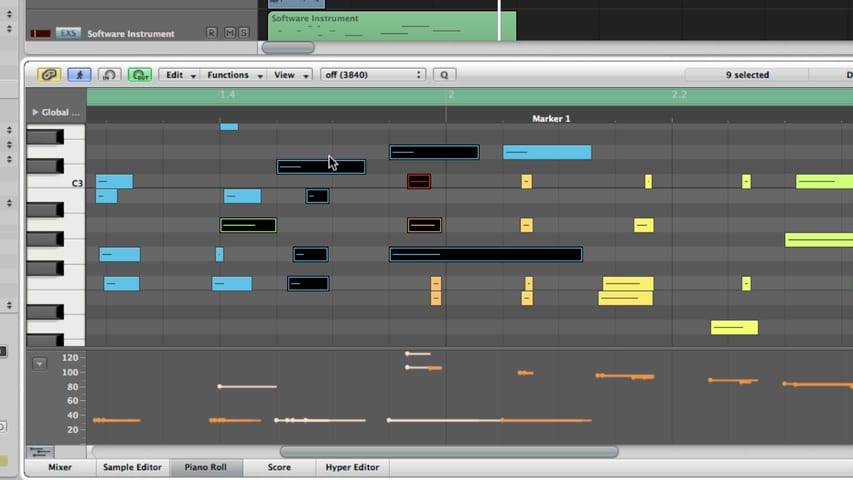
In part 1 of the Logic Pro MIDI Editing tutorial, you'll learn about:
- The Piano Roll Editor
- The Piano Roll Grid
- The Piano Roll Info Display
- Creating and Editing Note Events
- Piano Roll Snap Settings
- Hyper Draw
Free Download
Get the Free Logic Pro Quick Start Guide
The key workflows, settings, and shortcuts to get up and running in Logic Pro fast. Enter your name and email and I'll send it right over.
Your information stays private. No spam, no sharing, ever.