
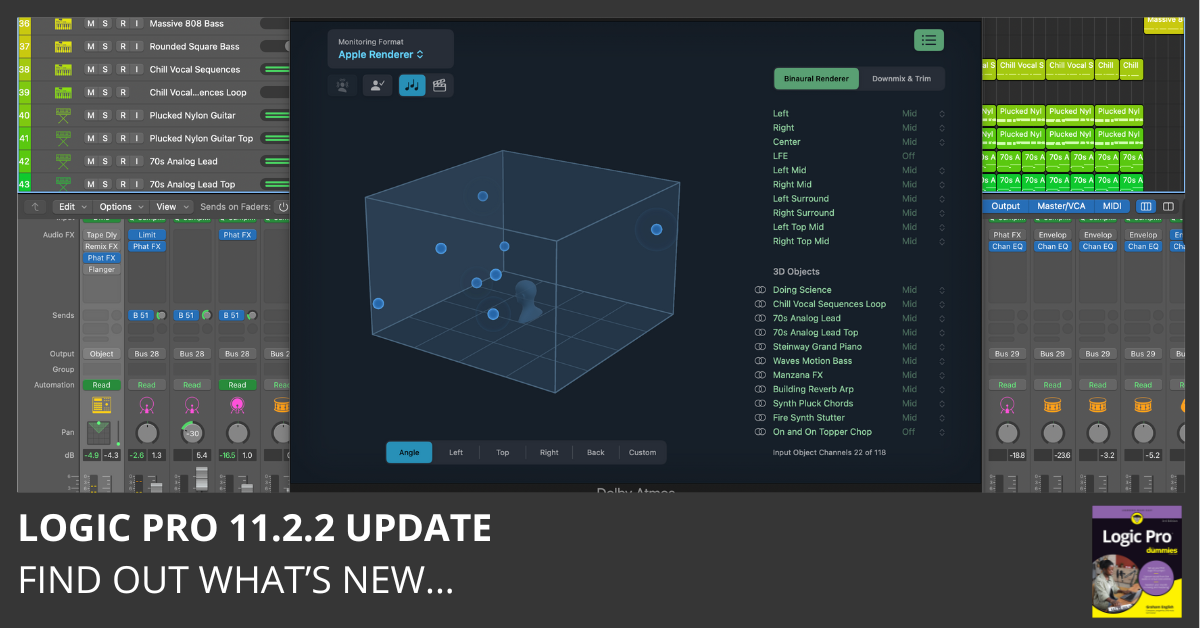
Get Logic Pro 11.2.2 in the Apple App Store
Logic Pro 11.2.2 Release Notes
Requires Apple silicon (M1 or later)
Requires macOS Sonoma 14.4 or later
What’s New in Logic Pro 11.2.2
This update is all about stability and reliability: fixing crashes, improving plugin behavior, and tightening controller and automation workflows.
Here’s what’s included and why it matters:
Better Stability and Project Reliability
- Fixes crashes that occurred when opening the Surround Panner, undoing fader creation, or setting certain Environment fader styles.
- Ensures text and chords display properly in the Score when reopening a project.
- Improved compatibility with older projects.
Plug-in Management that Works as Expected
- Recently installed and reset Audio Unit plug-ins now appear reliably in the Plug-in Manager.
Controller Assignments Made Smarter
- “Insert Bypass” assignments now stick to the correct insert.
- New control assignments no longer trigger old ones accidentally.
Automation Fixes
- The bypass state now shows in the correct automation lane for Software Instrument tracks.
These changes may not be flashy, but they’re crucial for a smoother, more dependable experience, especially for users who rely on complex sessions, controllers, and custom workflows.
Read Past Logic Pro Update Highlights
- Logic Pro 11.2.1 Update
- Logic Pro 11.2 Update
- Logic Pro 11.1.2 Update
- Logic Pro 11.1.1 Update
- Logic Pro 11.1 Update
- Logic Pro 11.0.1 Update
- Logic Pro 11 Update
- Logic Pro 10.8.1 Update
Your Logic Pro Coach,
Graham English
Logic Pro For Dummies
The Complete Plain-English Guide to Logic Pro
Written by Graham English — the most accessible and complete Logic Pro reference available. Stop Googling every question and actually understand how Logic works.
See the Book →