
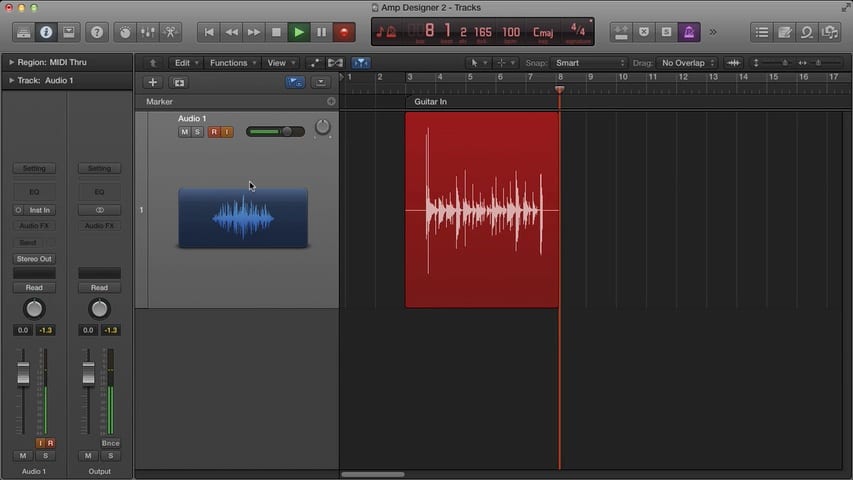
To get the best sound out of Logic Pro's Amp Designer plug-in, your guitar must be hooked up to your audio interface correctly. Mastering the Logic Pro Amp Designer Part 2 teaches you what you need to know. You'll discover a couple of tips on how to set up the metronome and count-in for recording, as well as setting markers so you can quickly and easily jump around your project. You'll learn where to plug your guitar in on your audio interface, how to properly set up your audio interface, and how to set the appropriate level.
- Discover how to get the optimum sound from your guitar in Logic Pro's Amp Designer plug-in
- Learn which inputs and audio interface settings you need to use with Amp Designer
- Speed up your recording skills with these tricks to get yourself record-ready quickly
Free Download
Get the Free Logic Pro Quick Start Guide
The key workflows, settings, and shortcuts to get up and running in Logic Pro fast. Enter your name and email and I'll send it right over.
Your information stays private. No spam, no sharing, ever.