
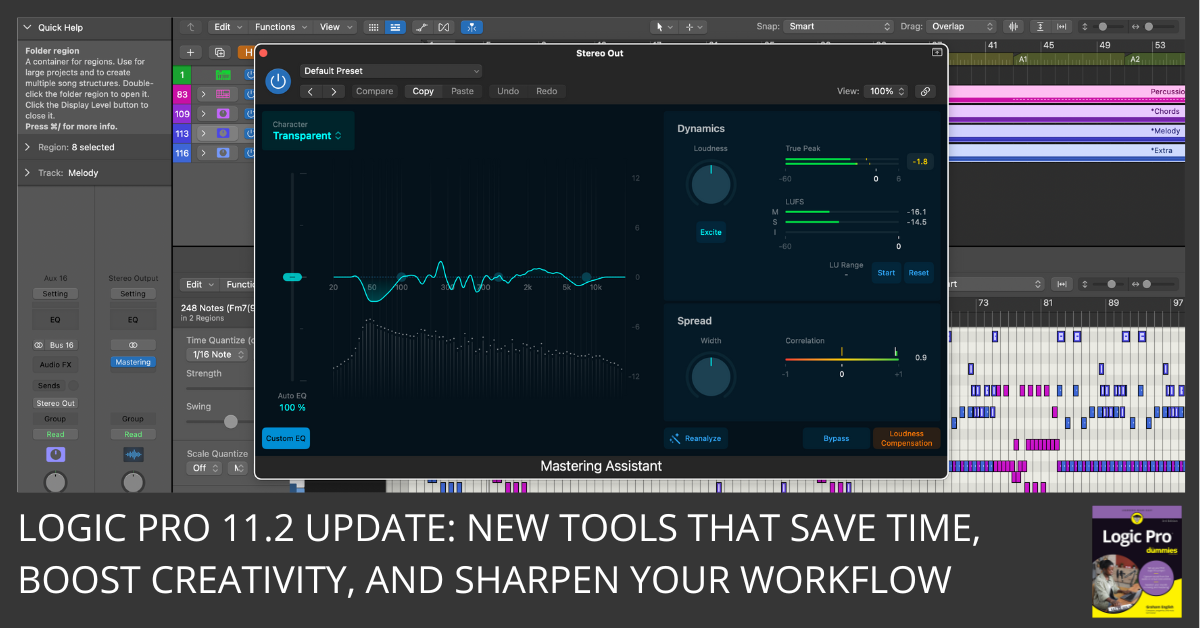
Logic Pro 11.2 brings major updates: AI writing tools, enhanced stems, and powerful new sound packs. Find out what’s new here.
Logic Pro 11.2 brings major updates: AI writing tools, enhanced stems, and powerful new sound packs. Find out what’s new here.
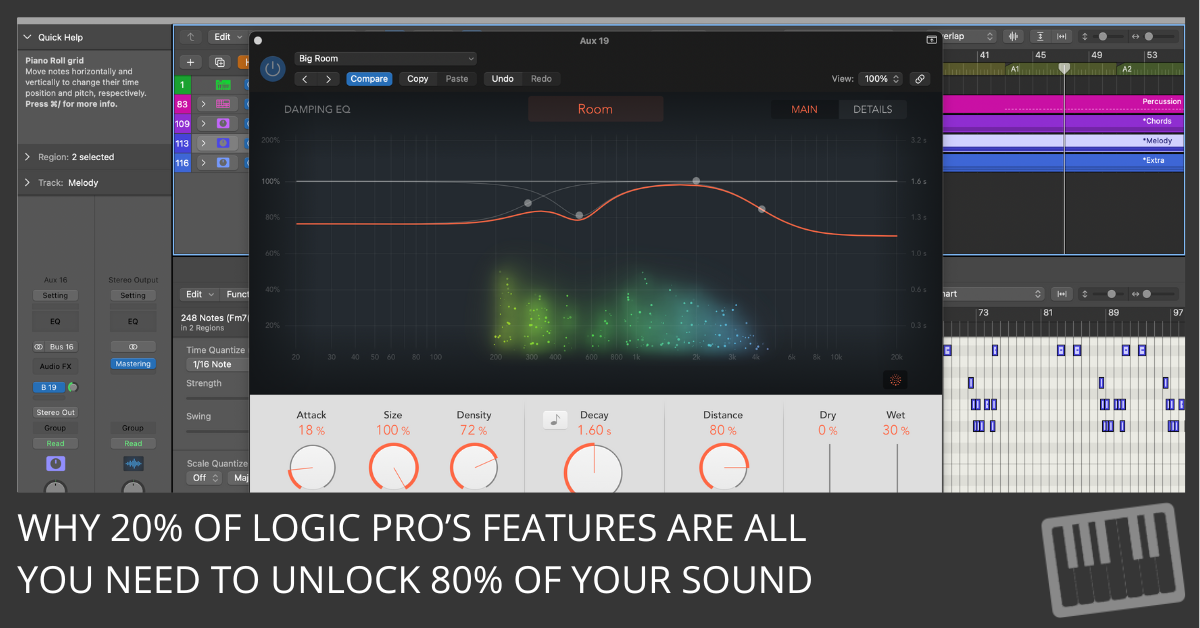
Overwhelmed by Logic? This guide shows how to produce pro tracks using just a handful of tools. Finish more songs, with less gear.

Build custom Smart Controls in Logic Pro: map knobs to any plugin, create macros, assign MIDI, and save as a reusable preset. Step-by-step guide.
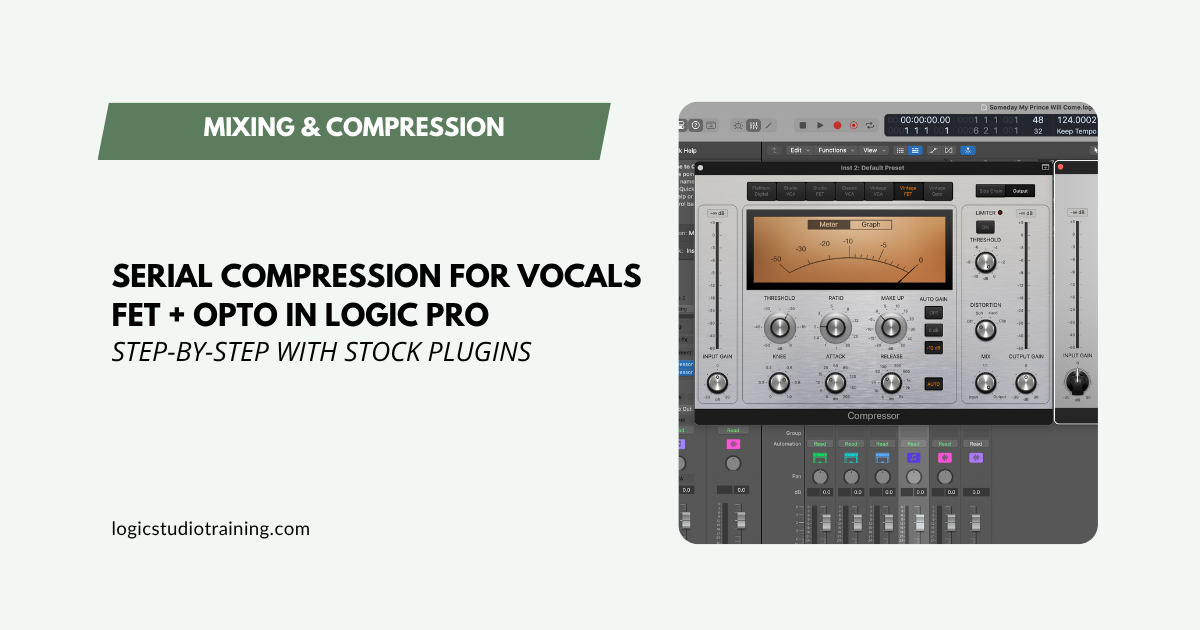
Use Logic Pro’s FET and Opto compressors in series for pro vocal dynamics. Step-by-step settings, send effects setup, and a reusable chain template.
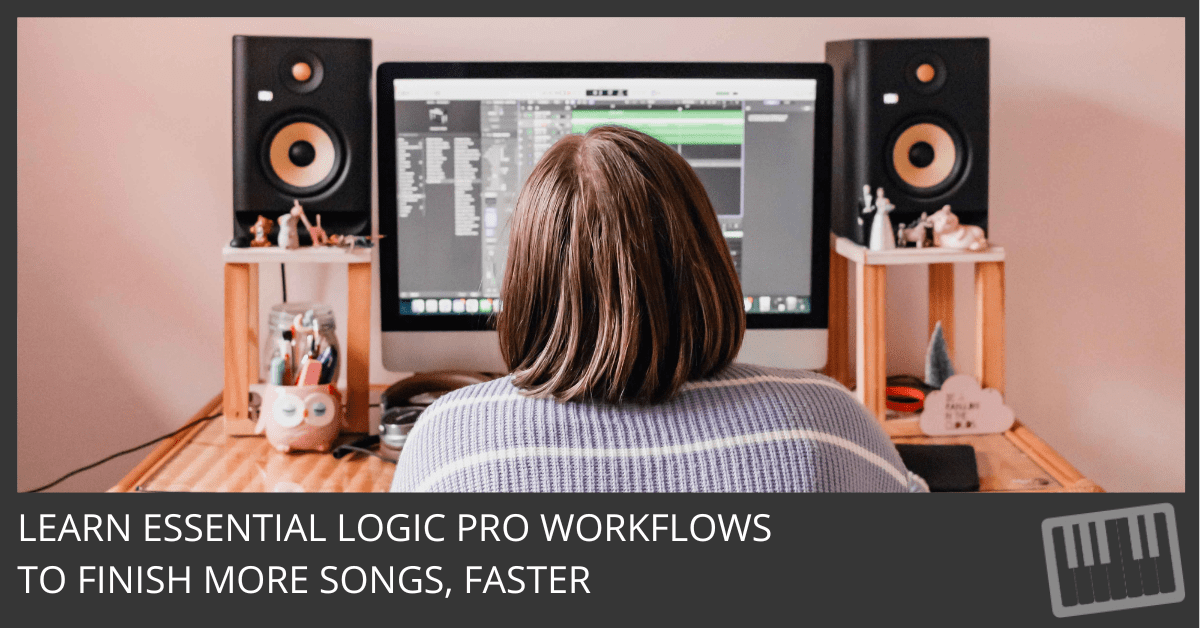
Learn how to start producing in Logic Pro with native plugins, transitions, and pro workflows. A must-read for beginner and intermediate producers.
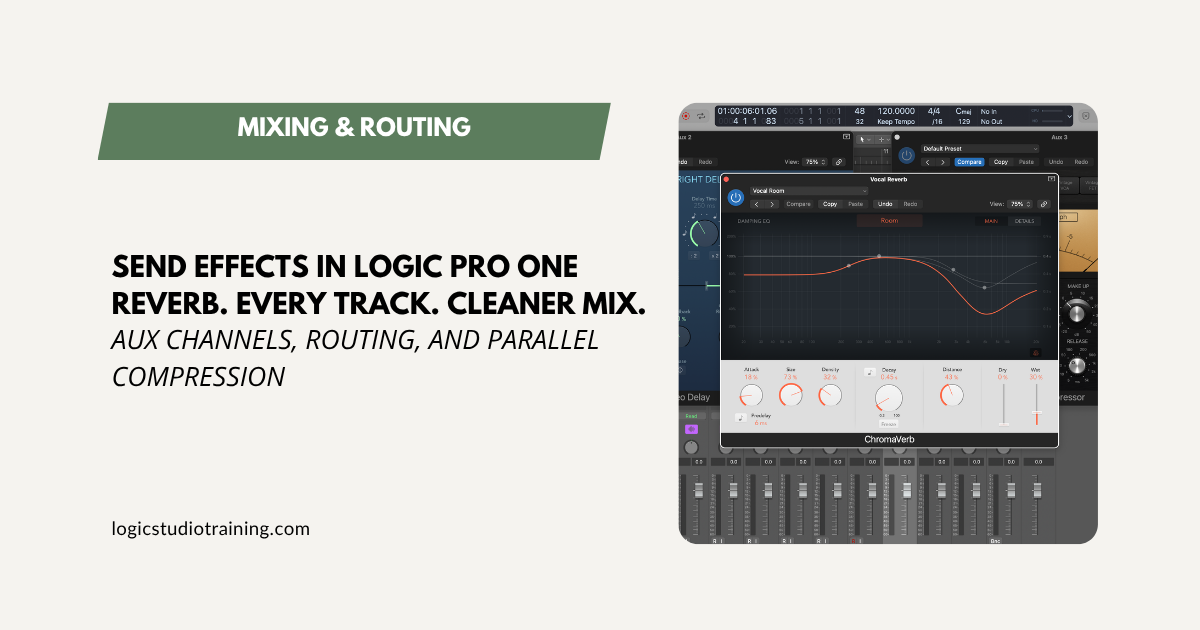
Stop inserting reverb on every track. Set up send effects in Logic Pro with aux channels for cleaner mixes, less CPU, and total effect control.
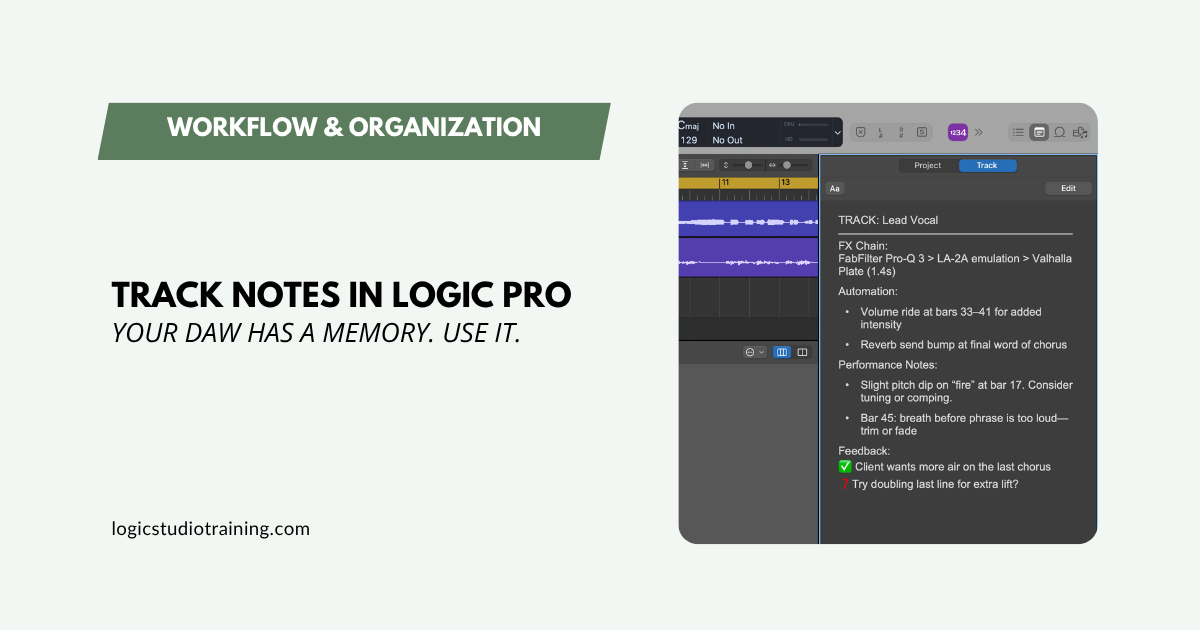
Use Logic Pro’s Track Notes and Project Notes to document settings, capture ideas, and remember why you made every move. A simple system that saves hours.
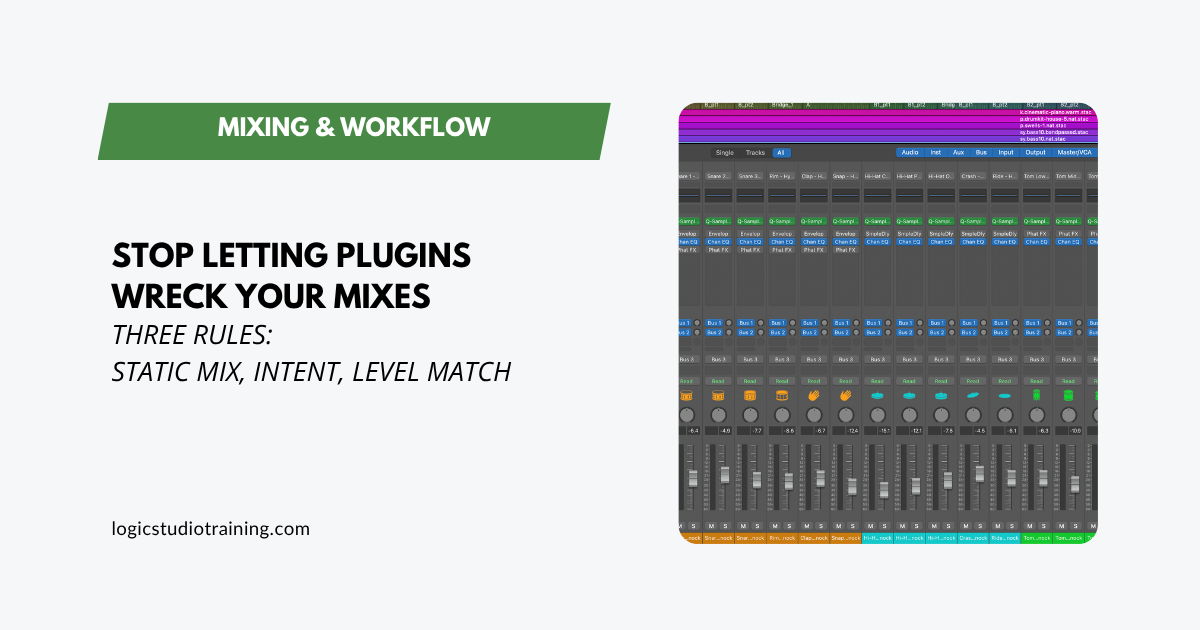
Stop over-processing in Logic Pro. Three field-tested rules (static mix first, a reason for every plugin, always level match) for cleaner mixes, faster.
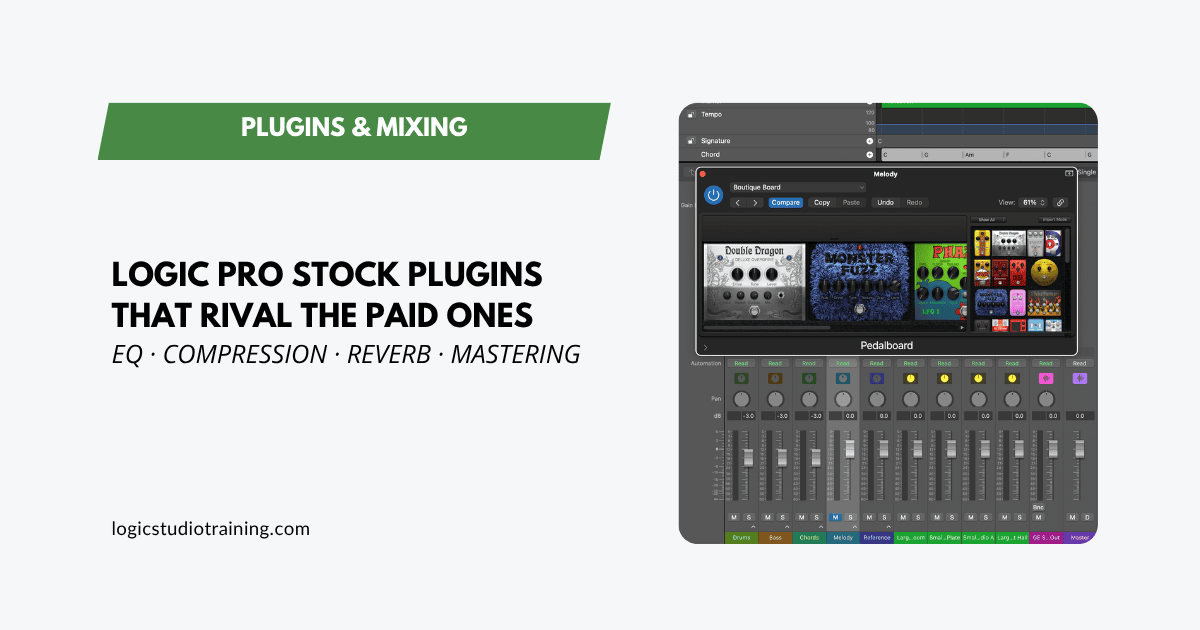
Logic Pro’s stock plugins compete with the paid ones you’re eyeing. See which stock EQ, compressor, reverb, and mastering tools deliver, and how to use them.
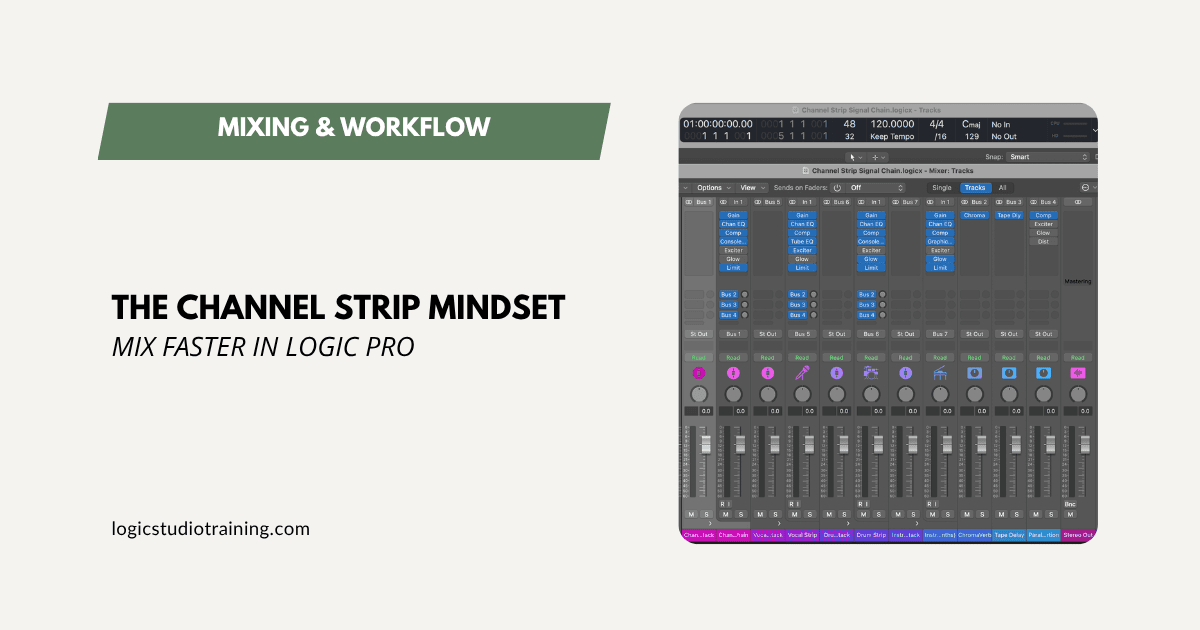
Mix faster in Logic Pro with a channel strip mindset: the same stock tools, in the same order, on every track. No third-party plugins required.