
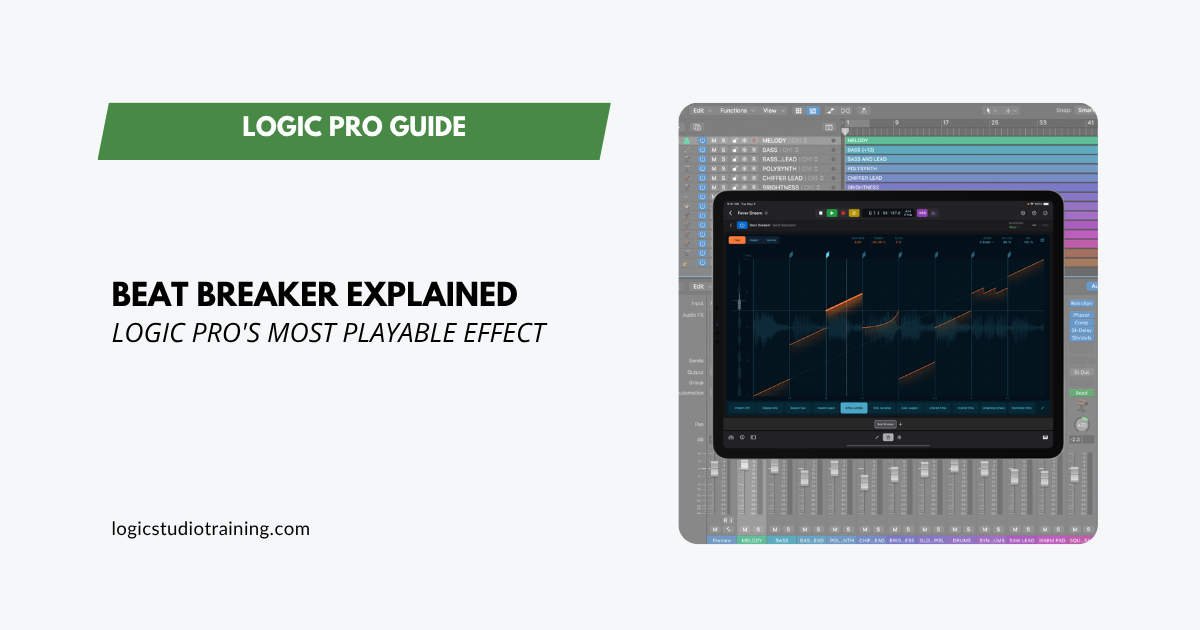
Beat Breaker slices and reshapes audio in real time. Learn the three edit modes, build performance patterns, and turn a stale loop into a new groove in seconds.
Beat Breaker slices and reshapes audio in real time. Learn the three edit modes, build performance patterns, and turn a stale loop into a new groove in seconds.
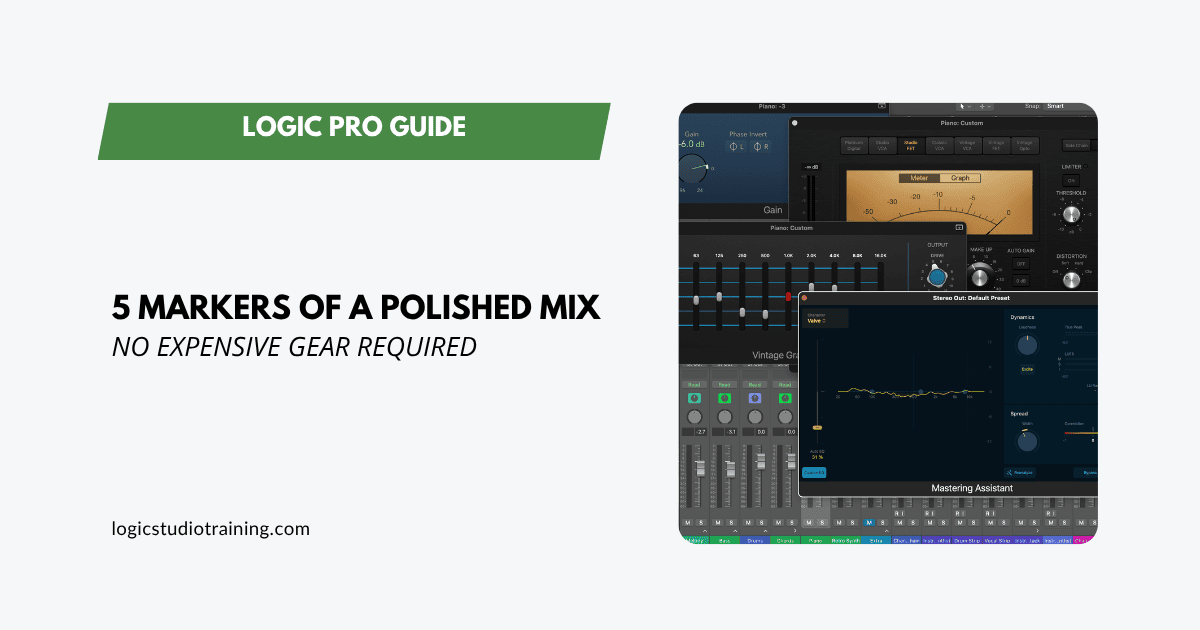
Five fundamentals separate an amateur mix from a polished one. Get each right in Logic Pro with stock plugins, exact settings, and the reason each one works.
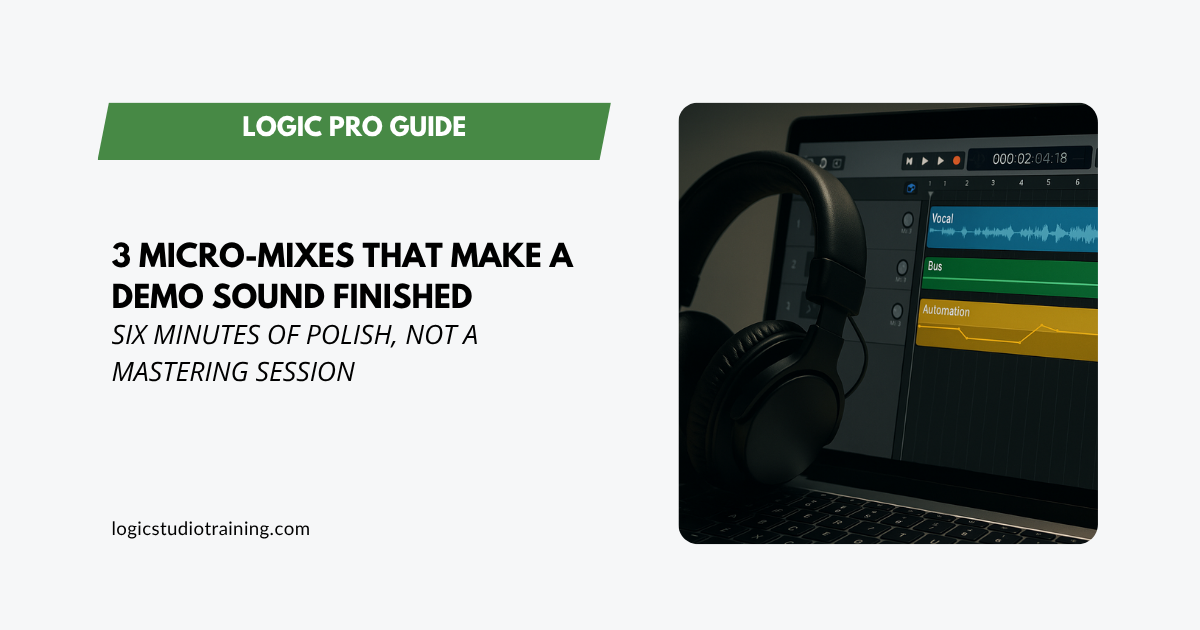
Three fast polish moves in Logic Pro that take the demo quality off your track: vocal level, bus glue, and one automation pass. About six minutes of work.
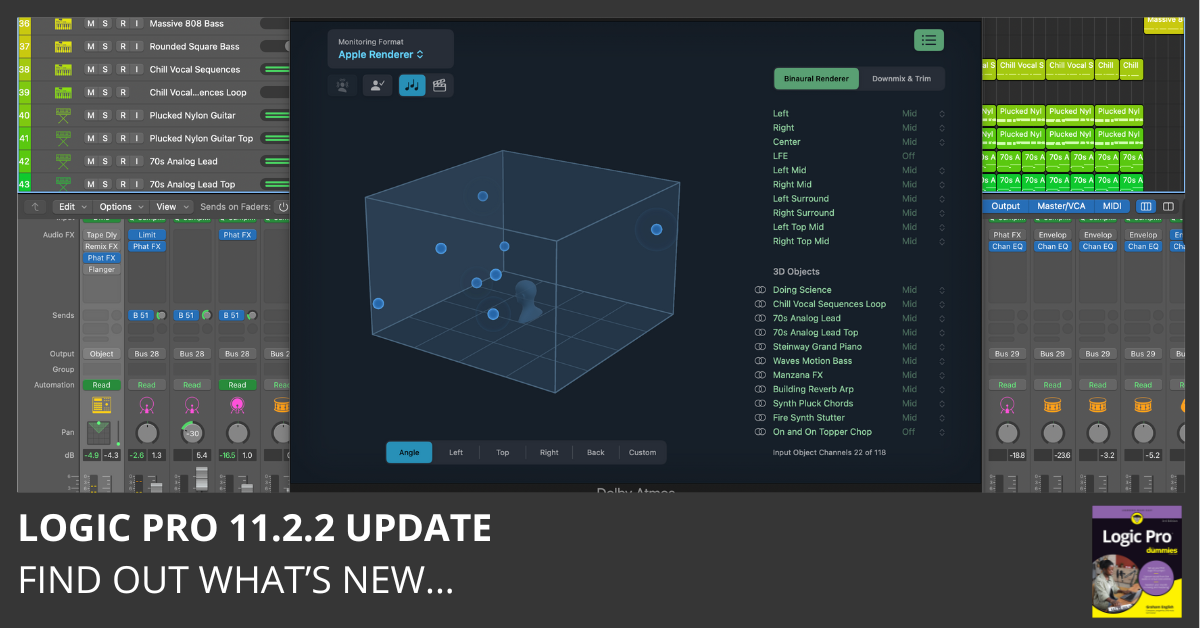
Download Logic Pro 11.2.2 and read the release notes. This update includes stability improvements and bug fixes. Find out what’s new here…
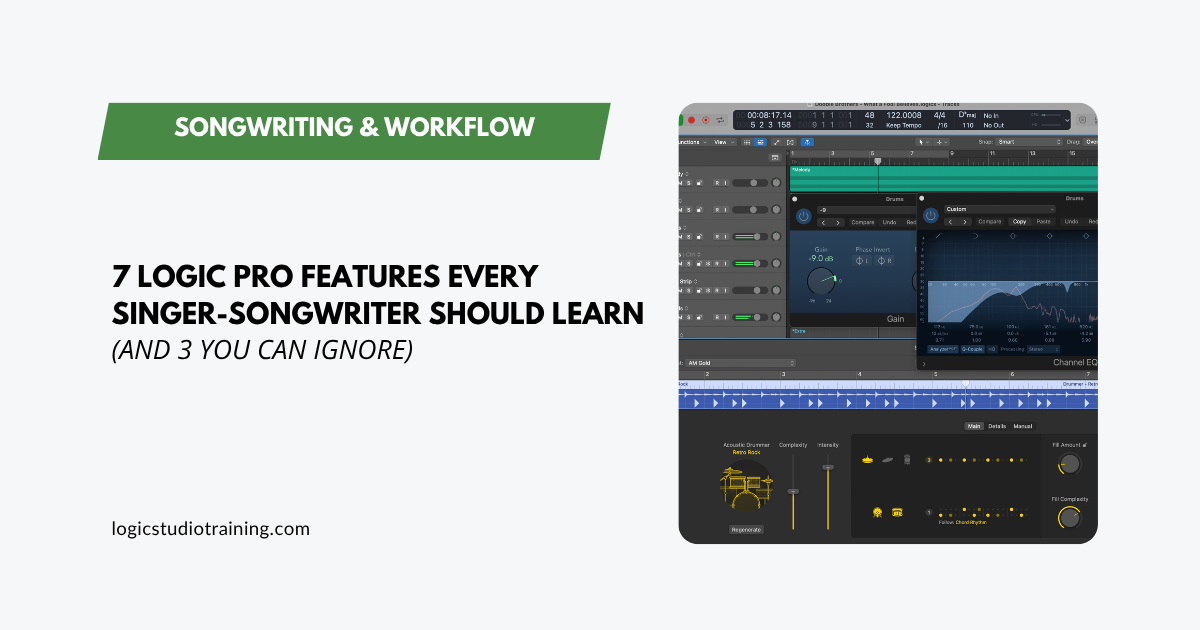
The 7 Logic Pro features singer-songwriters actually need to finish songs, plus 3 you can skip. Less overwhelm, more music. Written for working writers.
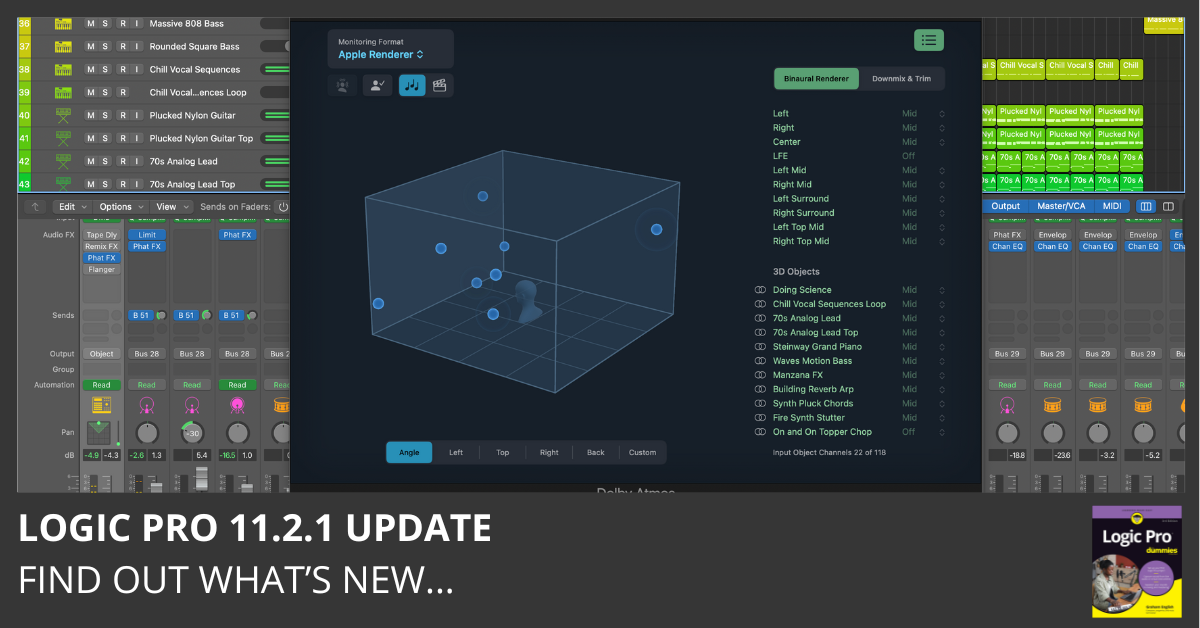
Download Logic Pro 11.2.1 and read the release notes. This update includes stability improvements and bug fixes. Find out what’s new here…
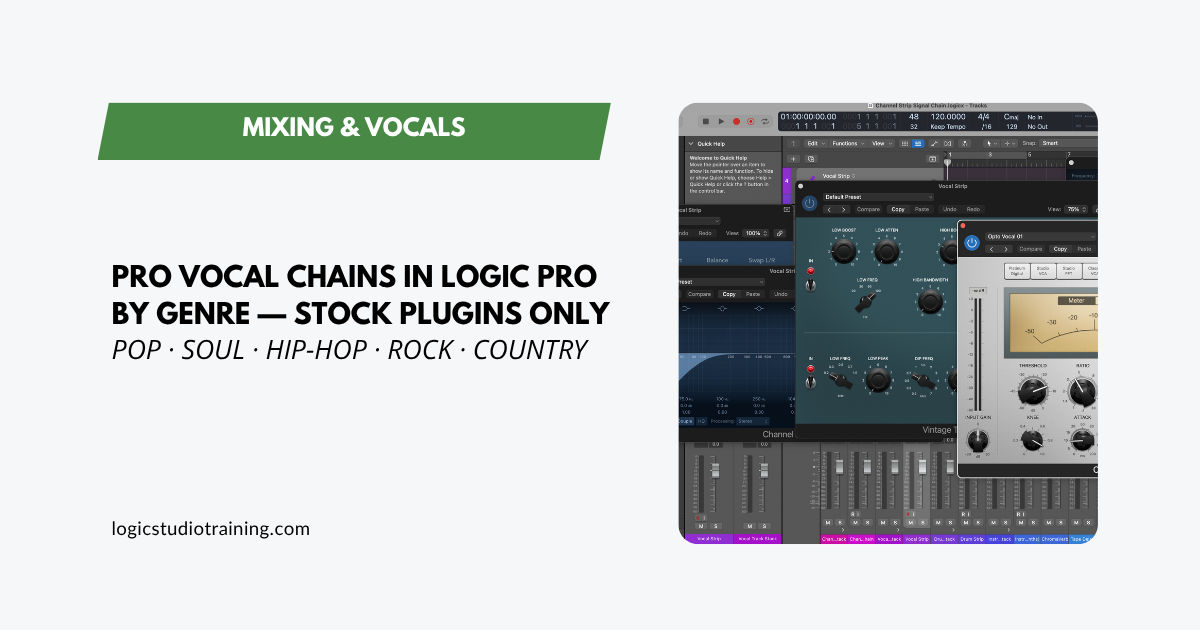
Build pro vocal chains for pop, soul, hip-hop, rock, and country in Logic Pro using only stock plugins. Exact signal chains and settings for each genre.
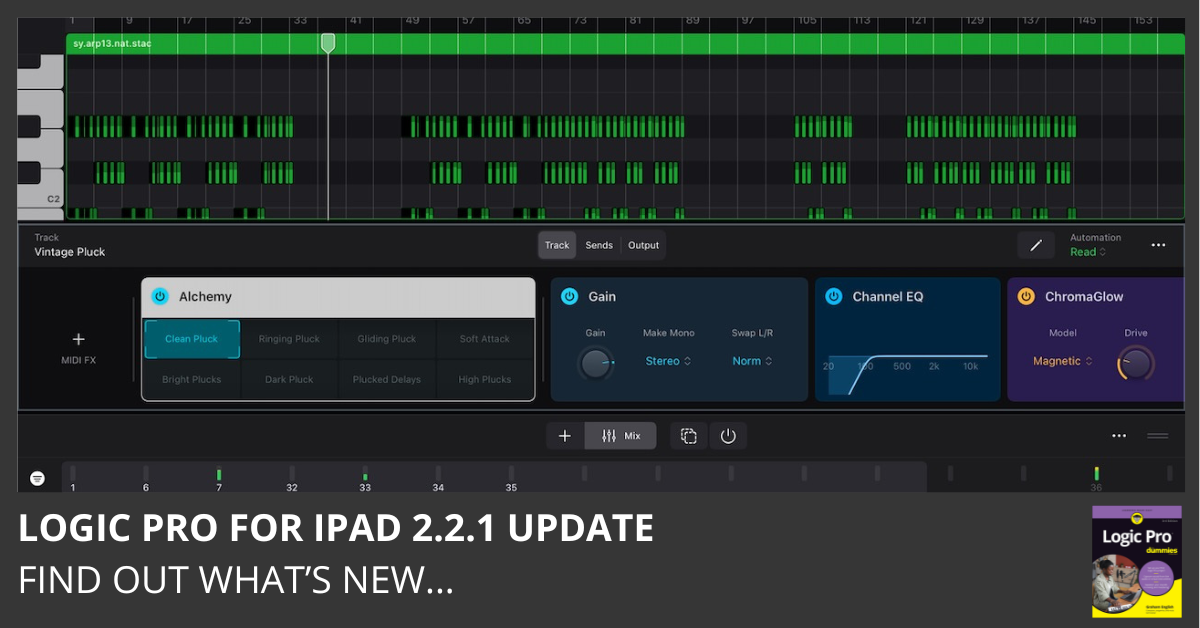
Download Logic Pro for iPad 2.2.1 and read the release notes. This update includes stability improvements and bug fixes. Find out what’s new here…
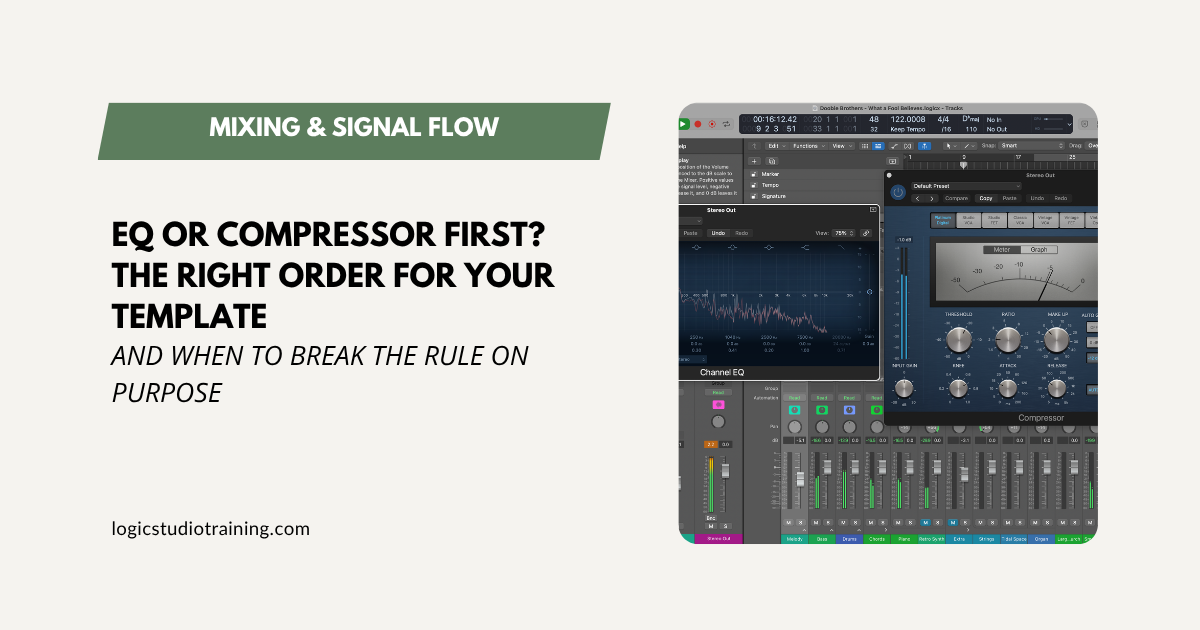
Should EQ or compression come first in your Logic Pro template? The default is EQ first, and here’s exactly why, plus when it pays to break the rule.
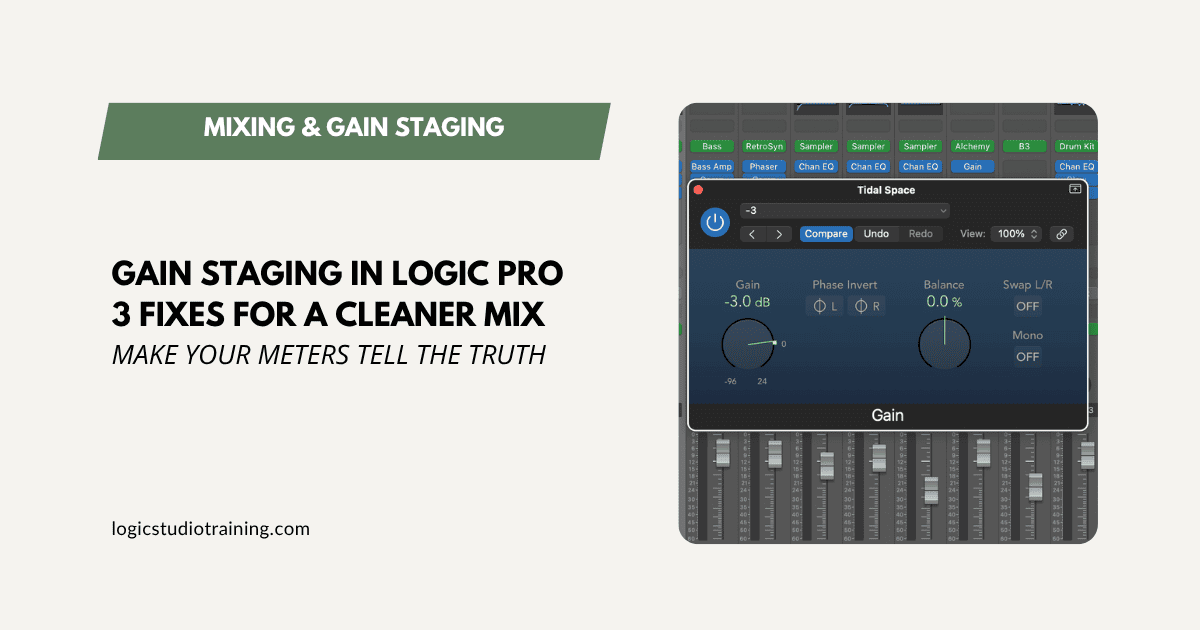
Muddy, harsh mixes usually start with bad gain staging. Three quick Logic Pro fixes clean it up fast, no new plugins required.