
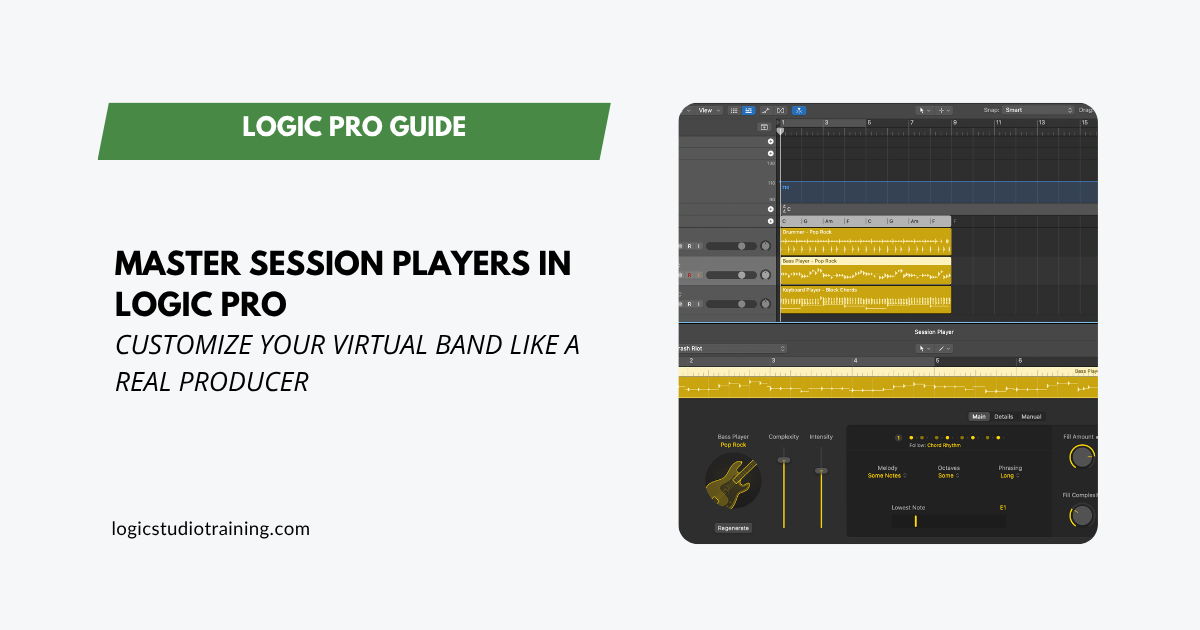
A deep guide to Logic Pro Session Players: feed them chords, shape the performance, build manual patterns, and convert to MIDI for total control.
A deep guide to Logic Pro Session Players: feed them chords, shape the performance, build manual patterns, and convert to MIDI for total control.
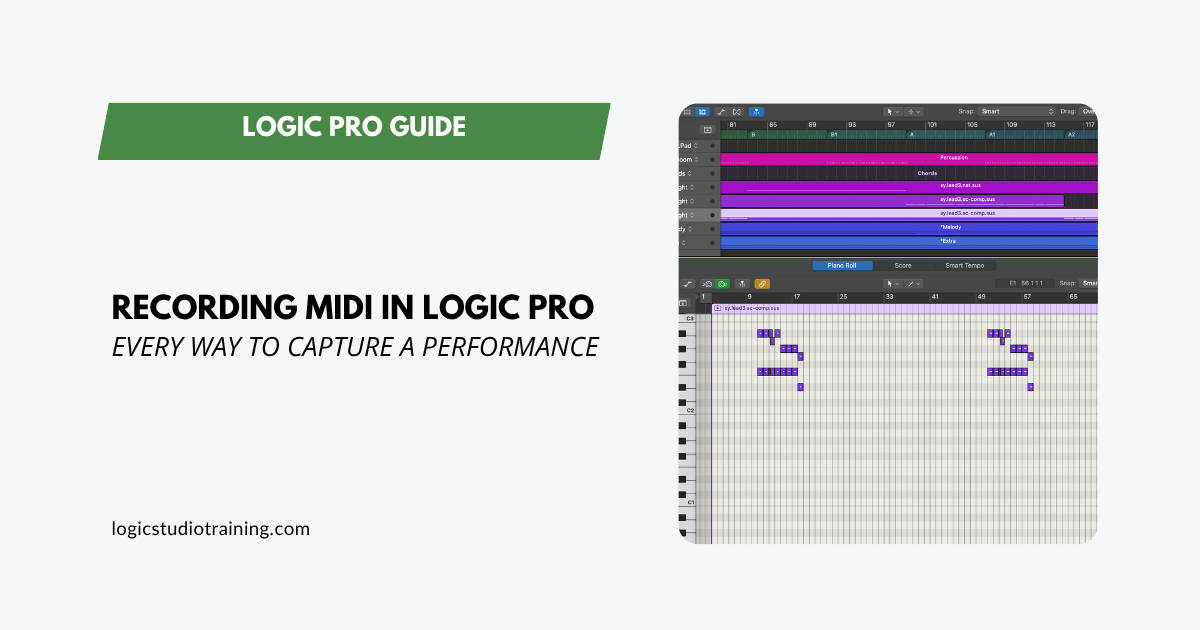
A full guide to MIDI recording in Logic Pro. Capture software instruments, enter notes with Step Input, overdub takes, and route MIDI between tracks.
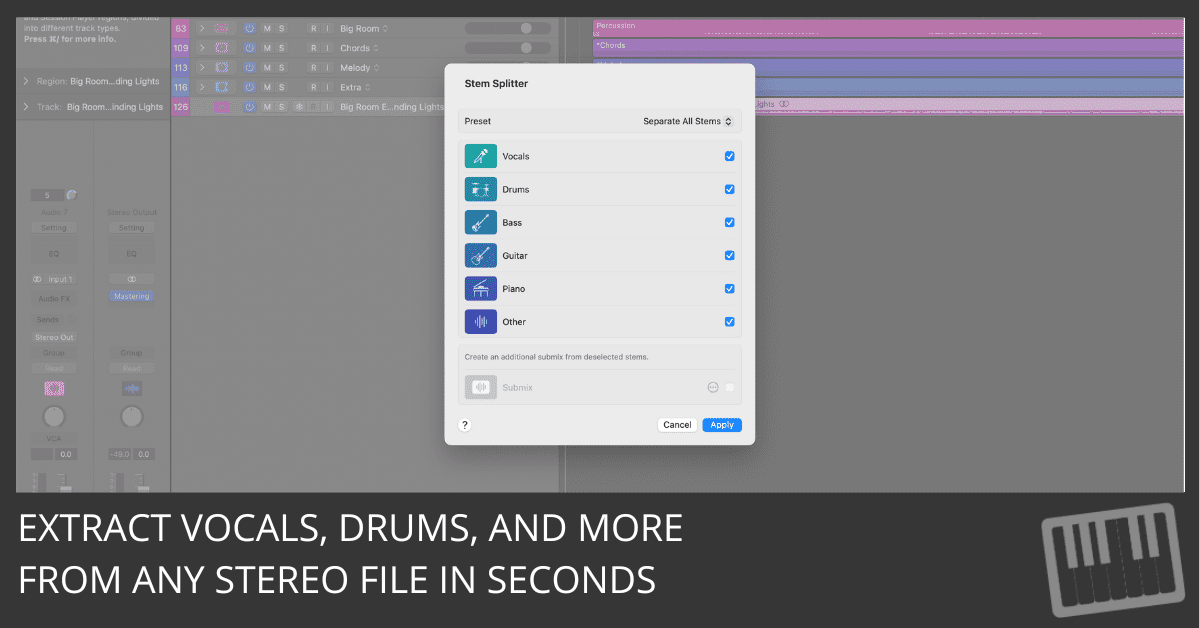
Learn how to extract vocals, drums, guitar, piano, and more using Logic Pro’s Stem Splitter. Remix and edit with ease—even from stereo files.
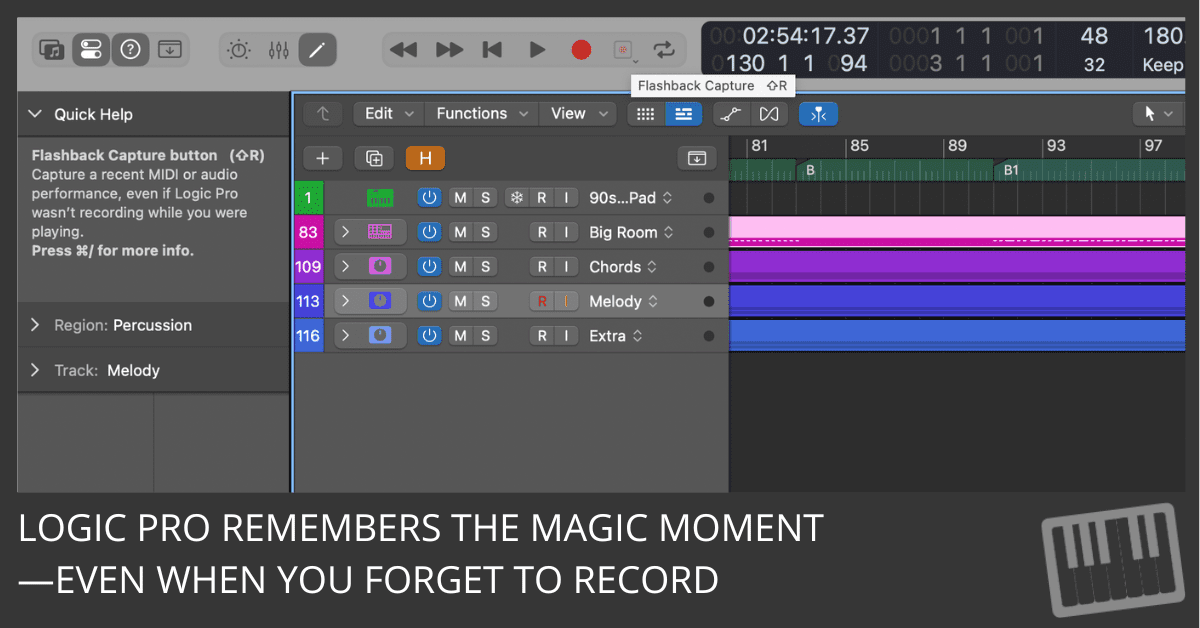
Learn how to use Flashback Capture in Logic Pro 11.2 to instantly recover MIDI or audio performances—even when you weren’t recording.
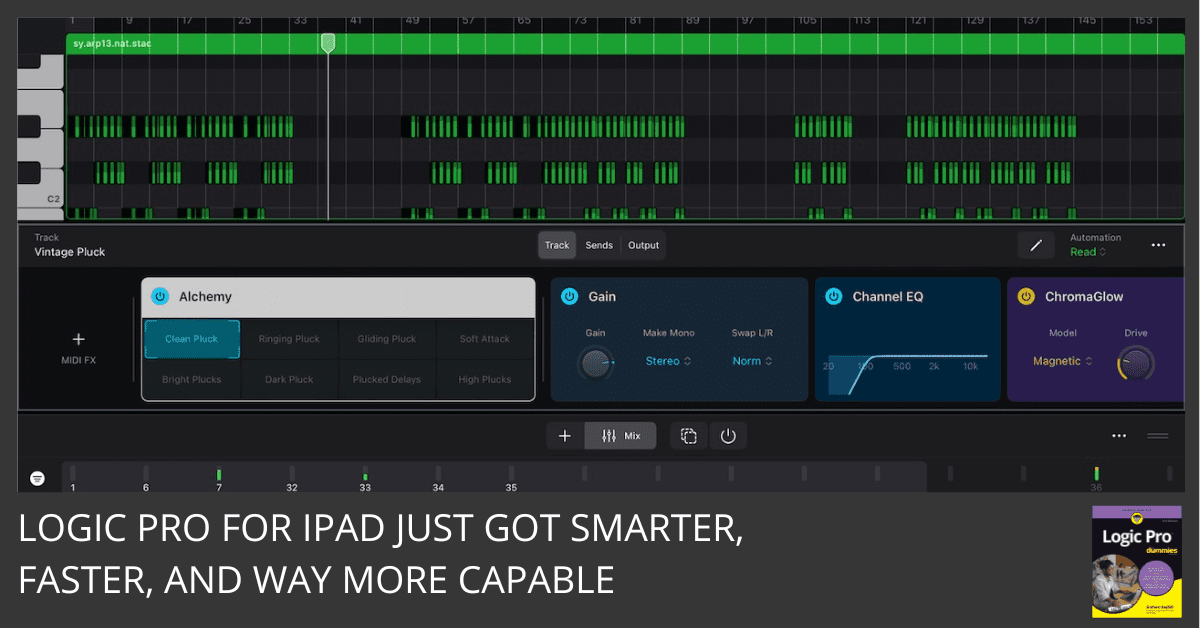
Logic Pro for iPad 2.2 adds Flashback Capture, Learn MIDI, and enhanced stem splitting—bringing powerful pro features to your iPad workflow.
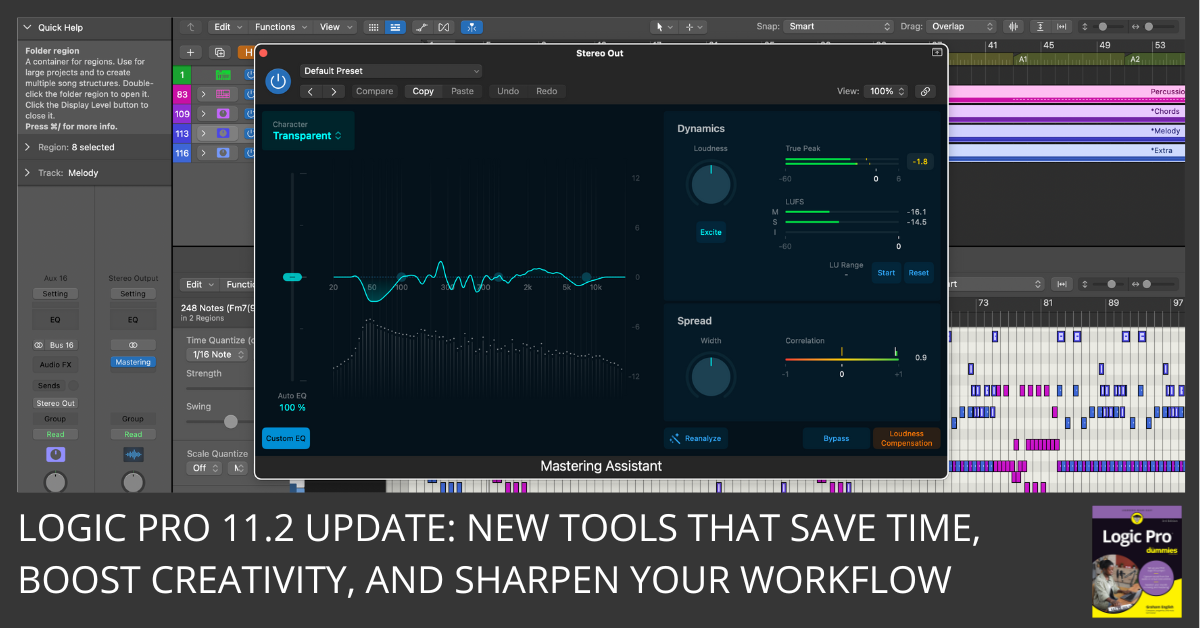
Logic Pro 11.2 brings major updates: AI writing tools, enhanced stems, and powerful new sound packs. Find out what’s new here.
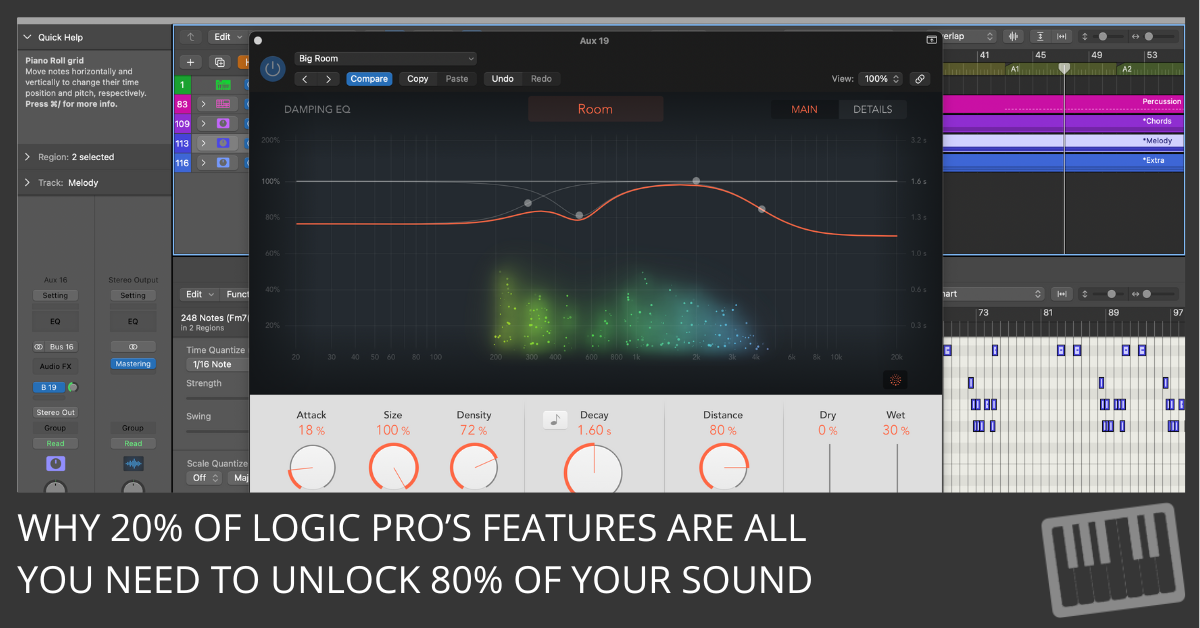
Overwhelmed by Logic? This guide shows how to produce pro tracks using just a handful of tools. Finish more songs, with less gear.

Build custom Smart Controls in Logic Pro: map knobs to any plugin, create macros, assign MIDI, and save as a reusable preset. Step-by-step guide.
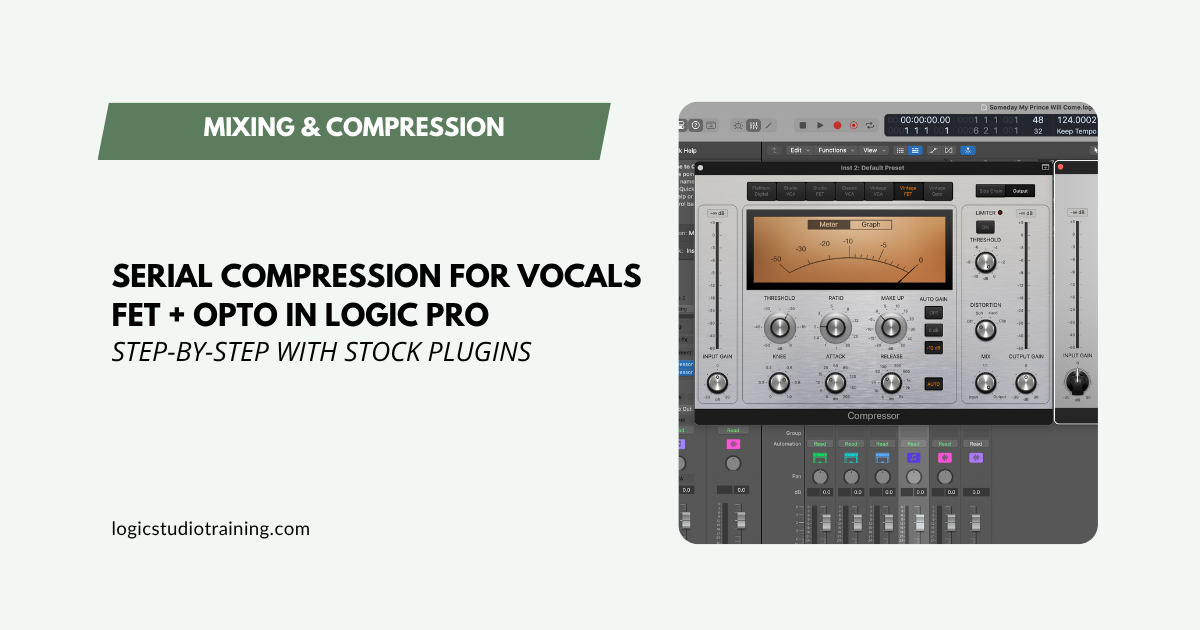
Use Logic Pro’s FET and Opto compressors in series for pro vocal dynamics. Step-by-step settings, send effects setup, and a reusable chain template.
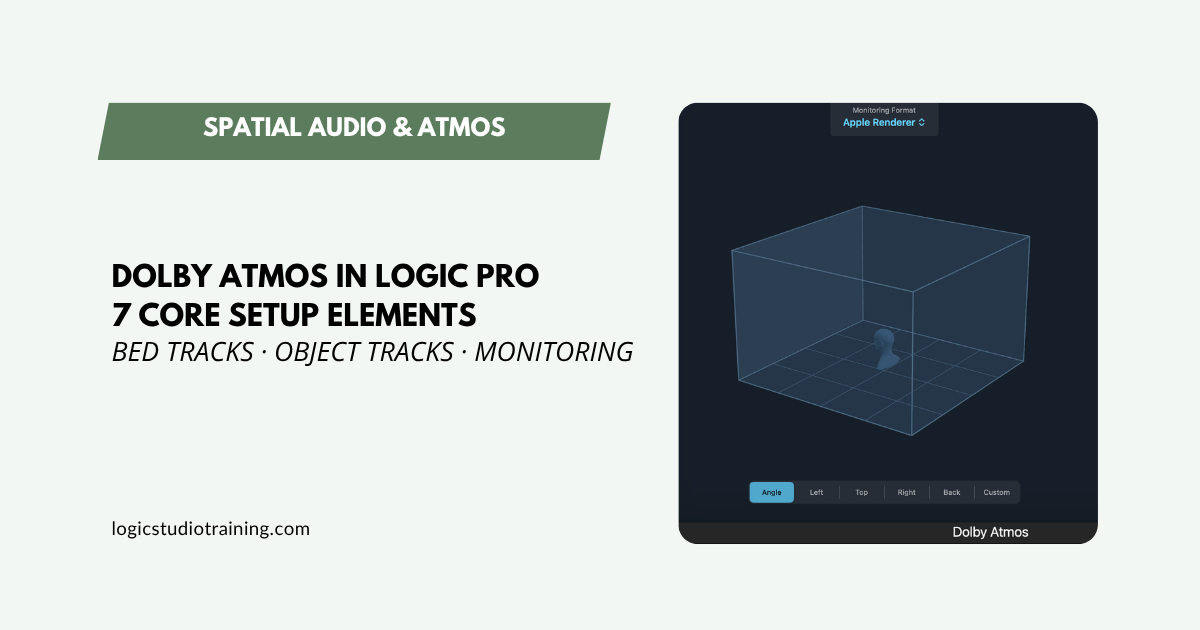
Set up Dolby Atmos in Logic Pro the right way. Covers surround format, bed tracks, object panner, sample rate, monitoring, and more — step by step.