
Get Logic Pro 12 in the Apple App Store
Logic Pro 12.2 Release Notes
What's New in Logic Pro 12.2 (Mac)
New Features and Enhancements
- Spatial Audio export: Logic Pro can now export Spatial Audio projects as encoded Dolby Digital Plus with Dolby Atmos and Dolby AC-4 L4 mp4 files.
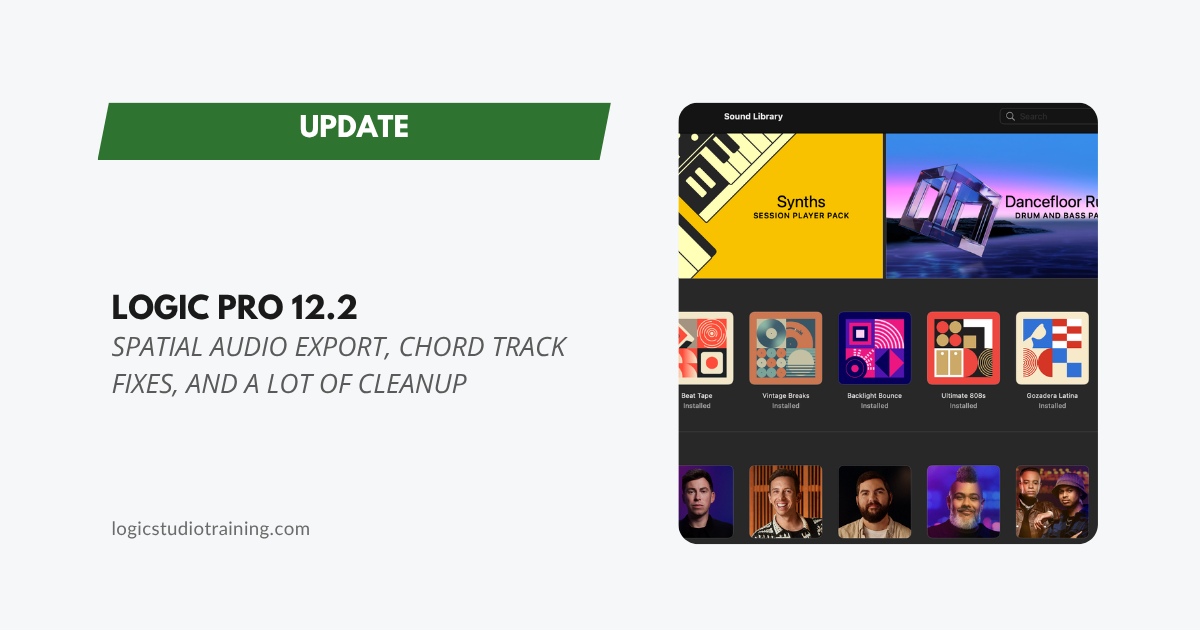
- Legacy content reinstall: Missing content from the initial Logic Pro 12 release — Legacy Patches, Legacy Instruments, and Legacy Loops — can now be reinstalled via the Sound Library.
- Chord Track: Several Chord Track bugs are resolved, including a fix where running Analyze Chords a second time would add duplicate chords. If you're using Chord ID, this update makes the workflow more reliable.
- Flex Pitch: It's now possible to edit Flex Pitch notes in a Take folder the first time it's opened — a straightforward fix that removes a frustrating extra step. If you haven't explored Flex Pitch for vocal tuning yet, keep an eye out for our upcoming guide.
- Apple Loops: Loops can now be dragged and dropped directly into the Loops Browser.
- Mastering Assistant: Transparent mode now works in projects set to 192 kHz.
- Global tracks: You can now reorder Global tracks — something that wasn't possible before.
Stability and Reliability
This update includes a significant round of stability fixes across the board — including crashes related to Flex Pitch in Take folders, Rosetta mode, the Piano Roll, MIDI editors, control surfaces, and more. If Logic has been behaving unexpectedly on your system, this update is worth installing.
Read Past Logic Pro Update Highlights
- Logic Pro 12.0.1 Update
- Logic Pro 12 Update
- Logic Pro 11.2 Update
- Logic Pro 11.1.2 Update
- Logic Pro 11.1 Update
- Logic Pro 11.0.1 Update
- Logic Pro 11 Update
- Logic Pro 10.8.1 Update
Your Logic Pro Coach,
Graham
Free Download
Get the Free Logic Pro Quick Start Guide
The key workflows, settings, and shortcuts to get up and running in Logic Pro fast. Enter your name and email and I'll send it right over.
Your information stays private. No spam, no sharing, ever.