
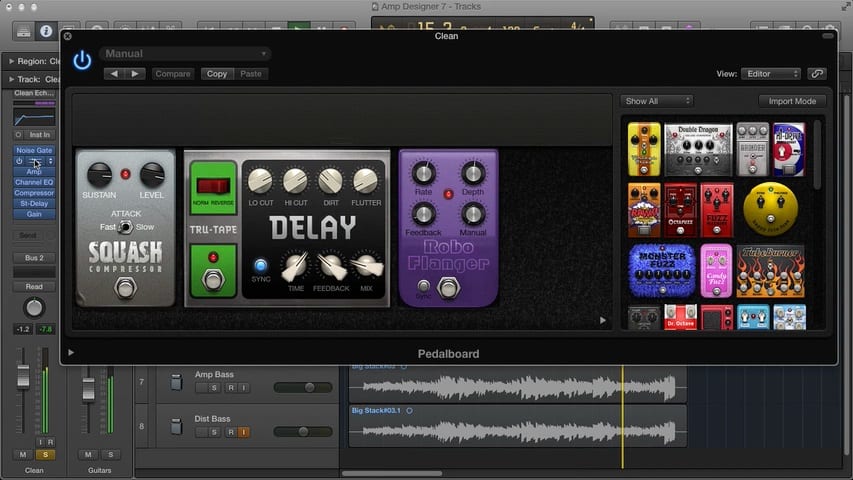
In Mastering the Logic Pro Amp Designer Part 7, you'll discover the techniques professionals use to get their guitar mixes to sound great. You'll learn about double-tracking, and why you want to use different guitar sounds, even if it's for the same part. You'll learn how you can fill up an incredible amount of space in the mix with panning and how to use compression on a bus to glue the tracks together. You'll discover how applying reverb can give the mix a sense of space and much more. The conclusion to this series is full of great insider tips that will help you take your guitar mixes to the next level.
- Now that you have great guitar sounds, it's time to learn how to make them sit nicely in the mix
- Discover how to get larger-than-life sounding mixes
- See how a variety of guitar parts can work together to make a mix sound powerful
Free Download
Get the Free Logic Pro Quick Start Guide
The key workflows, settings, and shortcuts to get up and running in Logic Pro fast. Enter your name and email and I'll send it right over.
Your information stays private. No spam, no sharing, ever.
Brock,
Another excellent series. Thanks.
Marilyn
Glad you enjoyed it Marilyn! Stay tuned for more…
Recently I’ve been very frustrated with finding a guitar tone I’m happy with. I was trying so many different amps and settings but not really understanding why they sounded off.
This series was what I needed.
Thank you