
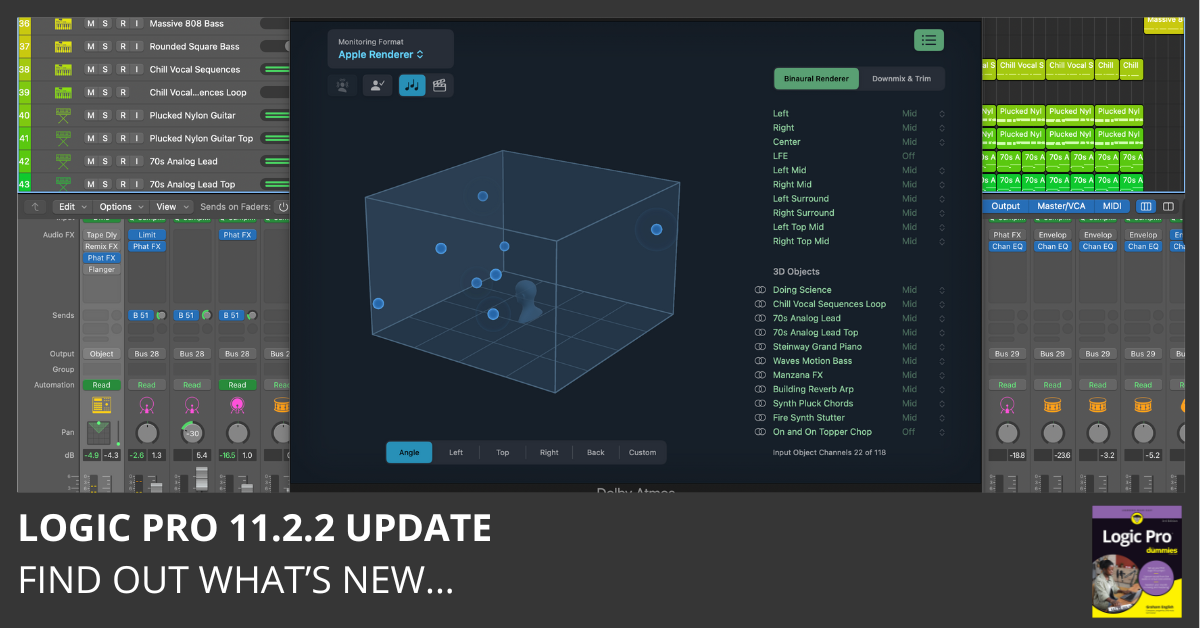
Download Logic Pro 11.2.2 and read the release notes. This update includes stability improvements and bug fixes. Find out what’s new here…
Download Logic Pro 11.2.2 and read the release notes. This update includes stability improvements and bug fixes. Find out what’s new here…
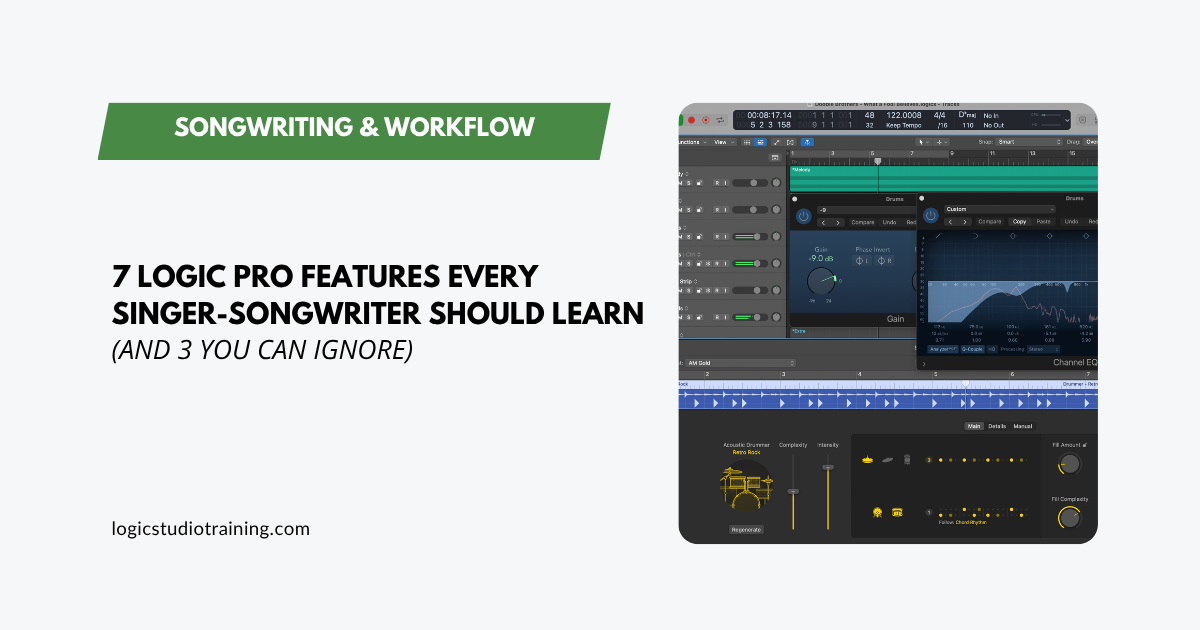
The 7 Logic Pro features singer-songwriters actually need to finish songs, plus 3 you can skip. Less overwhelm, more music. Written for working writers.
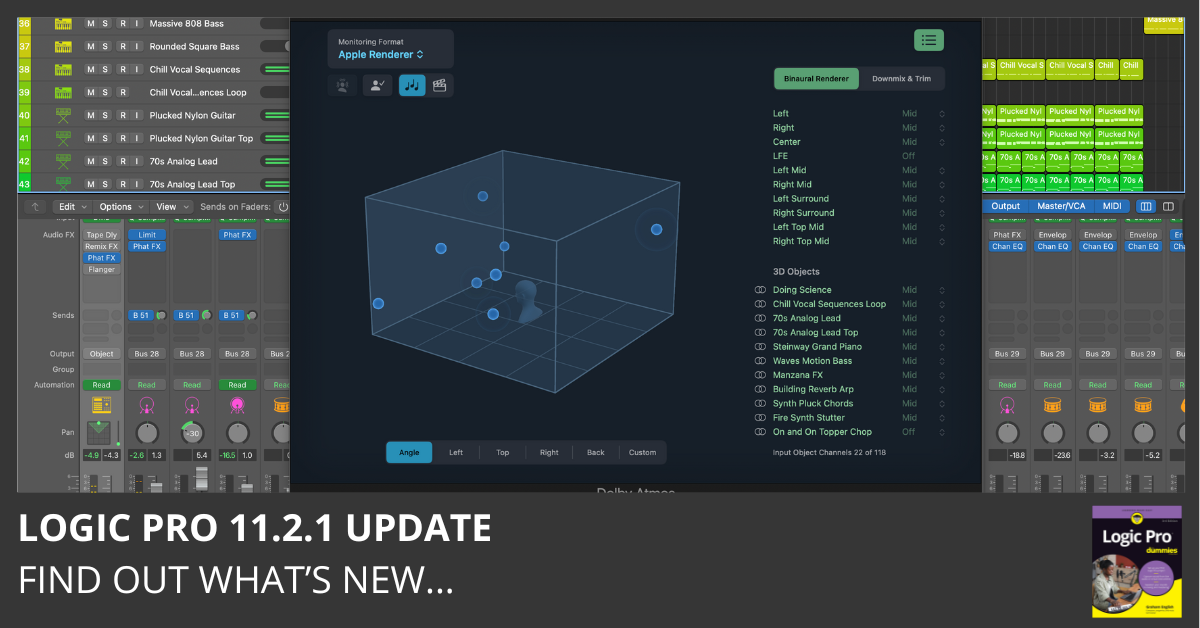
Download Logic Pro 11.2.1 and read the release notes. This update includes stability improvements and bug fixes. Find out what’s new here…
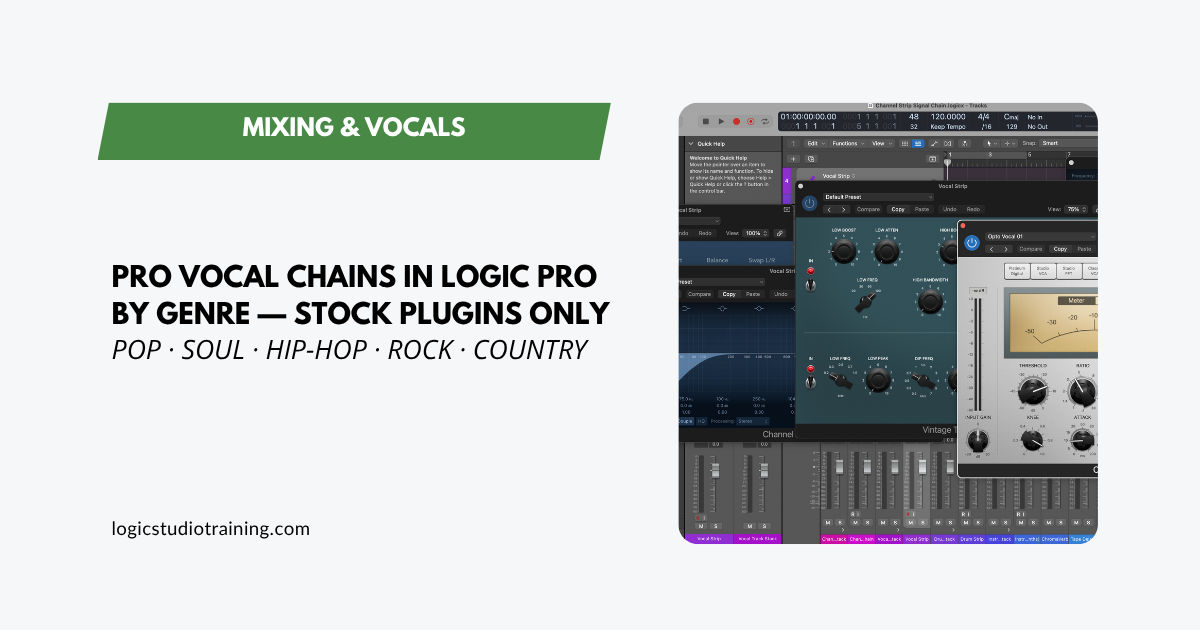
Build pro vocal chains for pop, soul, hip-hop, rock, and country in Logic Pro using only stock plugins. Exact signal chains and settings for each genre.
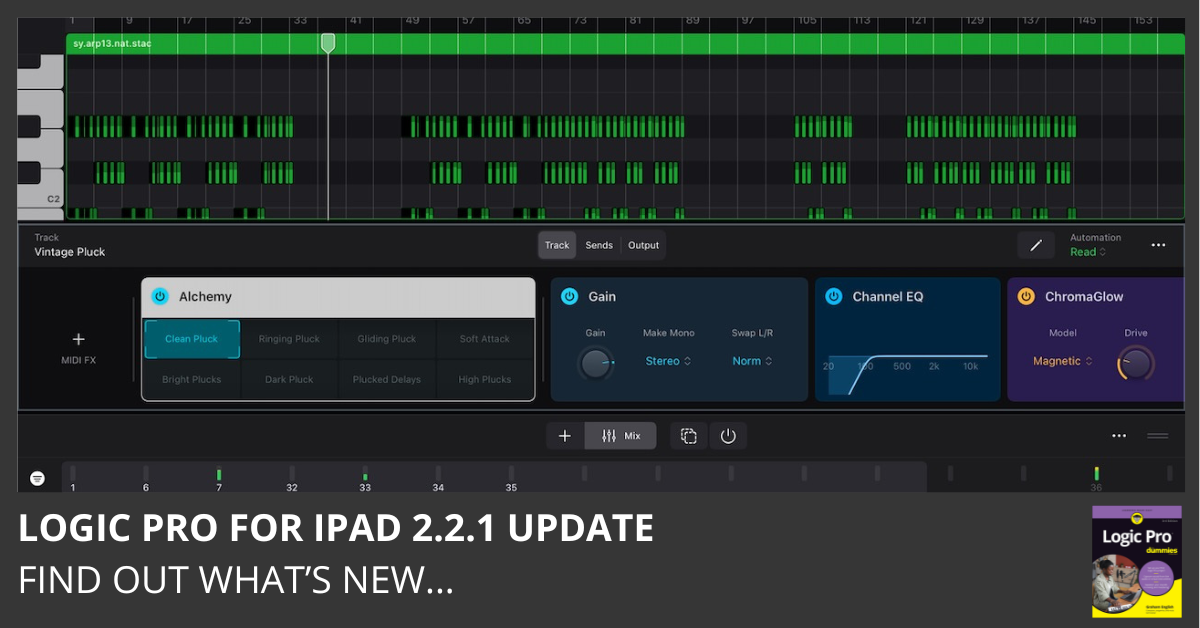
Download Logic Pro for iPad 2.2.1 and read the release notes. This update includes stability improvements and bug fixes. Find out what’s new here…
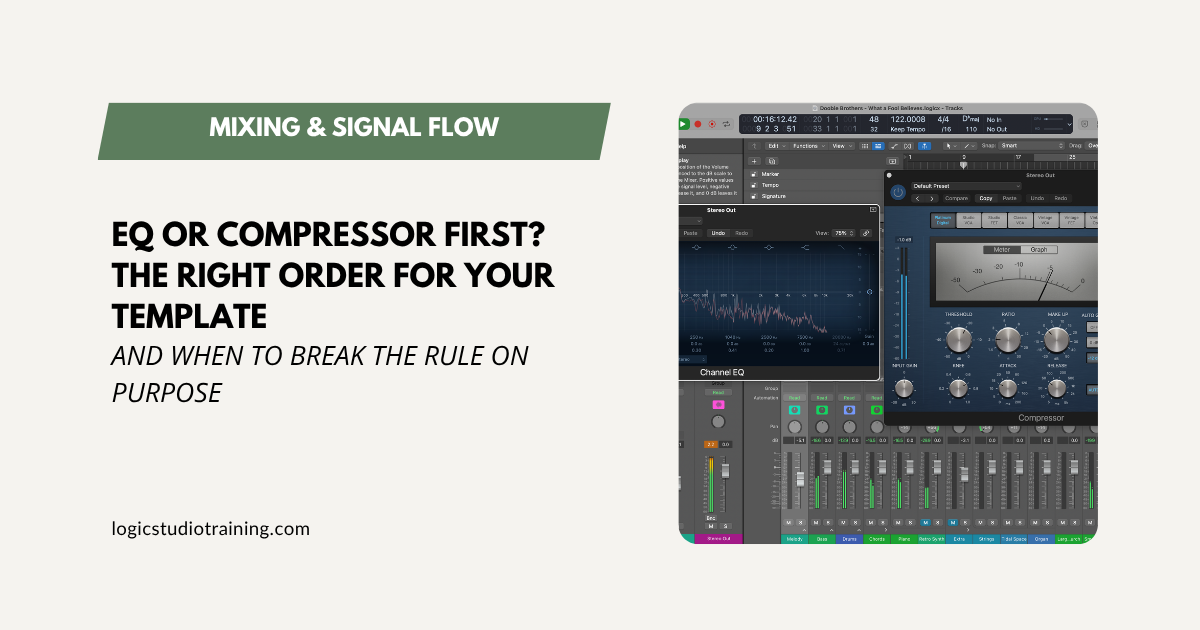
Should EQ or compression come first in your Logic Pro template? The default is EQ first, and here’s exactly why, plus when it pays to break the rule.
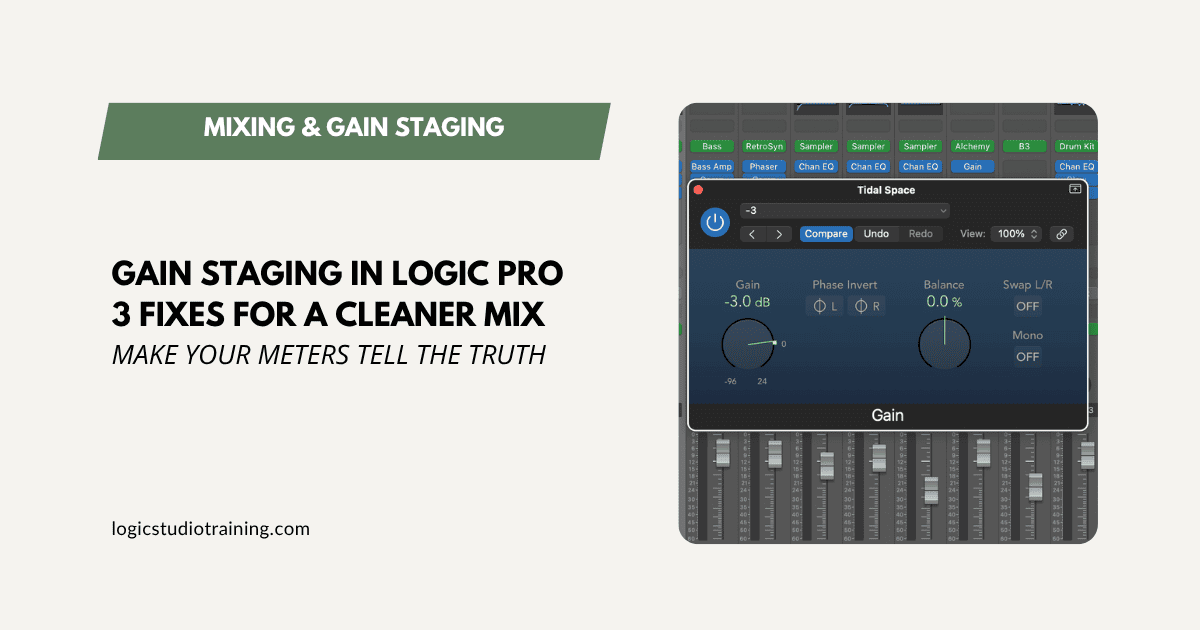
Muddy, harsh mixes usually start with bad gain staging. Three quick Logic Pro fixes clean it up fast, no new plugins required.
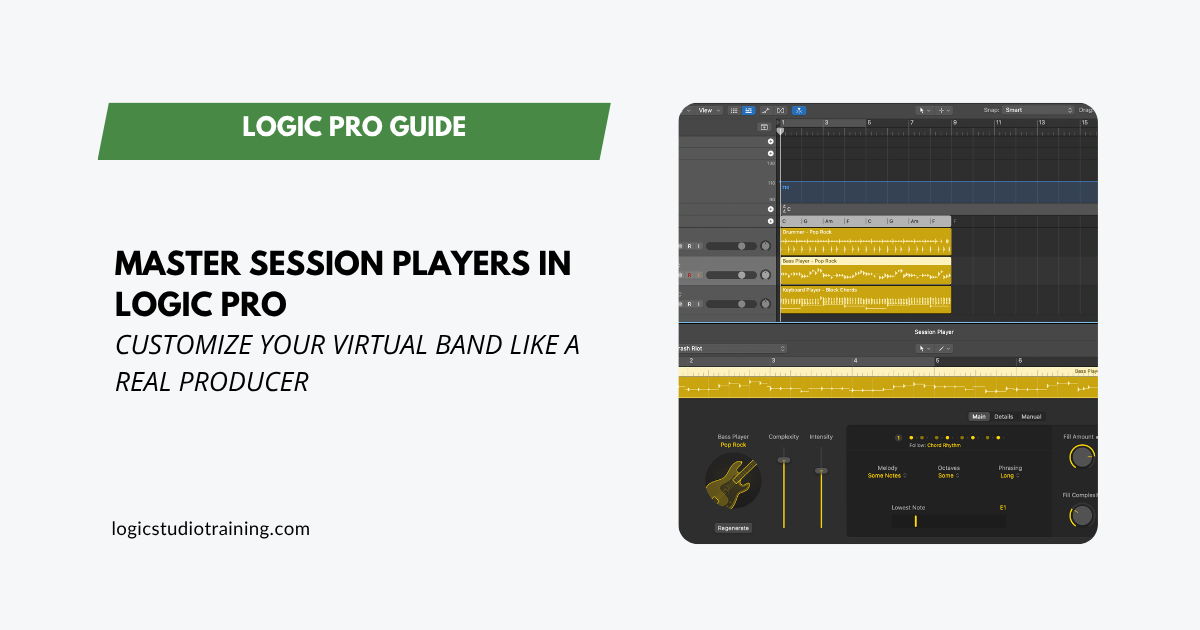
A deep guide to Logic Pro Session Players: feed them chords, shape the performance, build manual patterns, and convert to MIDI for total control.
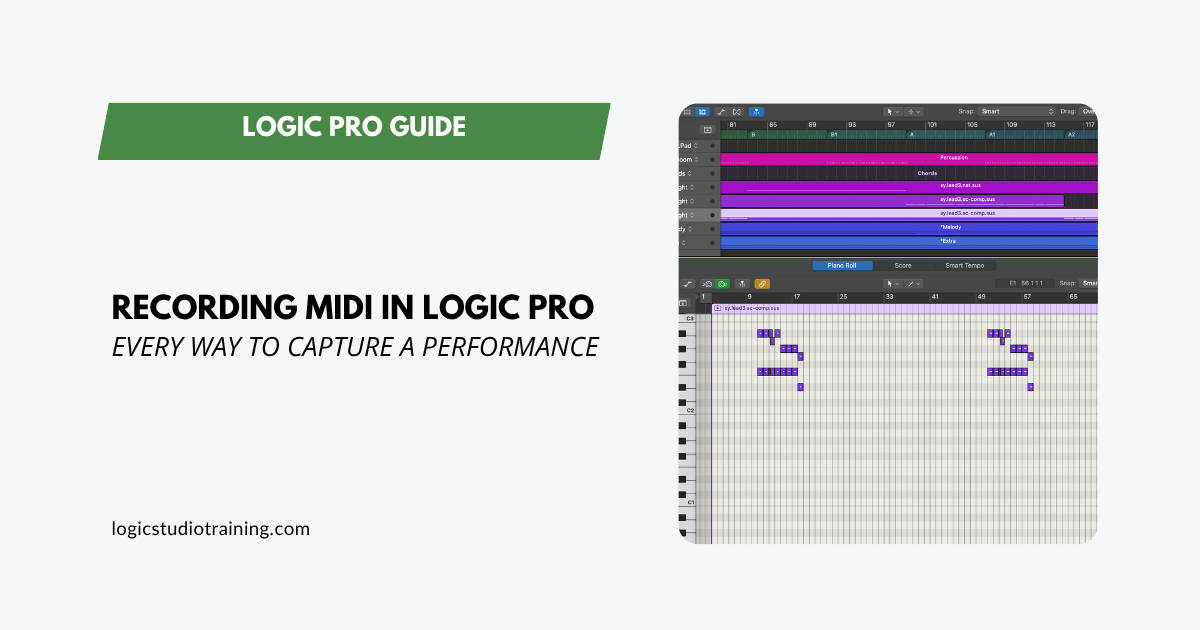
A full guide to MIDI recording in Logic Pro. Capture software instruments, enter notes with Step Input, overdub takes, and route MIDI between tracks.
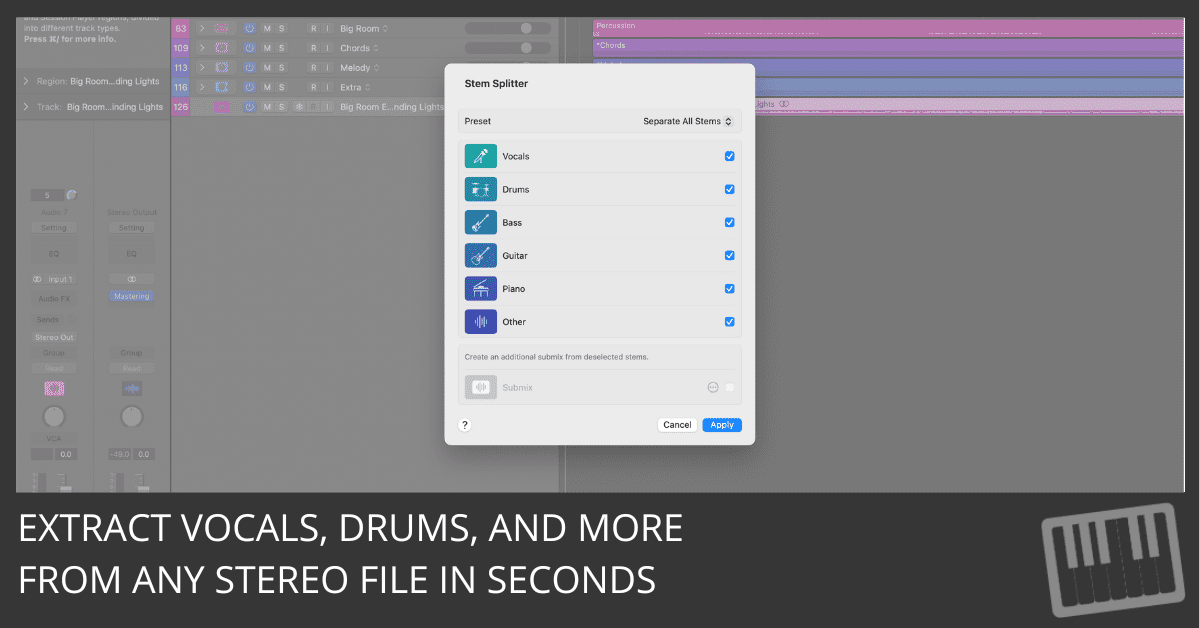
Learn how to extract vocals, drums, guitar, piano, and more using Logic Pro’s Stem Splitter. Remix and edit with ease—even from stereo files.