Skip to navigation Skip to content Logic Studio Training Logic Studio Training Menu
  • Shop
  • Blog
  • Contact
  • Login
  • Shop
  • Blog
  • Contact
  • Login
  • $0.00 0 items
Home / Blog / Page 4

Category: Blog

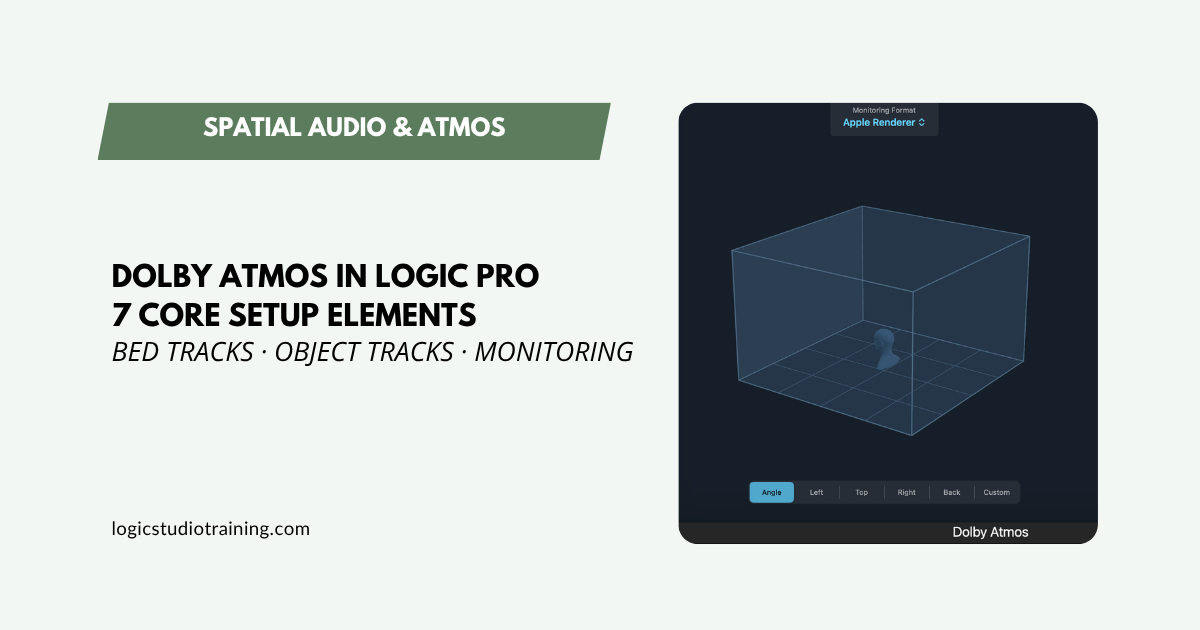
Spatial Audio in Logic Pro: 7 Core Setup Elements

Spatial Audio in Logic Pro: 7 Core Setup Elements

Set up Dolby Atmos in Logic Pro the right way. Covers surround format, bed tracks, object panner, sample rate, monitoring, and more — step by step.
Become a Better Music Producer in Logic Pro: A Step-by-Step Guide for Beginners

Become a Better Music Producer in Logic Pro: A Step-by-Step Guide for Beginners

Learn how to start producing in Logic Pro with native plugins, transitions, and pro workflows. A must-read for beginner and intermediate producers.
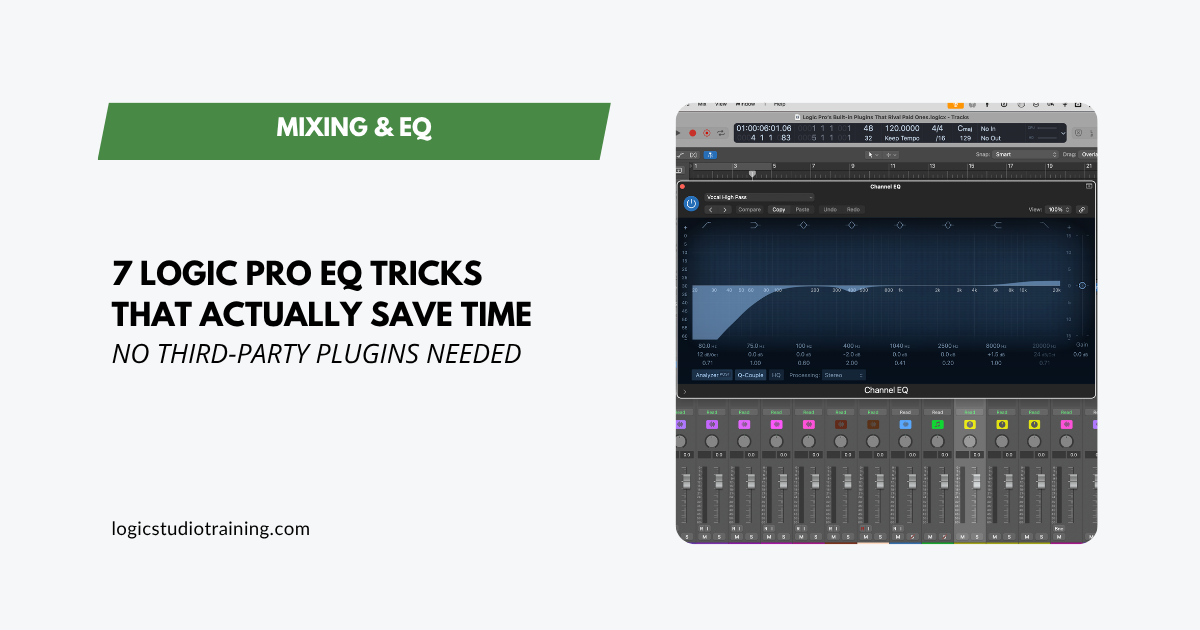
Logic Pro EQ Tricks That Actually Save Time and Make Your Mixes Better

Logic Pro EQ Tricks That Actually Save Time and Make Your Mixes Better

Seven practical EQ techniques using only Logic Pro’s built-in plugins. Faster workflow, cleaner mixes, and better vocals — no third-party tools needed.

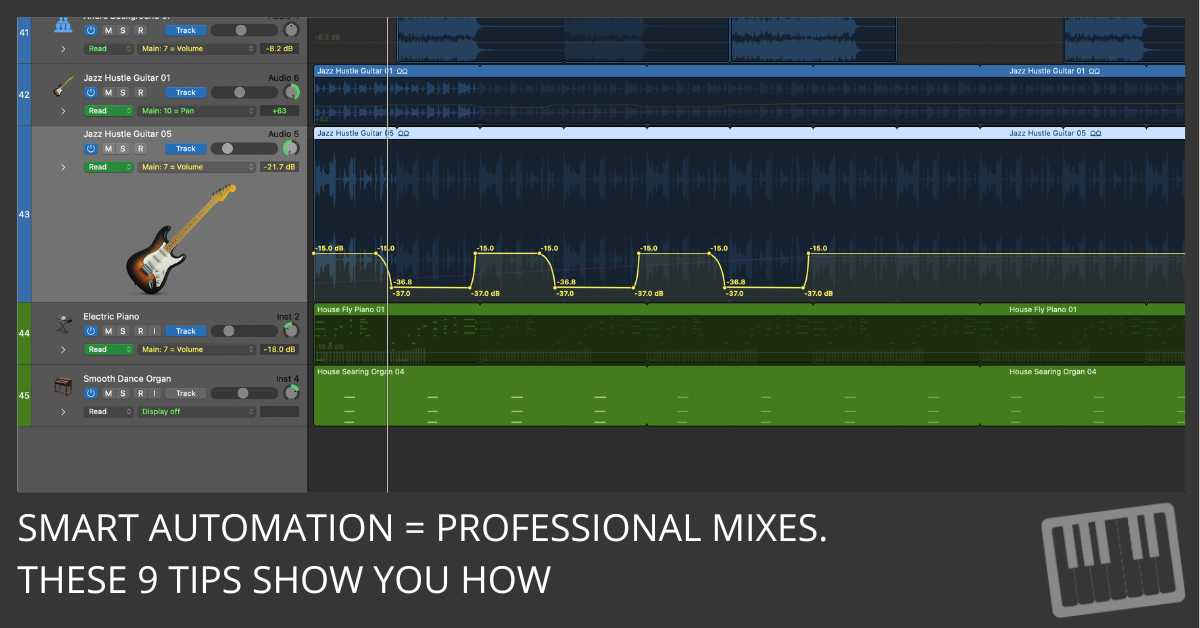
9 Automation Mistakes You’re Probably Making—and How to Fix Them Fast

9 Automation Mistakes You’re Probably Making—and How to Fix Them Fast

Discover the 9 biggest automation mistakes Logic Pro users make and learn simple, fast ways to fix them for a cleaner, more professional mix.

ChromaGlow in Logic Pro: 5 Models, 10 Styles Explained

ChromaGlow in Logic Pro: 5 Models, 10 Styles Explained

Learn how ChromaGlow’s 5 models and 10 styles give you 50 tonal options in Logic Pro. Practical settings for vocals, drums, bass, and more.

Send Effects in Logic Pro: Cleaner Mixes with Aux Channels

Send Effects in Logic Pro: Cleaner Mixes with Aux Channels

Stop inserting reverb on every track. Set up send effects in Logic Pro with aux channels for cleaner mixes, less CPU, and total effect control.

Track Notes in Logic Pro: Organize Sessions and Mix Faster

Use Logic Pro’s Track Notes and Project Notes to document settings, capture ideas, and remember why you made every move. A simple system that saves hours.

3 Plugin Rules That Will Save Your Logic Pro Mixes

3 Plugin Rules That Will Save Your Logic Pro Mixes

Stop over-processing in Logic Pro. Three field-tested rules — static mix first, a reason for every plugin, always level match — for cleaner mixes, faster.

Free is the New Premium: Logic Pro Stock Plugins That Rival Paid Ones

Free is the New Premium: Logic Pro Stock Plugins That Rival Paid Ones

Logic Pro’s stock plugins compete with the paid ones you’re eyeing. See which EQ, compressor, reverb, and mastering tools deliver, and how to use them.

Mix Faster in Logic Pro with the Channel Strip Mindset

Mix Faster in Logic Pro with the Channel Strip Mindset

Mix faster in Logic Pro with a channel strip mindset: the same stock tools, in the same order, on every track. No third-party plugins required.

Posts pagination

  • Previous
  • 1
  • …
  • 3
  • 4
  • 5
  • …
  • 26
  • Next
Recent Posts
  • Logic Pro for Beginners: Your Complete Guide to Logic Pro 12
  • MainStage 4.3 Update
  • Logic Pro for iPad 3.3 Update
  • Logic Pro 12.3 Update
  • The Logic Pro Session Player Trick Most Producers Don’t Know
  • How to Use Flex Pitch in Logic Pro: Complete Vocal Tuning Guide
  • The Fastest Way to Comp Vocals in Logic Pro (Step-by-Step)
  • MainStage 4.2 Update
  • Logic Pro for iPad 3.2 Update
  • Logic Pro 12.2 Update
Logic Pro For Dummies
Logic Pro X For Dummies
More Resources
  • Logic Pro For Dummies
  • Graham English
  • Speed Songwriting
Recent Posts
  • Logic Pro for Beginners: Your Complete Guide to Logic Pro 12
  • MainStage 4.3 Update
  • Logic Pro for iPad 3.3 Update
  • Logic Pro 12.3 Update
  • The Logic Pro Session Player Trick Most Producers Don’t Know
Support
  • Login
  • Logic Pro Wiki
  • Contact
  • Privacy Policy
  • Terms of Use

Logic Studio Training

Your Ultimate Site for Logic Pro Tutorials.
© Copyright 2007-2026 Logic Studio Training. All Rights Reserved.

Get the Free Logic Pro Quick Start Guide

The fastest way to get up and running in Logic Pro. The key workflows, settings, and shortcuts you need — free PDF, instant download.

Your information stays private. No spam, no sharing, ever.